Delem
V0505, 2.3
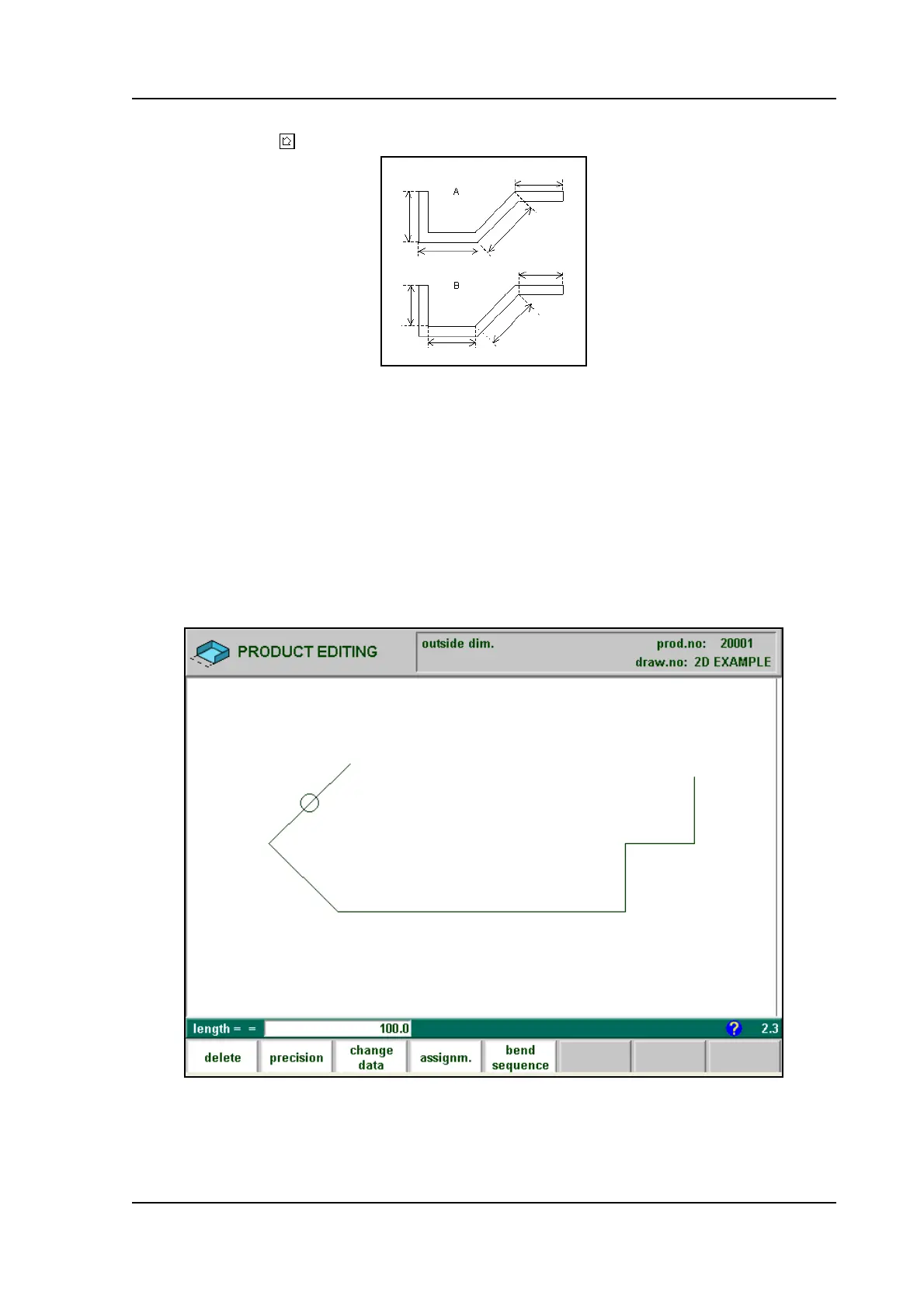
Figure 2.c gives the definition of both the dimensions.
Press the key to select the required setting.
2.c
After entering the general product data the drawing screen appears. In the upper information
row you will find the information about product number, drawing number and inside/outside
dimensions selection.
You create now the bending profile of the product. First you enter the value of the basic length
of the product. Then you enter the angle of the next side followed by the length of that side.
This procedure continues until the product has the desired profile. A circle indicates the actual
position. With the cursor control keys you move this circle to an other position (angle or
length). During the drawing of the profile of the product the graphical software always dis-
plays the product at relative scale.
2.d
For creating the product drawing you have to enter the length of a line and the angle to bend or
you can use the cursorkeys for angles of multiple 45 degrees.



 To Next Page