1470 | Virtual Routing and Forwarding (VRF)
www.dell.com | support.dell.com
ip vrf
e
Create a non-default VRF instance by specifying the VRF name and ID.
Syntax
ip vrf vrf-name vrf-id
To remove a VRF, enter no ip vrf vrf-name.
Parameters
Command Modes
CONFIGURATION
Command
History
Example
Usage
Information
VRF is enabled by default. The default VRF 0 is automatically configured when a router with VRF
loaded in CAM boots up.
FTOS supports up to 15 VRF instances on an E-Series router: 1 to 14 and the default VRF 0.
Note: Starting in FTOS 8.4.2.1, when VRF microcode is loaded on an E-Series ExaScale or TeraScale
router, the
ip vrf {default-vlan | vrf-name} command is deprecated, and is replaced by the ip vrf vrf-name
vrf-id command.
vrf-name
Enter the name of the VRF instance. Maximum: 32 characters.
vrf-id
Enter the VRF ID number.
VRF ID range: 1 to 14 and 0 (default VRF)
Version 8.4.2.1 The ip vrf {default-vlan | vrf-name} is deprecated and replaced by the ip vrf
vrf-name vrf-id command.
Version 8.2.1.0 Introduced on the E-Series
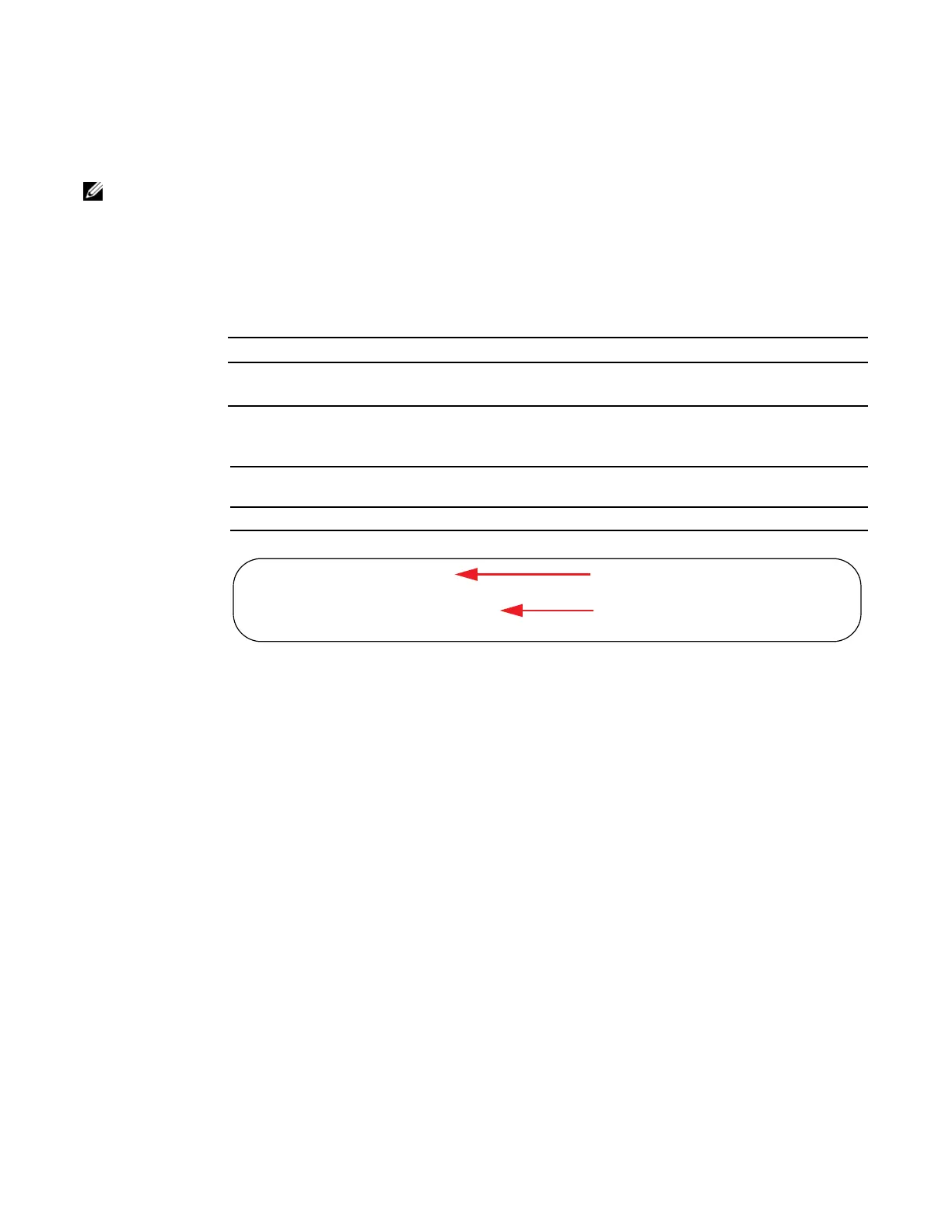
FTOS(conf)#ip vrf East
FTOS(conf-vr-East)#exit
!
FTOS(conf)#ip vrf default-vrf
FTOS(conf-vr-default-vrf)#
Named VRF Instance East
Default VRF Instance
You must enter the “name”
default-vrf to implement it.















 To Next Page