6159932010-09
12 / 60
English
CVIC - MODCVIC - MULTICVIC
1.4 - Screen Symbols
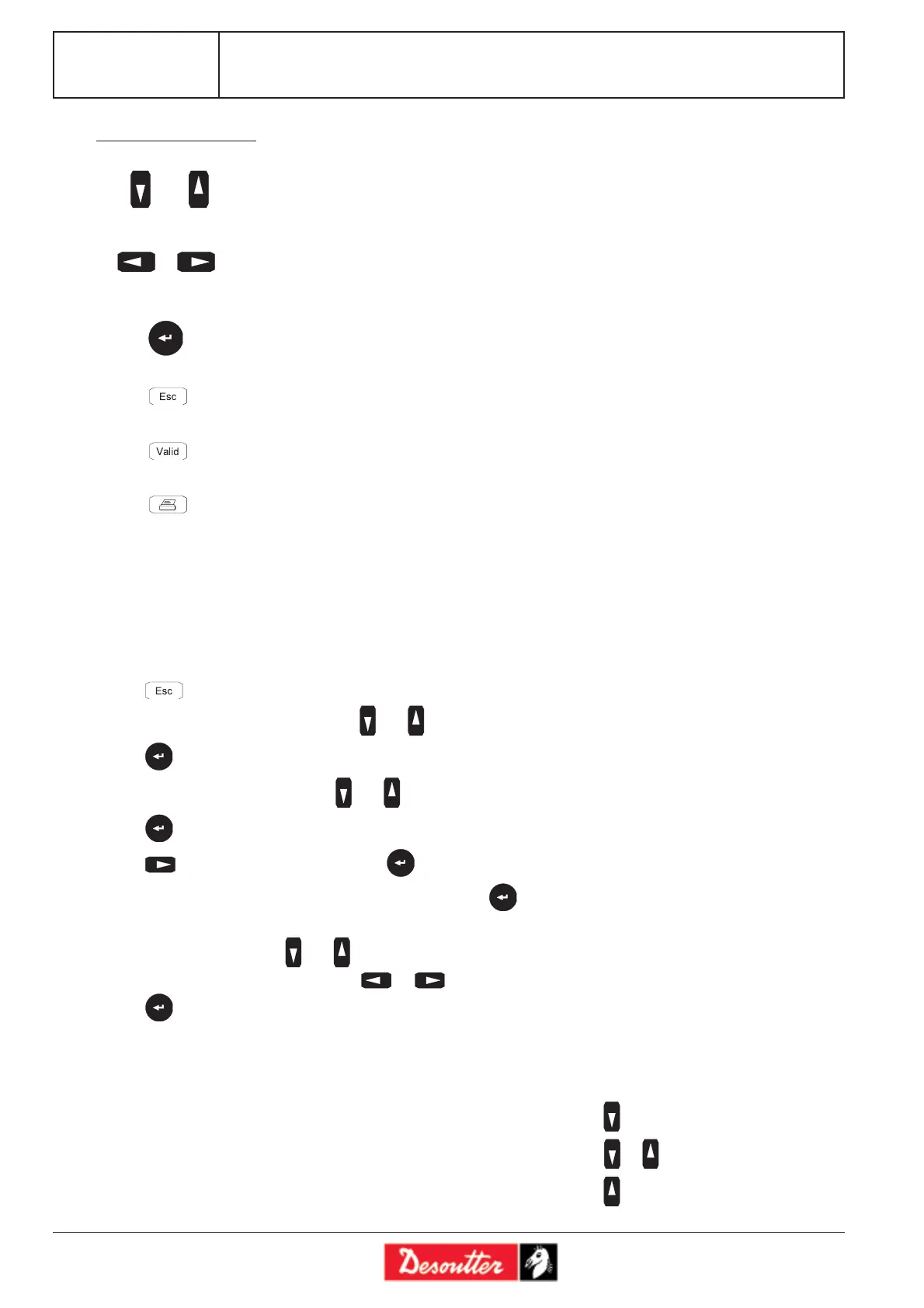
- means that some information lines cannot be read on the screen. Press to display them.
- means that some information lines cannot be read on the screen. Press or to display them.
- means that some information lines cannot be read on the screen. Press to display them.
- to scroll through a menu.
- to scroll through a data entry screen.
- to increment digits in digital entry mode.
- to scroll through a (lozenge-tagged) list.
- to scroll through a data entry field.
- to enter an alphanumerical value.
- to enter an alphanumerical value.
- to validate a change.
- to display the next screen.
- to exit a screen without saving changes.
- to exit a screen and save all changes.
- shortcut to printer configuration menu.
Description of the keys
1.3 - Example: Setting the Date and Time
This example describes the access to the «DATE» Menu from the control screen. The programming can be started
from one of the menus mentioned. The access and programming procedure is similar whatever the menu. Then the
access path is entered as follows: Menu: MAIN\SERVICE\DATE, meaning that from the MAIN menu, one must
select the SERVICE menu, then the DATE menu.
- Press to select the "MAIN" menu.
- Select the "SERVICE" menu by using and .
- Press to enter the "SERVICE" menu.
- Select the "DATE" menu by using and .
- Press to enter the "DATE" menu.
- Press to select the date format. Press to validate.
- The cursor will move to the first parameter of the date. Press to highlight the date.
- The cursor will blink on the first parameter of the date.
- To change the value, press and .
- To switch to the next parameter, press or .
- Press to validate.








 To Next Page