6159932010-09
21 / 60
English
CVIC - MODCVIC - MULTICVIC
SECTION 5 - PROGRAMMING THE VERSION «L» CONTROLLER
1 - «CONTROL» Menu
When the controller is switched on, the control screen is displayed by default.
This screen displays the tightening report and the target torque instruction which can be changed directly on the screen.
List of tightening reports (this information is shown only after performing a tightening operation):
Accept accept report
Reject reject report
TMAX max. torque
Tmin min. torque
AMAX max. angle
Amin min. angle
Scy cycle stopped by the interruption of the «start cycle» signal
Imax stop by overcurrent trip
Time maximum phase time exceeded (stop by time-out)
Srv servodrive fault
Prg programming fault
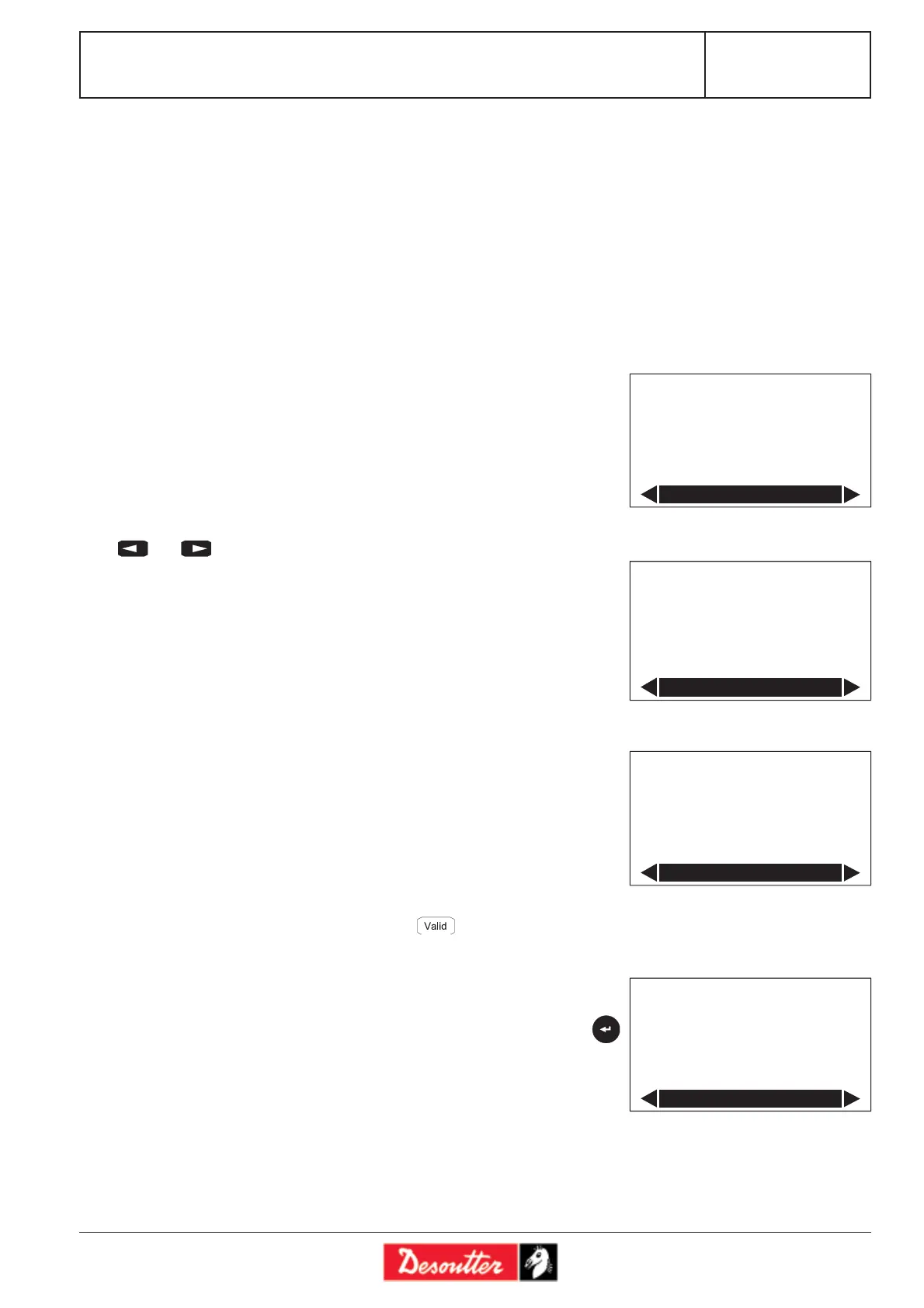
Press and to scroll the menu and move from one screen to another.
4 screen options are available:
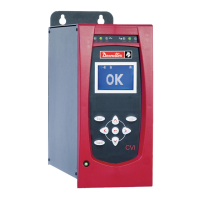
- standard control (OK or NOK) (see screen no.1).
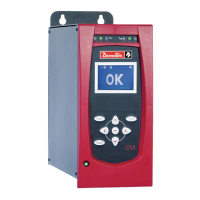
- control with display of the report
and of the actual value of the tightening torque (see screen n°2).
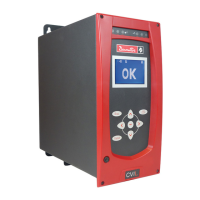
- learning (see screen no. 3).
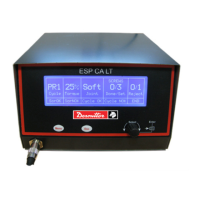
- calibration (see screen no.4).
The «LEARNING» screen allows you to determine the best tightening parameters
for a given application (run down speed, final speed, etc.).
Before performing the first tightening, the operator must enter the target torque
instruction, and if required, a speed limitation (if the tightening task does not
tolerate the maximum speed of the tool: for example, to tighten in a plastic material).
The first tightening is performed at reduced speed, the second one is performed at
faster speed, and the last tightening allows you to finalise the programming.
Once the procedure has been completed, the operator will go back to the control
screen and save the learning procedure by pressing .
The «CALIBRATION» screen allows you to readjust the calibration to the set point
of a specific tightening when the automatic calibration has not been deemed sufficient.
After tightening, enter the value read on the standard measuring unit and press
to validate.
In the «MAINTENANCE\CALIBRATION\SPINDLE MANU» menu, you can enter
up to 5 values. In this case, the correction coefficient corresponds to the mean of the
5 successive tightenings.
This procedure is detailed in the «MAINTENANCE» Section.
Screen no. 1
Screen no. 2
Screen no. 3
Screen no. 4
OK
OK
Inst. : 20.0 Nm
Control
19.0 Nm
OK
Inst. : 20.0 Nm
Control
No1 OK
19.0 Nm
Inst. : 20.0 Nm
Learning
Speed : 100%
Scy
10.0 Nm
Ref.V : 10.0 Nm
Calibration








 To Next Page