6159932010-09
44 / 60
English
CVIC - MODCVIC - MULTICVIC
2 - «SERVICE» Menu
2.1 - «CONTRAST» Menu
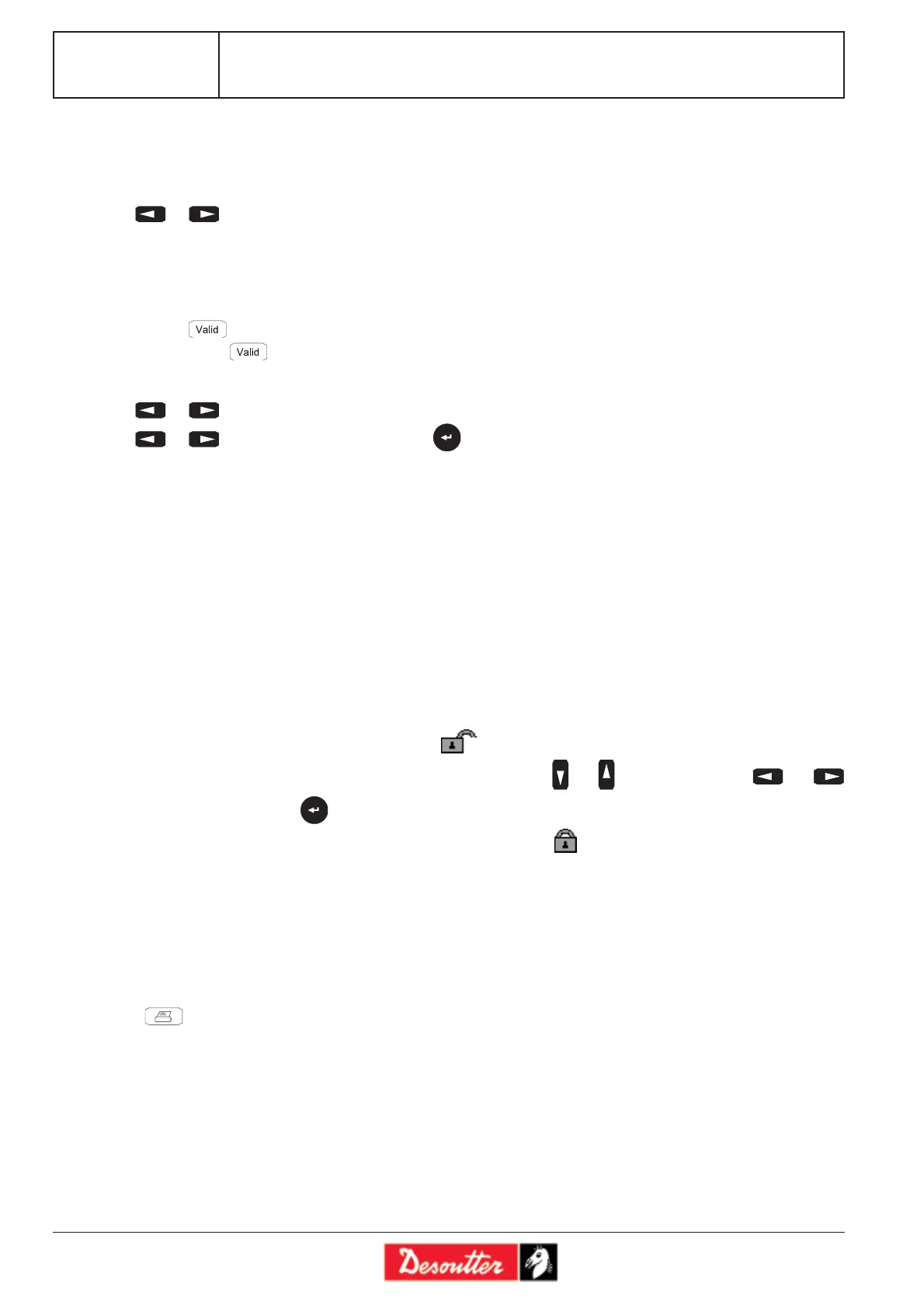
Press or to adjust the contrast of the display.
When the adjustment of the contrast is such that it no longer allows you to display the menus, the following procedure
allows you to activate the contrast menu when switching on:
- Switch off the controller
- Press and simultaneously switch on the controller.
- Release the key as soon as the Led blinks and the buzzer is active.
Then the «CONTRAST» menu is enabled.
Press or for quick adjustment.
Press or for fine adjustment, then press to validate.
2.2 - «DATE» Menu
Three date formats are available: DD/MM/YY, MM/DD/YY, YY/MM/DD.
Refer to the start-up to see the programming details.
2.3 - «LANGUAGE» Menu
Refer to the start-up to see the programming details.
2.4 - «ACCESS CODE» Menu
The access code is used to protect the controller against any keying error.
At the time of delivery, no code is programmed; the icon is displayed on the screen.
Enter the new code (8 alphanumerical characters maximum), using the and keys to write and the and
keys to move the cursor. Press to validate.
Lock access by entering your code again. The padlock icon will lock meaning that writing is prohibited. If an
access code has been programmed and the operator wants to change the data stored, it is necessary to enter the code
each time the controller is switched on.
3 - Resetting the Controller
It may be useful to erase all the data stored in a controller when you want to switch to a new application.
The procedure is as follows:
- Press and switch on the controller.
- Hold the key down until the controller beeps.
- The program will erase all the data contained in the «RAM» memory and initialise the controller in the Contrast menu.
Perform adjustments as indicated in § 2.1.
- Re-program the controller completely.








 To Next Page