6159932010-09
33 / 60
English
CVIC - MODCVIC - MULTICVIC
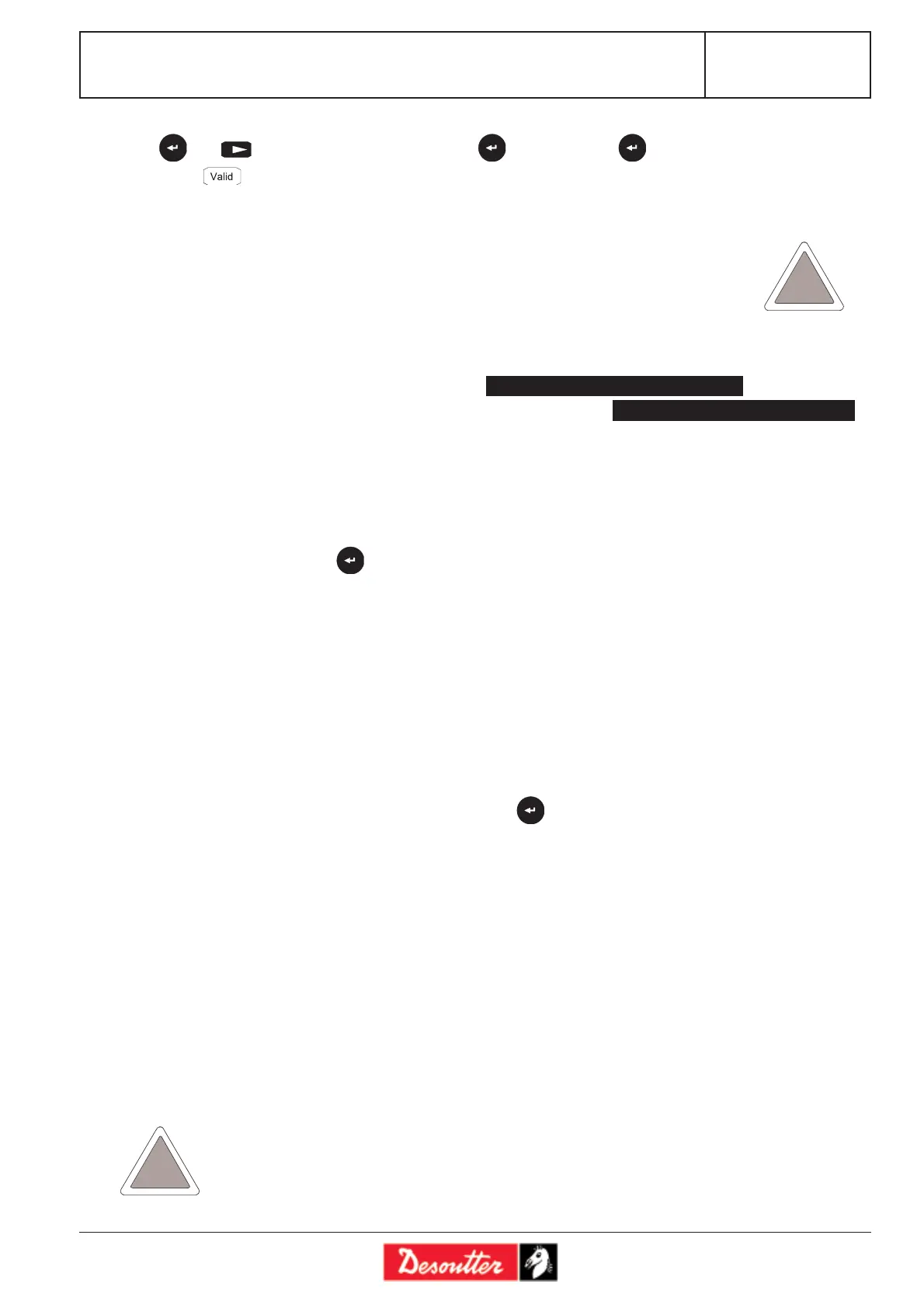
Press then to select the type of phase and press to validate. Press again to describe the contents of the
phase. Press to validate the changes.
To insert a phase into the list, use the «Ins» function.
The new phase is inserted before the phase highlighted by the cursor.
To delete a phase in the list, use the «Del» function.
3.2.5 - Select the final rundown torque according to the joint (ECPHT only)
- Select assembly type: Soft / Normal / Hard
In ECPHT mode, the controller sets the rundown torque according to the type of joint. The type of joint is given by
the angle run from 50% of the final tightening torque to the final tightening torque:
15° 75° 200°
3.3 - «QUICK CYCLES» Menu
This menu allows you to quickly program the cycles. By default, the quick cycles consist of a run down speed and final speed
phase. The operator only programs the target torque and the maximum angle on the screen.
To do so, select a cycle and press .
For the programming procedure, refer to paragraph 3.1.3.
It is the controller itself which calculates the speeds and all of the other default parameters (minimum speed, maximum
speed, etc.). According to the versions (L - H), it is possible to insert and program 1 or several other phases manually.
3.4 - «LEARNING» Menu
First of all, select a cycle. Before performing the first tightening, enter the target torque instruction, and if required, a speed
limitation (if the tightening task does not tolerate the maximum speed of the tool: for example, to tighten in a plastic
material). The first tightening is performed at reduced speed, the second one is performed at faster speed, and the last
tightening allows you to finalise the programming. Once the procedure has been completed, the operator will go back to
the control screen and save the learning procedure by pressing .
According to the versions (L - H), it is possible to insert and program oneor several other phases manually.
3.5 - «STATION» Menu
The «STATION» menu allows you to configure the following parameters and functions:
Screen By default Comments
Name
Unit Nm Nm/FtLb/InLb/Kgm/Kgcm.
Rv speed 50% this speed is used at each run reverse command by the operator (the run reverse
speeds used during the cycle may be programmed in the run reverse phases or in
the actions on NOK per cycle).
Directio Right Right/Left.
Cyc.Src Keypa Keypa/PC/Bar c/I/O. Source of the cycle number: peripheral used to program the
current cycle: keyboard, PC, Bar code, Inputs/Outputs (Binary programming).
Mode Normal/ECPHT Enter ECPHT mode for ECPHT tools - and normal for all other tools. When
programming a cycle, the machine mode is written into the cycle. ECPHT tools cannot
be used in normal mode and «normal» tools cannot be used in ECPHT mode: the cycle
would simply not start.
The controller must be configured in ECPHT mode for ECPHT tools.
Otherwise, you risk damaging the tool and the controller.
αα
αα
α Assembly type Hard Hard / Normal Normal
15° ≤ α ≤ 200° Hard
75° ≤ α Normal
ECPHT
ECPHT








 To Next Page