6159932010-09
19 / 60
English
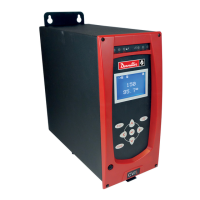
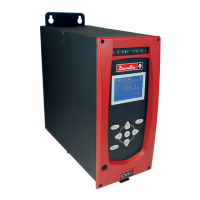
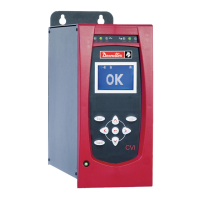
CVIC - MODCVIC - MULTICVIC
SECTION 4 - START-UP
1 - Installation Safety Instructions
Before switching on, make sure that the controller is installed in accordance with the installation and
safety instructions mentioned in this manual, Section 1: «Warnings».
2 - Starting up the Controller
On receiving the controller, check that the following elements are included in the support kit:
- the SubD 37 point connector.
- the mains cable.
- 2 fuses of 16A.
2.1 - Tool Connection
Make sure that the controller is switched off and connect the tool to the front panel of the controller.
2.2 - Emergency Stop
Check that the «EMERGENCY STOP» (STOP) plug is correctly
connected to the front side of the controller. The emergency stop can be
connected either to the PLC, or to a push-button close to the tightening
station. If not connected, check that the jumper is correctly positioned
inside the plug (see diagram opposite). The opening of the STOP contact
disables the power circuit.
Note that it is recommended to wire the «EMERGENCY STOP» when using handheld tools but that it is absolutely
necessary for fixed tools.
2.3 - Switching on
Trip the switch on the front side of the controller to switch on the controller.
When switched on, the controller automatically detects the correct operation of the tool and of the controller itself.
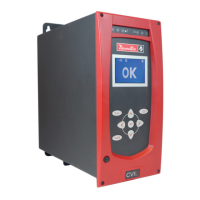
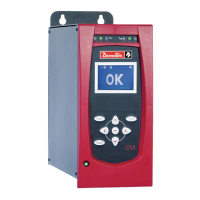
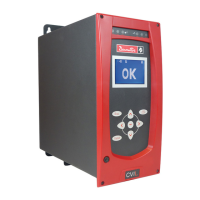
If everything is OK, the control screen is displayed by the CVIC.
If a problem occurs when the controller is switched on, the screen displays the message: «NOT READY».
Press to display a second screen which provides more details about the cause of the problem.
2.4 - Language Selection
- Menu: MAIN\SERVICE\LANGUAGE.
- The default language used by the controller is French. Use and to select your language.
The available languages are: French, English, Spanish, German, Italian and Dutch.
- Validate your selection and press as many times as necessary to go back to the control screen.
If necessary, see sections 3-1.2 and 3-1.3 for keyboard layout and operation, and a programming example.
plug
outlet
EMERG.
STOP
1
3
4
2
3
4
1
2








 To Next Page