User Manual DEV 2190
40 Copyright DEV Systemtechnik GmbH 2009-2017
5.3 Operation via the Device Panel
The local operation (via push buttons) and the status indication (via LEDs) of the
single modules were already explained, please refer to the chapters in parentheses:
• power supply modules (chapter 3.2.1),
• fan & monitoring module (chapter 3.2.2),
• CPU module (chapter 3.2.3), and
• amplifier modules (chapter 3.2.4).
Note:
The factory default for the operation mode is Remote Mode. To operate the
push buttons on the modules locally, the device has to be switched to
Local Mode via the fan & monitoring module (chapter 3.2.2), via Web Interface
(chapter 5.4.2), or via SNMP (chapter 5.5.4.3.1).
5.4 Operation via the Web Interface
The Web Interface is a comfortable user interface for operating the product, i.e. the
device is controlled via a computer and a Web Browser as the communication
application. Several users (assumed the appropriate number of licenses) can access
the device at a time. Eight licenses are included in the delivery and it is possible to
purchase additional license keys at any time, please contact DEV Systemtechnik.
Note:
Most of the screenshots shown in the following were made from the Web
Interface of a DEV 2190 in a mixed 1+1/1:1 configuration as demonstrated in
chapter 3.3.5. Other configurations deviate from the layout but not from the
basic functionality of the Web Interface.
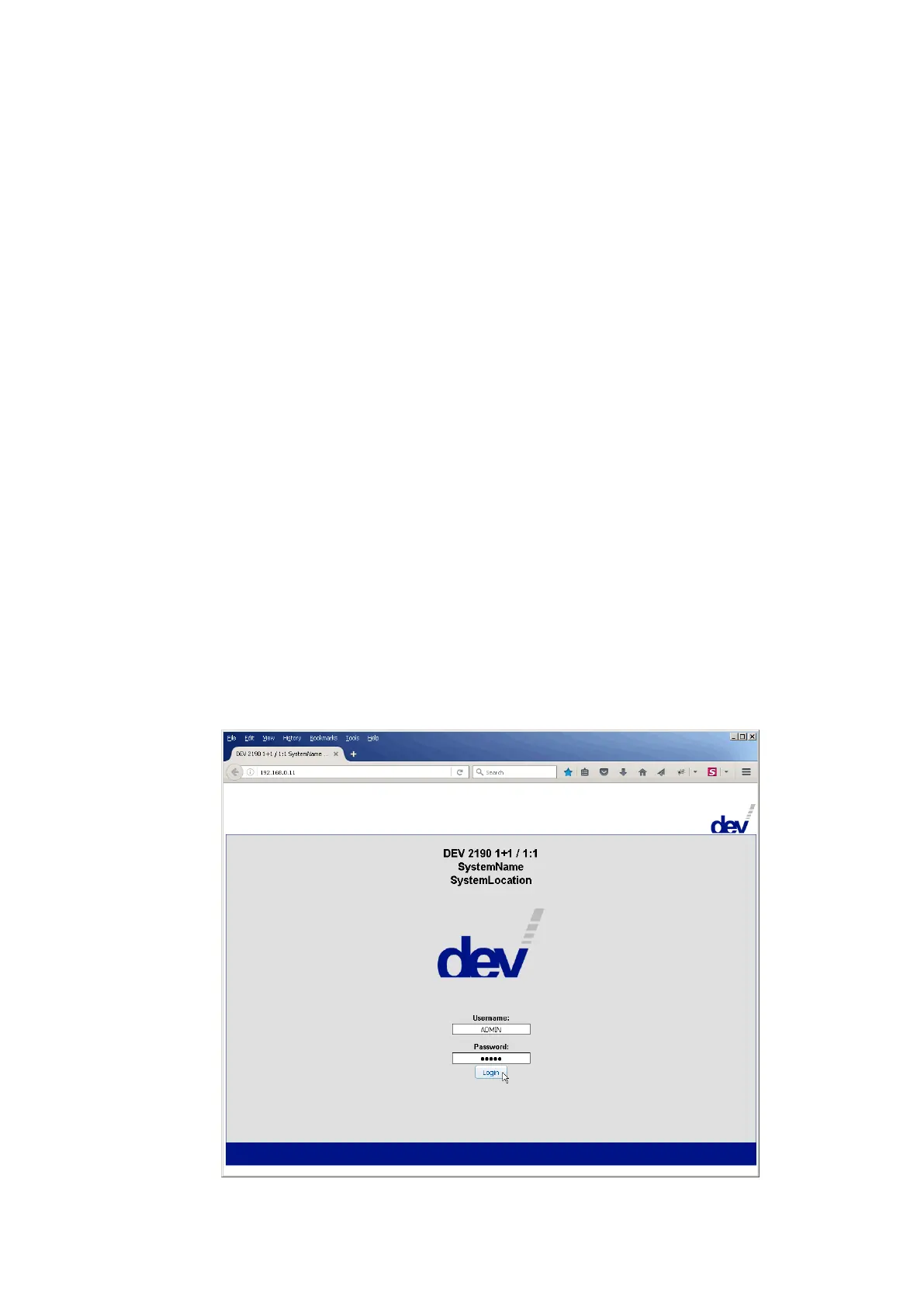
5.4.1 Start of the Web Interface



 To Next Page