User Manual DEV 2190
66 Copyright DEV Systemtechnik GmbH 2009-2017
After operating the button a browser specific window pops up and suggests
the storage of the data as "backup_slot_xx" (with "xx" being the number of the slot (i.e.
the line number 01…10 of the table) to be exported). If a backup set contains
"Module Data" or "Device Data", this data is stored in an encoded binary format.
The export of an "Error Log" backup set is stored in text format similar to the
appearance in the Events Tab (chapter 5.4.5).
With the button, the content of the selected slot is deleted without any
confirmation.
5.4.7.4.3 Firmware Update
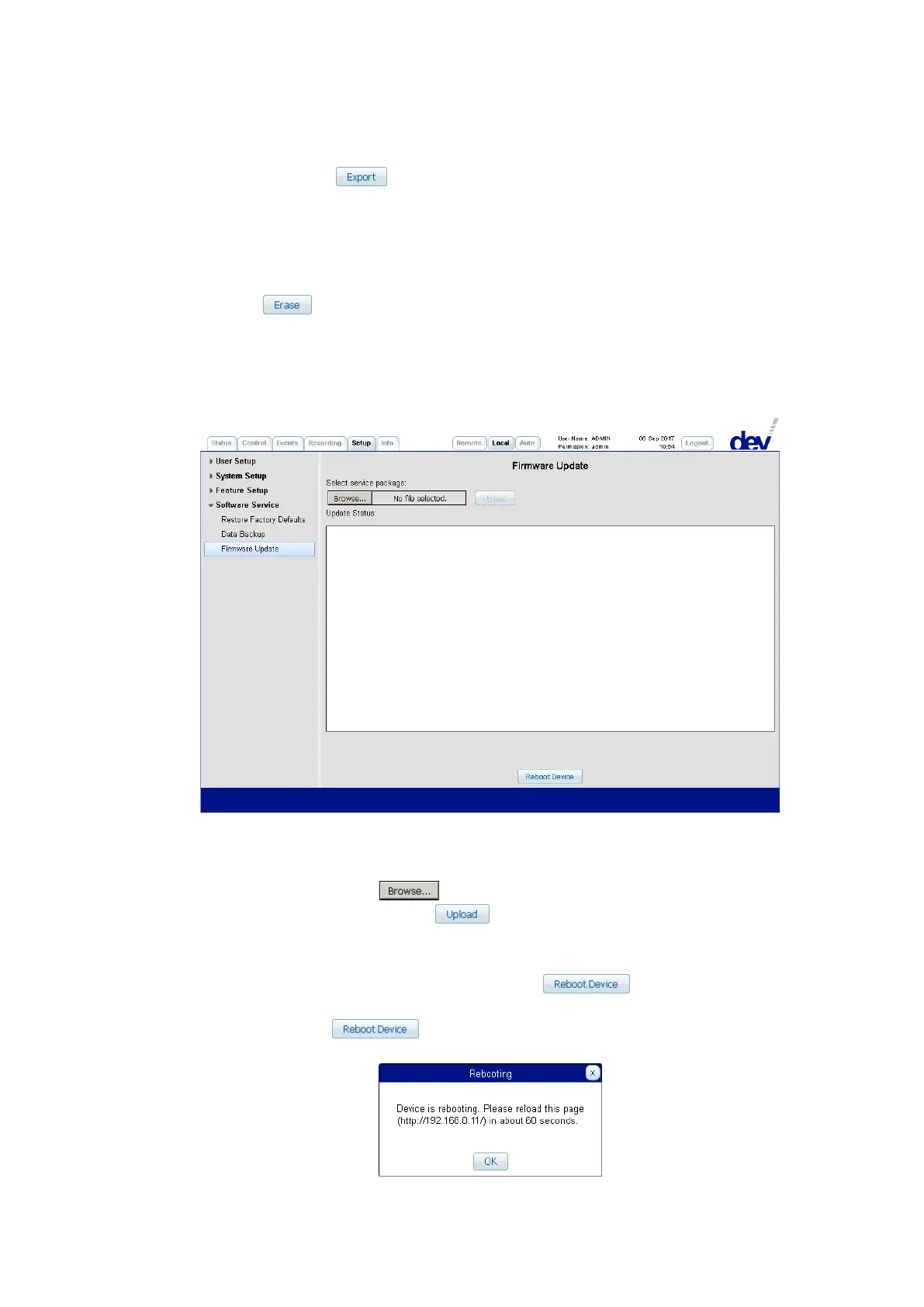
The Firmware Update entry provides means to update the device firmware,
manuals etc., and/or to reset the device via Web Interface.
Precondition for updating the device firmware is a service package provided by
DEV Systemtechnik.
The input field permits the insertion of a filename including the path where the file
resides. Alternatively, the button can be used to locate the file. After the
selection of the file, a click on the button activates the file transfer to the
device. As soon as the upload is finished, the installation is started, please observe
the text output, which appears in the "Update Status:" text window.
If –for any reason– a device reset is required, the button can be used
to reset the device without updating the firmware.
After a click on the button, a device reset is initiated indicated via a
pop up window, e.g.:



 To Next Page