User Manual DEV 2190
Copyright DEV Systemtechnik GmbH 2009-2017 73
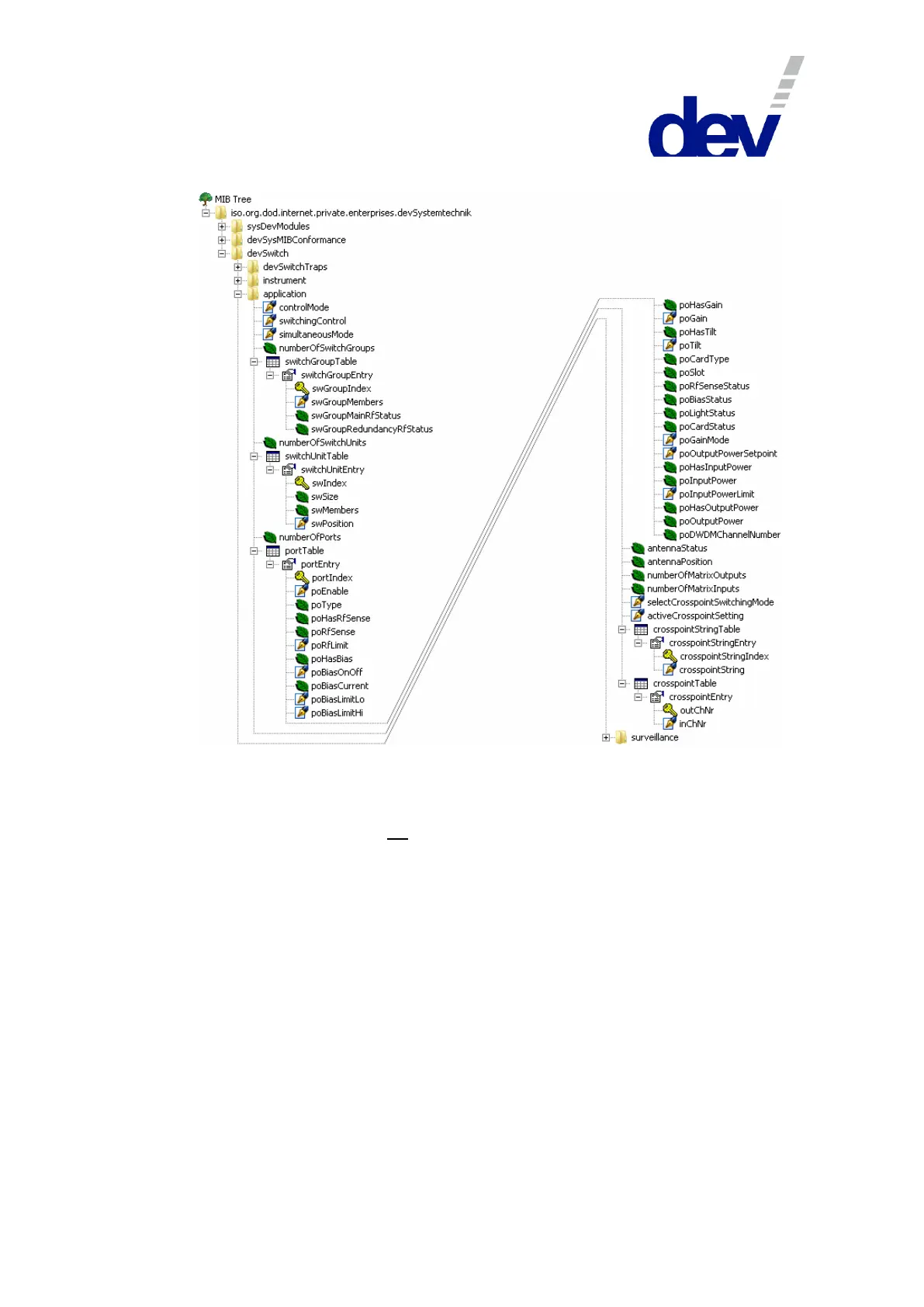
5.5.4.3 .application
5.5.4.3.1 .application.controlMode
OID: .1.3.6.1.4.1.21035.41.2.1.0
Syntax: INTEGER {local (1), remote (2), auto (3)}
Access: read-write OR read-only
Description: The device operation mode (chapter 5.1), possible values:
"1" Local Mode: local operation at the device or via Web I/F;
"2" Remote Mode: remote operation via SNMP;
"3" Auto Mode: autonomous switching.
Note:
The value "3" (Auto Mode) is available for devices with installed redundancy
switching functionality, only.
Via the SNMP setup of the Web Interface (please refer to chapter 5.4.7.2.2)
.controlMode can be set to read-write (default) or to read-only.
The factory setting is "2" (Remote Mode).



 To Next Page