User Manual DEV 2190
62 Copyright DEV Systemtechnik GmbH 2009-2017
Note:
Any data stored via the data backup functionality is not deleted, please refer to
chapter 5.4.7.4.2.
Recorded data (chapter 5.4.6) is deleted only if a different recording interval is
applied than the recording interval default setting (chapter 5.4.7.3.1).
5.4.7.4.2 Data Backup
The data backup functionality provides means to manage various device data.
It is recommended to perform external backups of the device configuration data
periodically (please refer to chapter 4.2.4.1 for a systematic description).
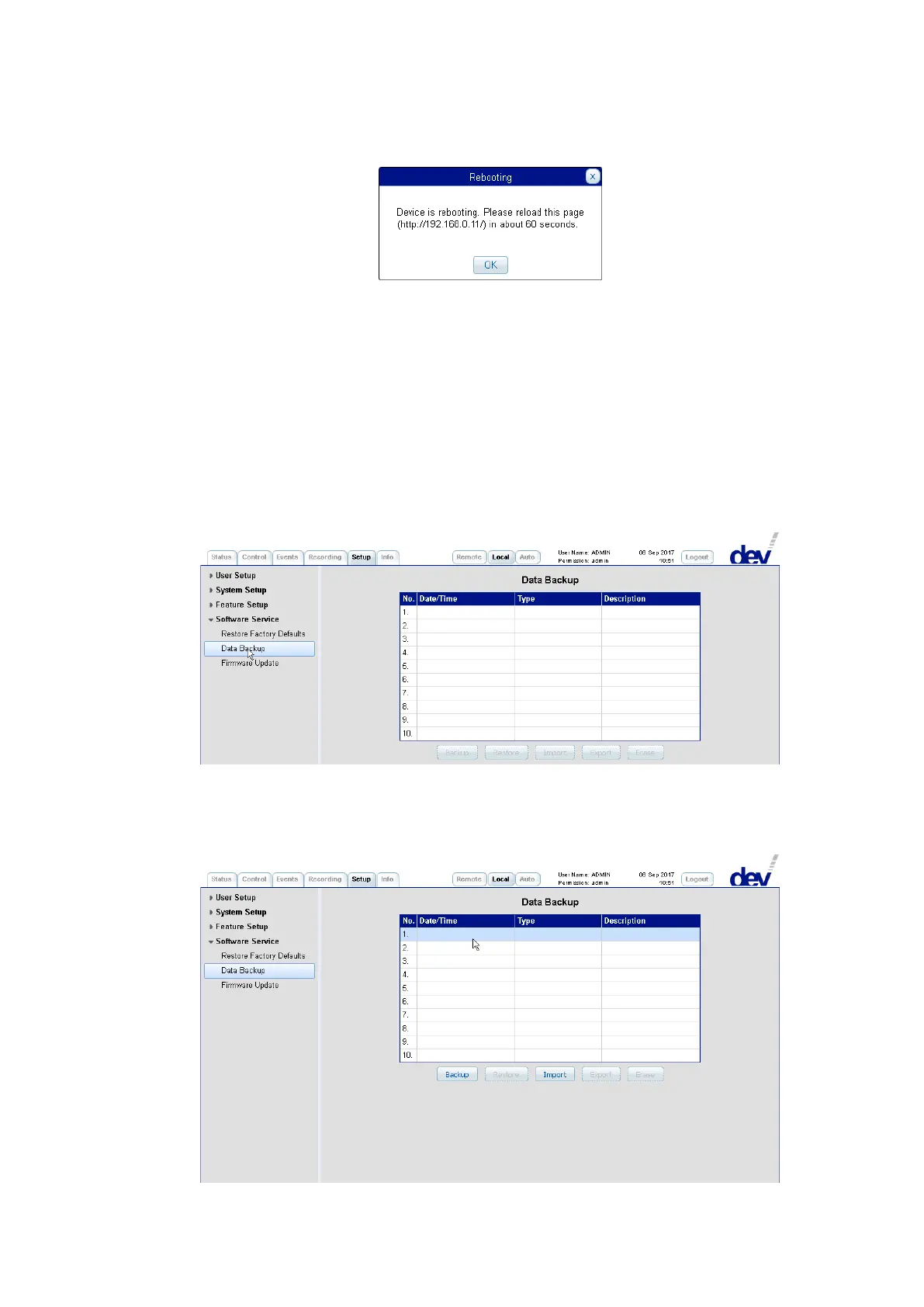
The data backup functionality shows up with a table providing ten lines ("slots")
and with five buttons below the table which are grayed out initially.
The first action is to activate one of the ten slots by clicking on it, which causes the
corresponding line to be highlighted. Additionally, depending on the content of the
selected slot, two to all of the five buttons become active, thus enabling the data
backup functionality:



 To Next Page