User Manual DEV 2190
94 Copyright DEV Systemtechnik GmbH 2009-2017
7 Connectors
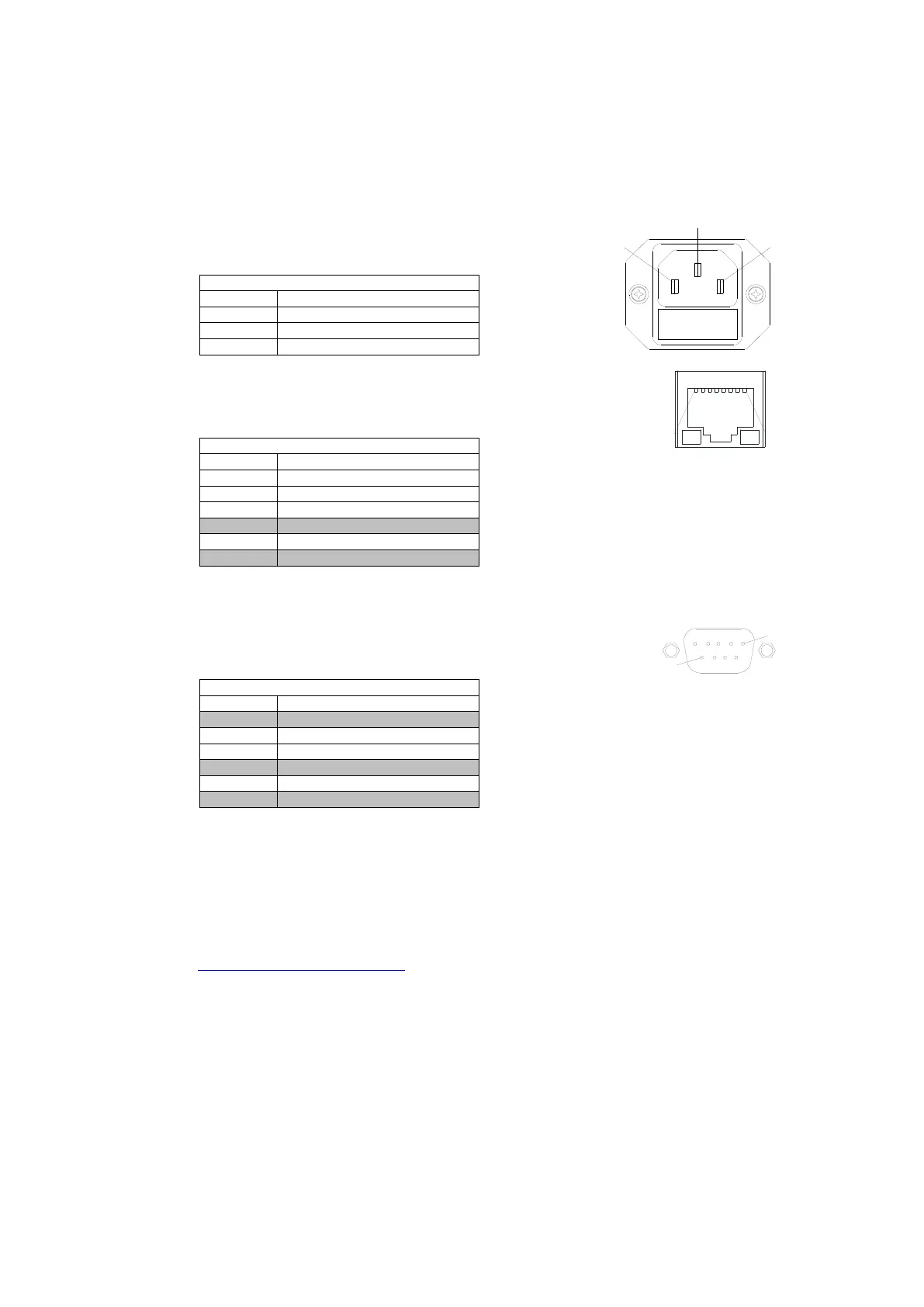
AC Power Plug
Connector: IEC rubber connector (male) IEC 60320 C14
Connector screws: none
Ethernet Connector (at the CPU module)
Connector: RJ-45
Connector assembly: none
• "do not use" means that normally the pin should be left open.
Serial Connector (at the CPU module)
Connector: Sub-D 9 (female)
Connector screws: UNC 4-40
Serial Connector (RS 232)
• "do not use" means that normally the pin should be left open. It is usually not a problem to use a fully
populated 1:1 Sub-D 9 (m)-(f) cable to establish a RS 232 connection between the device and a PC.
8 Technical Data and Options
The technical data and the options are stated in the spec sheet; please refer to
www.dev-systemtechnik.com.



 To Next Page