User Manual DEV 2190
Copyright DEV Systemtechnik GmbH 2009-2017 55
5.4.7 Setup Tab
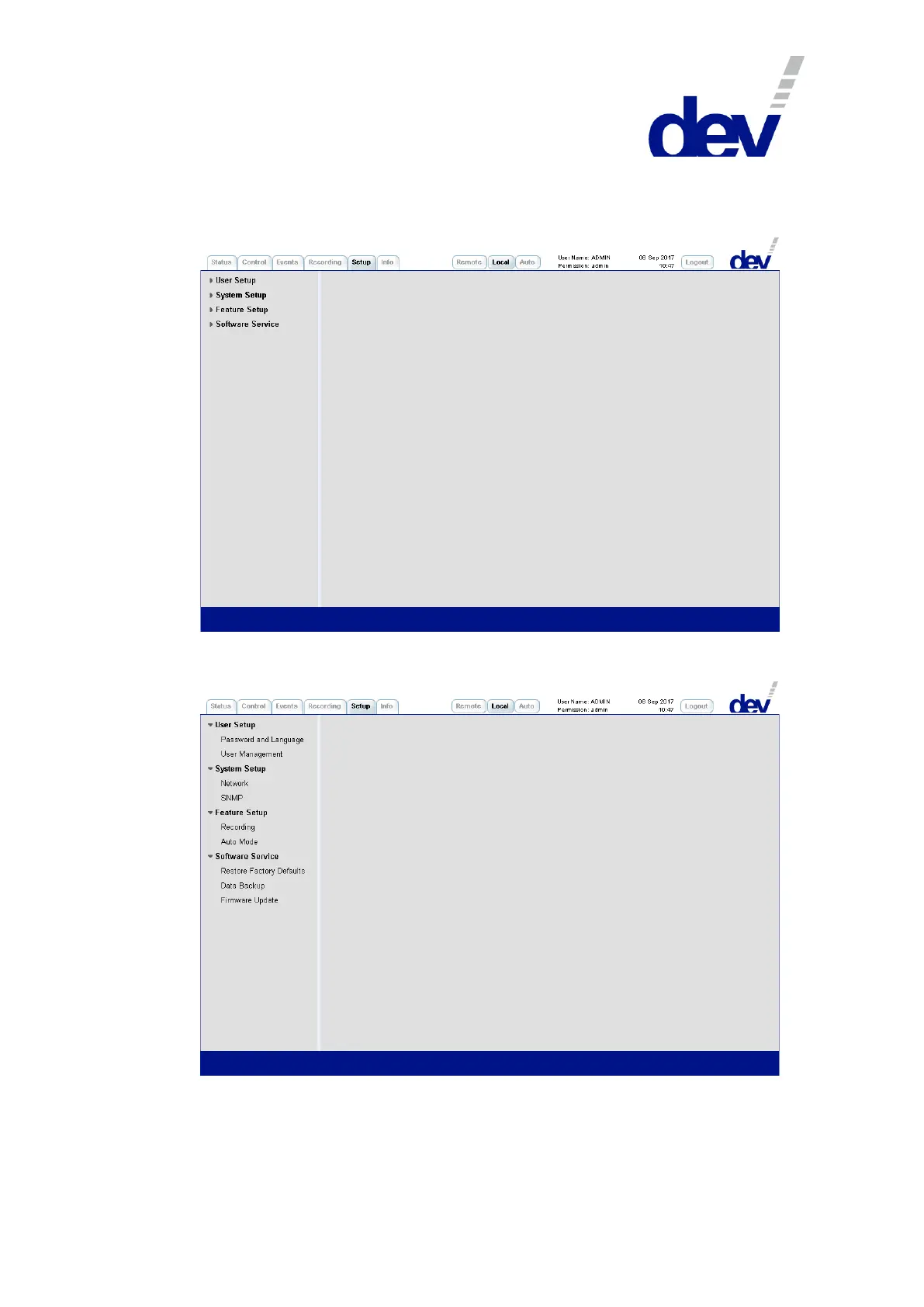
On the left side, the Setup Tab contains the menu items structuring the different
entries described in the following. Initially, the single entries are not displayed:
To demonstrate the available setup entries, all menu items above were folded out
in the following screenshot:



 To Next Page