User Manual DEV 2190
54 Copyright DEV Systemtechnik GmbH 2009-2017
number defines the date (starting from 1 being the 01-Jan-1900, e.g. 42972
denotes the date 25-Aug-2017 and the fractional part defines the time within the
date (1/(24 * 60 * 60) = 00:00:01, e.g. .45 = 10:48:00).
In the following only the first few lines of a csv-file are listed which was created by
exporting the data shown in this chapter via the button ("⌡" and "⌠"
are symbolizing that the two consecutive lines are actually one line in the file):
Amp 1 Main RF Level Time;Amp 1 Main RF Level Values;⌡
⌠Amp 2 Backup RF Level Time;Amp 2 Backup RF Level Values;
42972.444803240740741;-18.5;42972.444803240740741;-17.8;
42972.445497685185185;-18.5;42972.445497685185185;-17.7;
42972.446192129629630;-18.5;42972.446192129629630;-17.8;
42972.446886574074074;-18.5;42972.446886574074074;-17.8;
42972.447581018518519;-18.5;42972.447581018518519;-17.8;
42972.448275462962963;-18.5;42972.448275462962963;-17.7;
42972.448969907407407;-18.5;42972.448969907407407;-17.7;
42972.449664351851852;-18.5;42972.449664351851852;-17.7;
42972.450358796296296;-18.5;42972.450358796296296;-17.6;
42972.451053240740741;-18.5;42972.451053240740741;-17.8;
42972.451747685185185;-18.5;42972.451747685185185;-17.7;
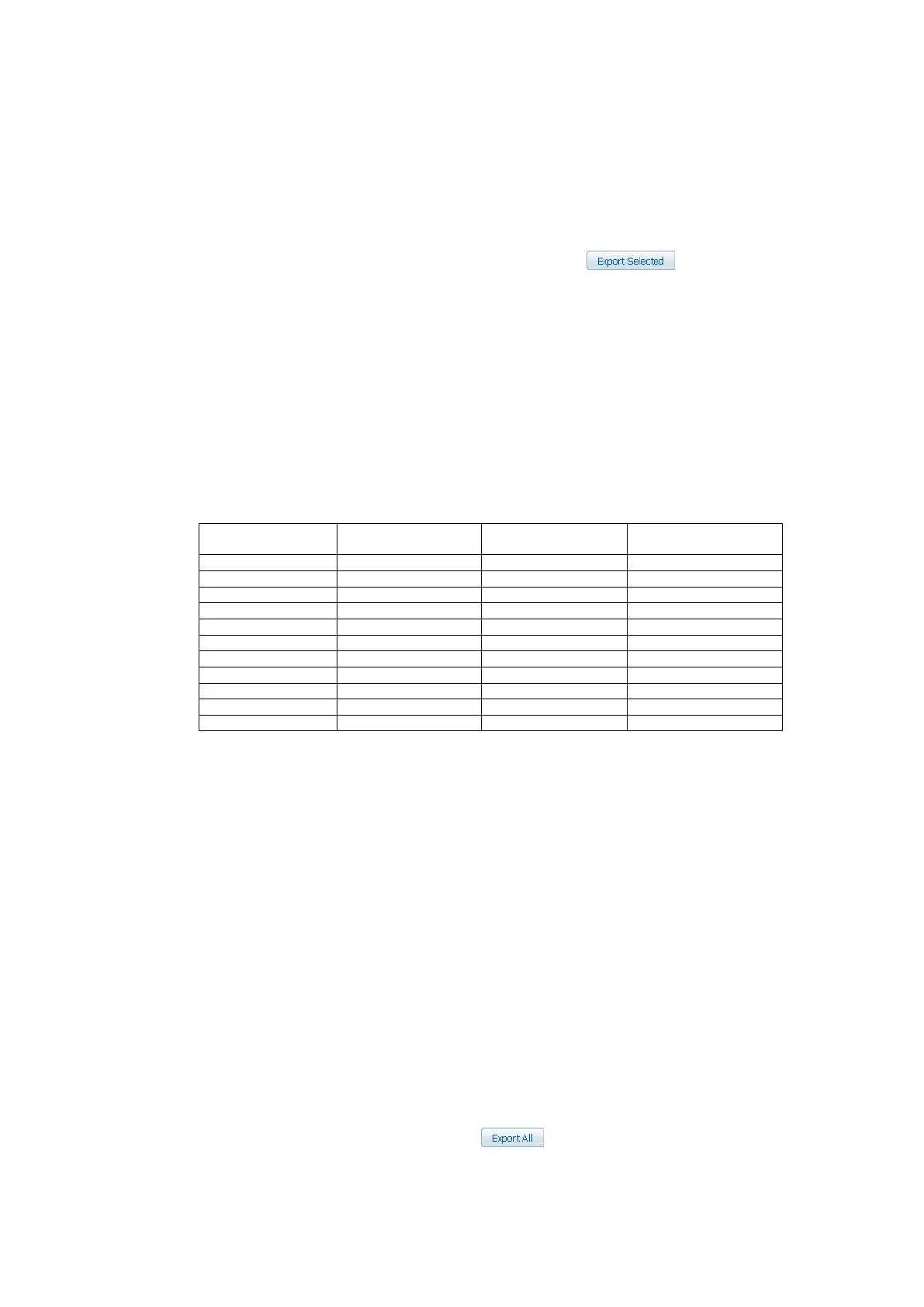
After import and formatting the "Time" columns to the format
"DD-MMM-YYYY, hh:mm:ss" this results in the following table:
Amp 1 Main
RF Level Values
Amp 2 Backup
RF Level Time
Amp 2 Backup
RF Level Values
Note:
The decimal separator in the csv-file is the point character ("."), this has to be
considered during the data import of the csv-file e.g. into an Excel worksheet.
For the data import into an empty MS Excel worksheet select the tab "Data"
and there the icon "From Text". Then locate the csv-file and follow the instruc-
tions of the text import wizard.
The correct time information is dependent on the proper configuration of a
timeserver and of the timezone. The settings can be applied via the network
setup of the Setup Tab (chapter 5.4.7.2.1).
If no timeserver is configured for the device, the recording of the data starts at
01-Jan-2000, 00:00:00, after a device reset the time is reset to 01-Jan-2000,
00:00:00 as well, but the recording of the data is continued with the time of the
last sample.
If a timeserver was configured for the device that is not available anymore after
a reset, the recording of the data is continued with the time of the last sample
as well. Otherwise, if the timeserver is available after a device reset, the
recording of the data is continued with the correct time; i.e. this causes a time
gap within the data.
The export of all data via the button may require some time,
especially, if the device is equipped with many signal channels.



 To Next Page