User Manual DEV 2190
52 Copyright DEV Systemtechnik GmbH 2009-2017
Note:
The recording interval and thus the recording duration can be altered, please
refer to chapter 5.4.7.3.1. The data representation initially always comprises
the recorded data for the selected items, i.e. it is stretched if the full recording
duration is not reached yet, and the graphs indicate via gaps if the device was
turned off for a span of time.
The check box labeled "Show Thresholds" enables the display of the related
present threshold(s) for the selected signals. If checked, each threshold is
shown as a separate horizontal line with an individual label.
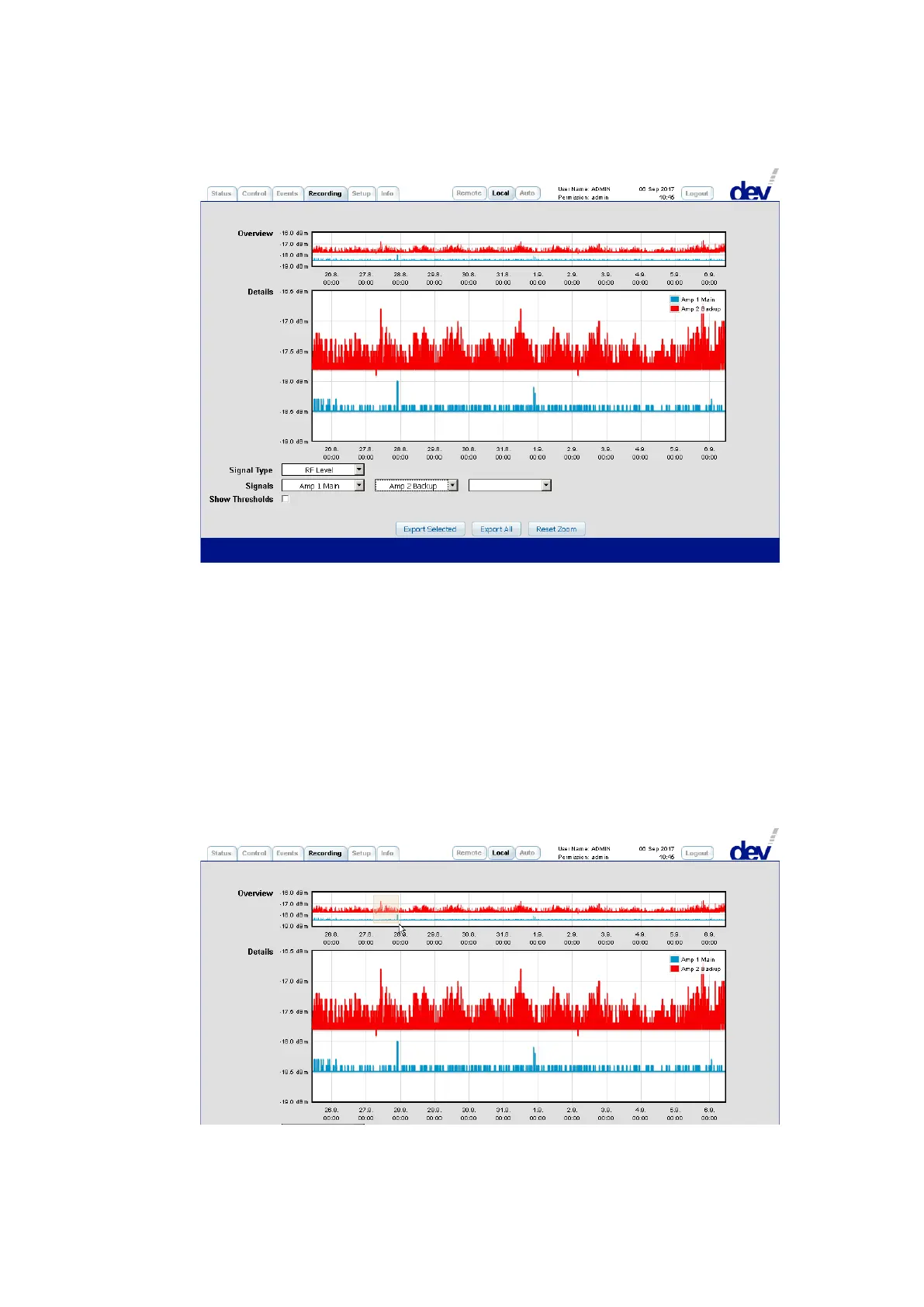
It is possible to magnify the data by drawing a zoom window in either (!) diagram,
i.e. by clicking and holding the left mouse button while pulling the mouse over the
interesting area:
Directly after releasing the left mouse button, the zoomed area appears in the
"Details" diagram while the "Overview" diagram is highlighting the zoomed area:



 To Next Page