PULSE MX
12
- 2 - CREATE A NEW SHOW
The creation of a new show requires a conguration phase in which the console is congured with all
the settings, and more importantly the number and type of xtures involved in the show are set on the
console.
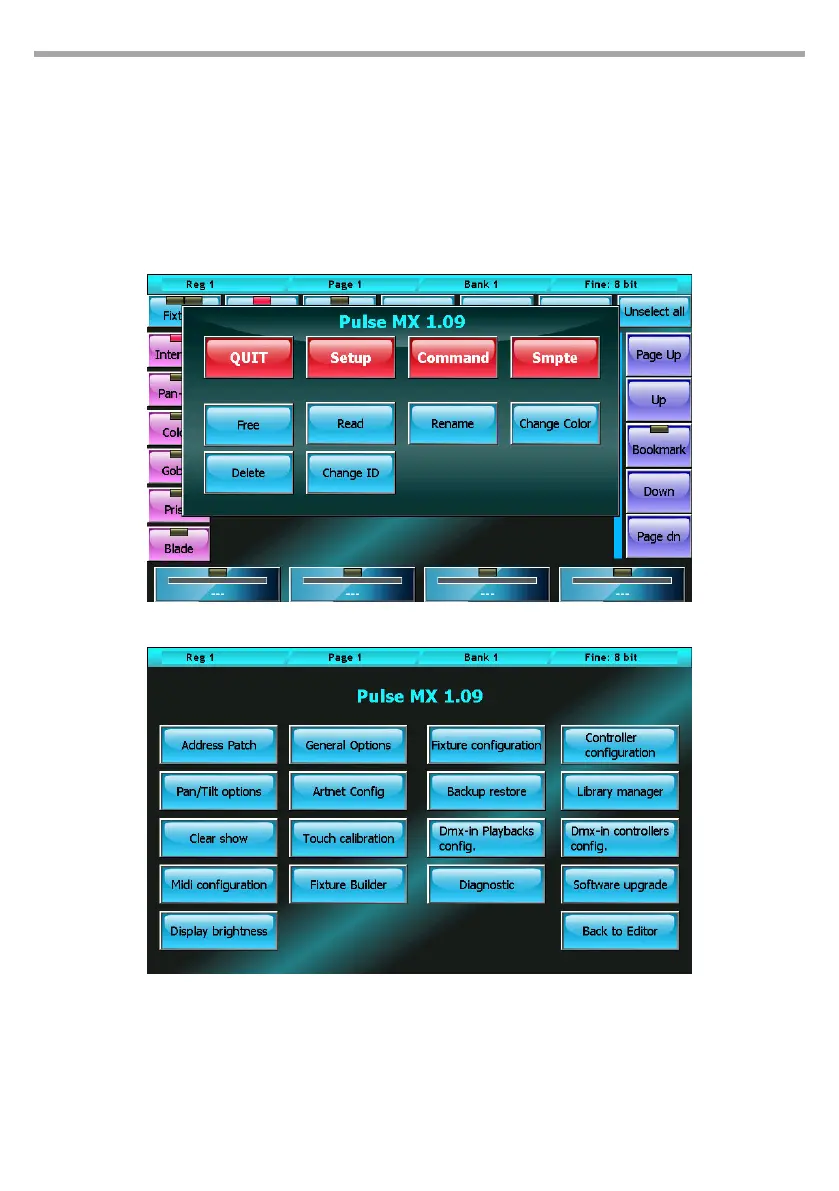
All these operations are accessible from the Setup menu which in turn can easily be recalled by pressing
the Menu key and selecting the Setup button (located on the context-specic menu).
2.1 ADDING FIXTURES TO THE LIBRARY
The console uses FDF les (xture denition les) or Pilot 3000 FXR les as it is fully compatible with the
latter.
To import fdf (or fxr) les into the console, use a normal USB drive: on the USB, create an FDFLIB folder
which will contain the folders of the brands which contain fdf les; then, place the USB in the USB port
of the console and, using the Library manager (Setup menu), import/copy single les or entire folders.
Fig.2Context-specic menu
Fig.3Setup menu



 To Next Page