19
PULSE MX
BUTTONS
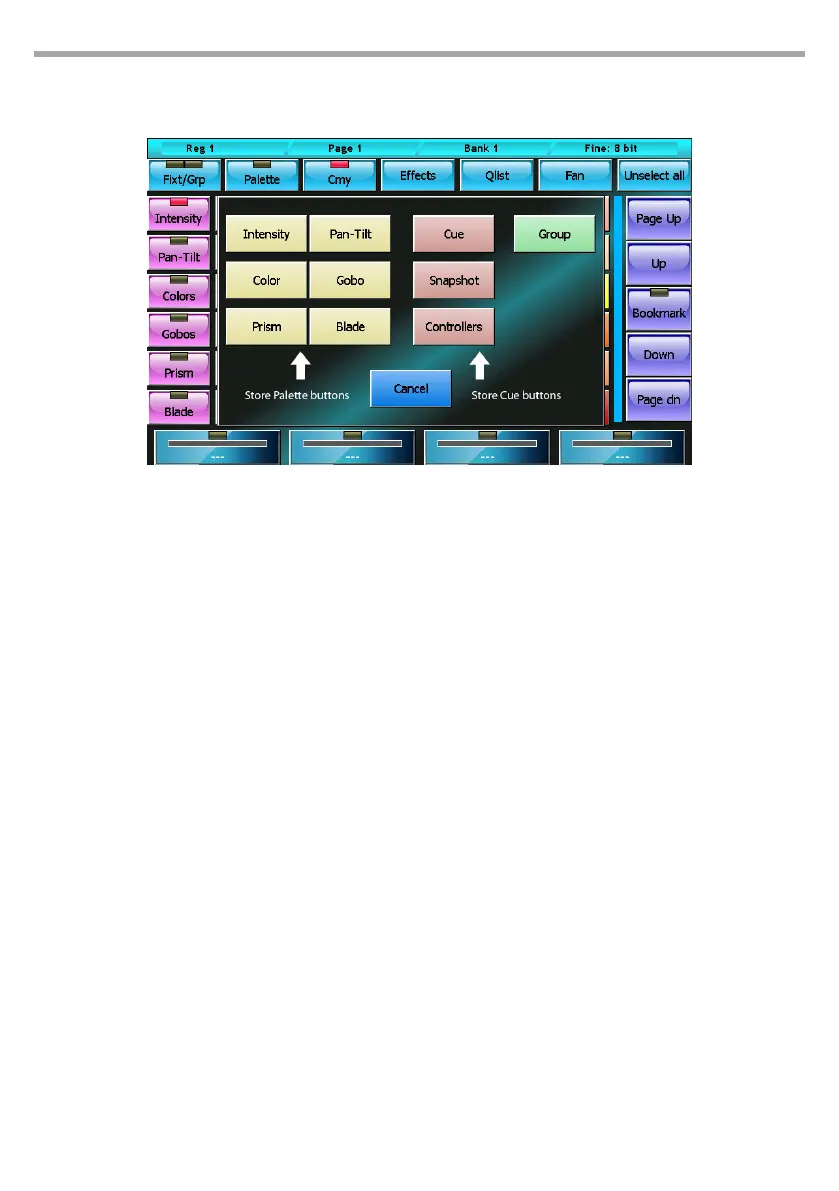
Intensity, Pan-Tilt, Color, Gobo, Prism and Blade
Save the editor content, limited to the selected type of parameters, in a new corresponding palette.
Cue
saves the editor content, adding it as new cue into the current playback
Snapshot
Saves the status of the channels controlled by the Editor, Playbacks and Controllers by adding it like
a new cue to the current playback
Controllers
Saves the status of the channels controlled by the Controllers, adding it like a new cue to the current
playback
Group
Creates a new group containing the selected xtures
2.8 STORE MENU
The Store menu, which is activated by pressing the Store key, enables you to save dierent types of objects:
Menu store Fig.13



 To Next Page