29
PULSE MX
1.8 COLOR PICKER
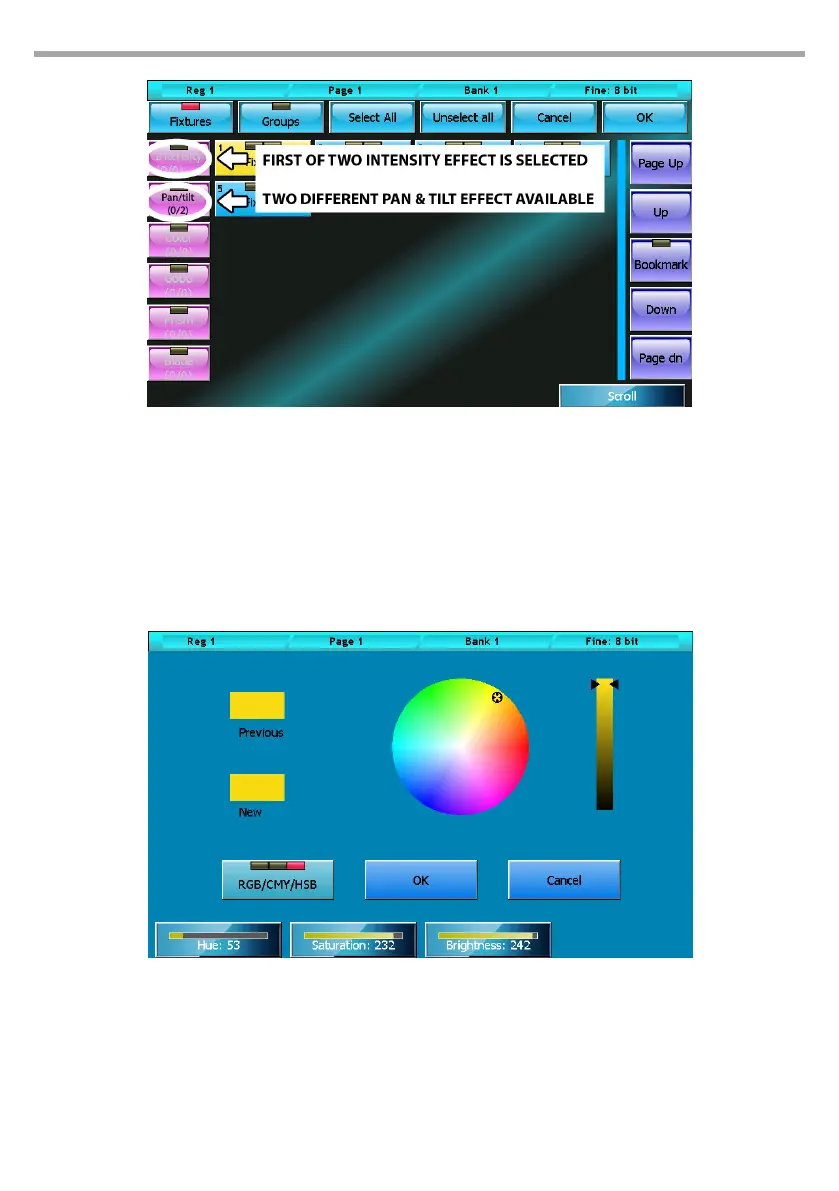
The color picker window is used to change the color of the buttons relating to dierent types of objects
(Fixtures, palettes, cues...)
Colors can be selected directly from the bitmap (1) or using the rst three wheels; the RGB/CMY/HSB
button selects the input mode scrolling through the three available colors (Red/Green/Blue, Cyan/
Magenta/Yellow and Hue/Saturation/Brightness).
Selector window Fig.24
Color picker Fig.25



 To Next Page