47
PULSE MX
5.3 FIXTURE CONFIGURATION
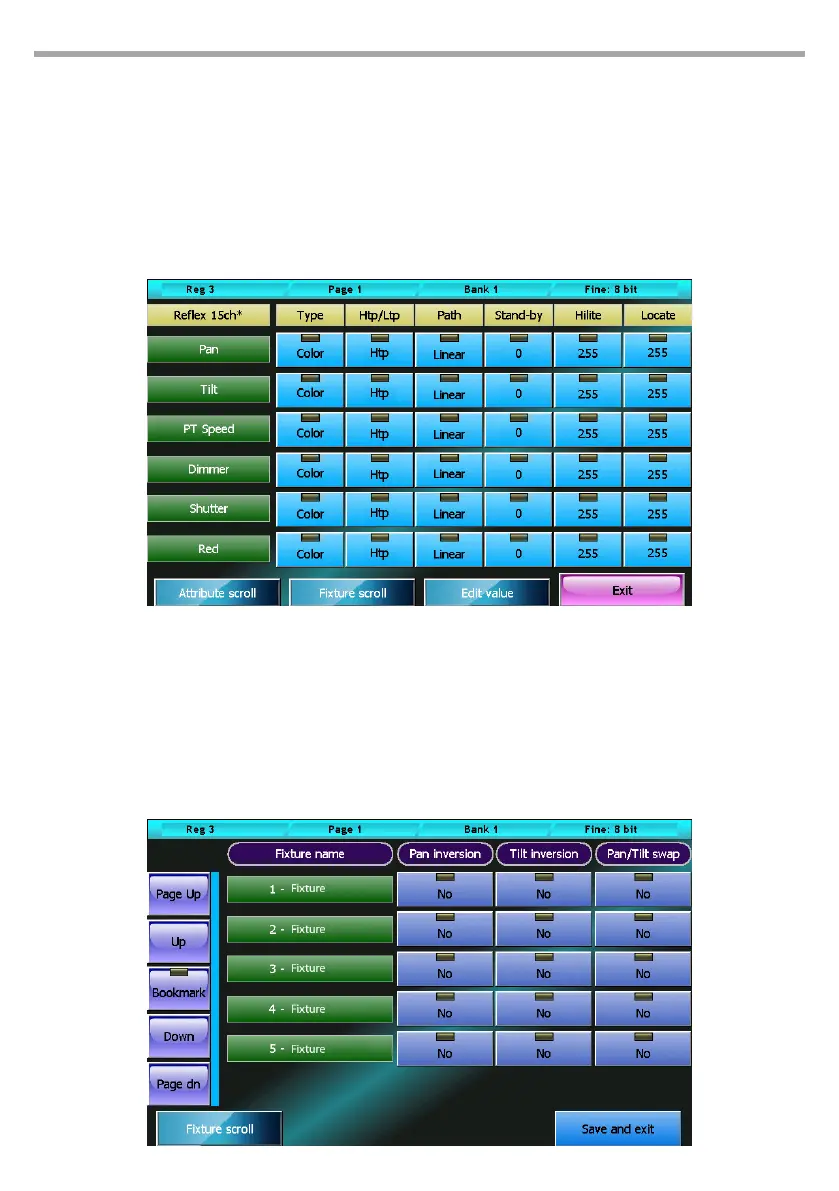
This window allows to edit the conguration of all xtures used in the current show. All changes applied
through this function only aect the current show, leaving the xture library unchanged. All changes are
automatically saved, without any conrmation needed. The rst wheel allows too scroll down the list of
features for the currently selected xture. The second wheel allows to select one of the show’s xtures.
To edit a value, it is necessary to select it by pressing the corresponding button and using the third wheel
(Edit value) to set the new value.
The exit button closes the window and goes back to the Setup menu.
5.4 CONTROLLER CONFIGURATION
See Controllers section.
5.5 PAN/TILT OPTIONS
This window allows to invert and swap the Pan/Tilt functions for each xture used in the show.
Fixture conguration window Fig.40
Pan/tilt options window Fig.41



 To Next Page