PULSE MX
18
To ‘turn o’ a playback, press the Release key and the playback key in quick succession (before the LED of
the Release key switches o) or alternatively press and hold the Release key while pressing the playback
key. This action puts all projectors involved by the cue to Stand-By mode (dened by the Stand-by values
in the xture conguration window); the dimmer is typically reset to 0, while the remaining channels
stay set the way they are.
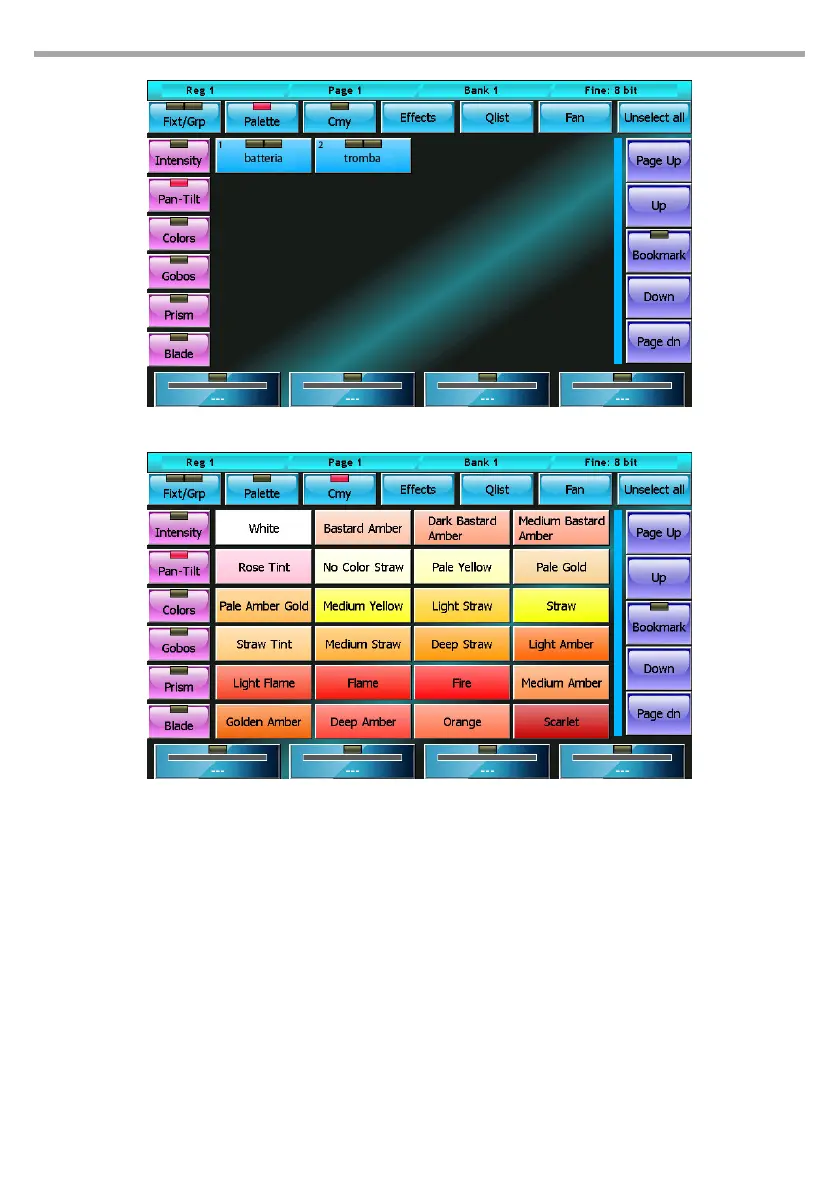
Pan/tilt palette window
Predened Rosco palettes
Fig.11
Fig.12



 To Next Page