25
PULSE MX
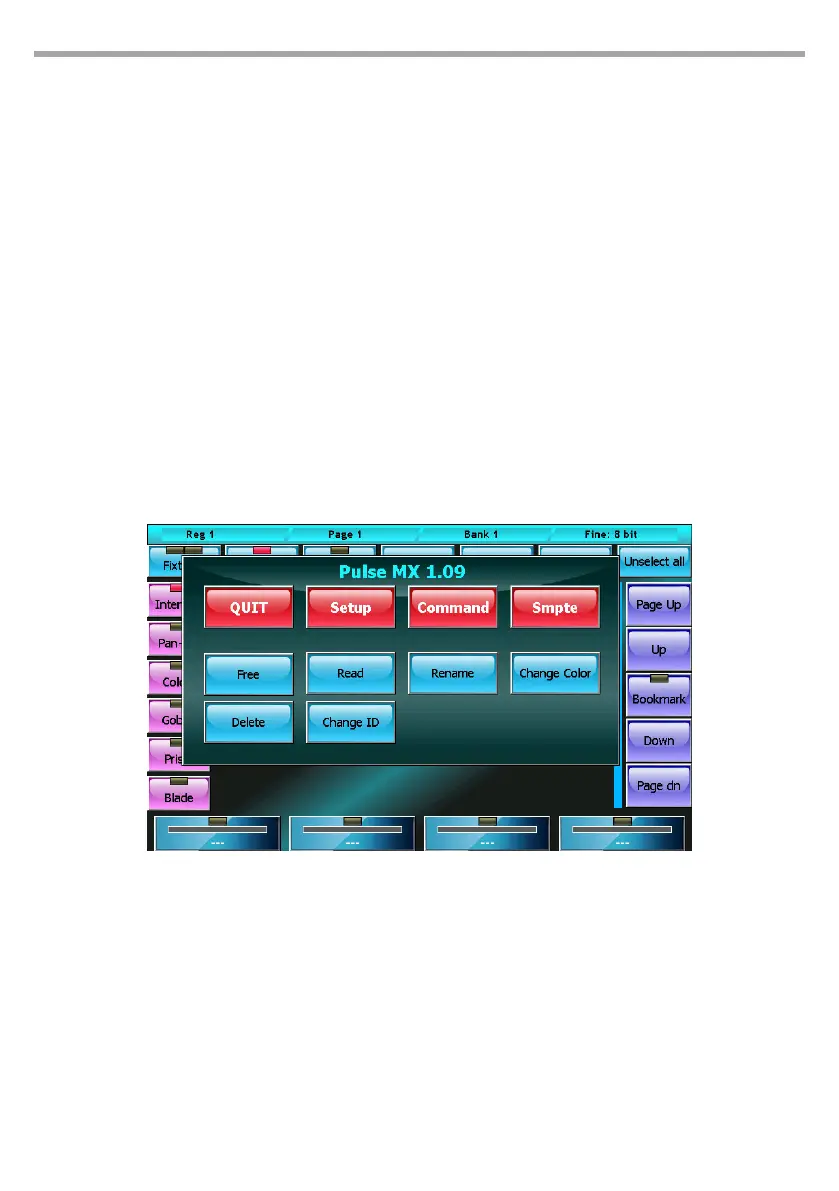
IMPORTANT The Read command reads the status of the DMX and therefore loses the information of any
paletted values or eects. In this case, the instant value of the parameter is considered.
Rename
Opens the virtual keyboard to edit the name of the selected xture
Change color
Opens the color picker window to select a new color to apply to the buttons of the selected xtures.
Change Id
opens the virtual number keyboard to edit the IDs of the selected xtures. The xtures ID determines
the order in which the xtures are displayed in the editor; the IDs can be whole numbers or numbers
with two decimals.
If two or more xtures are selected, they will be assigned progressive IDs.
Select Range
The xtures can be selected directly from the ID as well as by pressing the corresponding buttons.
By pressing the ID button, a virtual number keyboard appears: insert the maximum and minimum ID
values corresponding to the xtures to be selected, separating them with a dot, and conrm.
Context-specic menu Fig.19



 To Next Page