TalkMasterFOCUSAdminConsoleReferenceManual
60
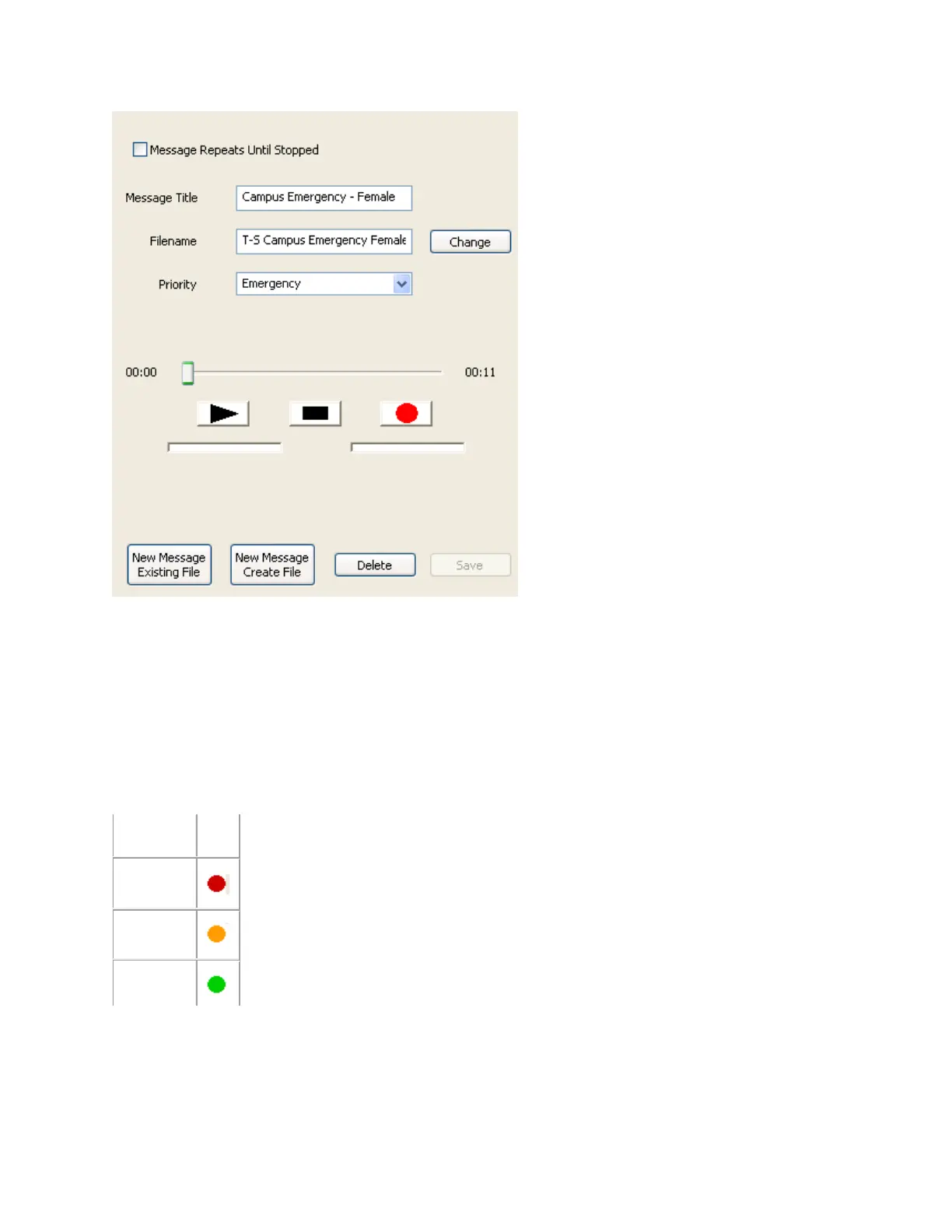
Message Repeats until Stopped - Check this box to force the message played from the Operator
Console to repeat until the Operator presses the Stop File button.
Message Title - Assign a descriptive name that will be used to identify this message on the Operator
Console.
File Name - Press the Change button to open a File List to select a different wav file.
Priority - Select a priority to be assigned to this message. Each priority has a different colored ICON
associated with it in the Operator Console.
All Messages are stored on the Server in the Message Store sub-directory of the Server program
directory.



 To Next Page