27 EVOLUTION 1 SYSTEM MANUAL Issue 1.1 20 Dec 2006
The second option is to replace characters by using
the key or moving the cursor over a character to
be replaced. When the MESSAGE ENTRY mode is
entered the cursor is placed at the end of the line.
Pressing the key will delete the last character on
the line. Successive ’s will continue to delete the
last character on a line.
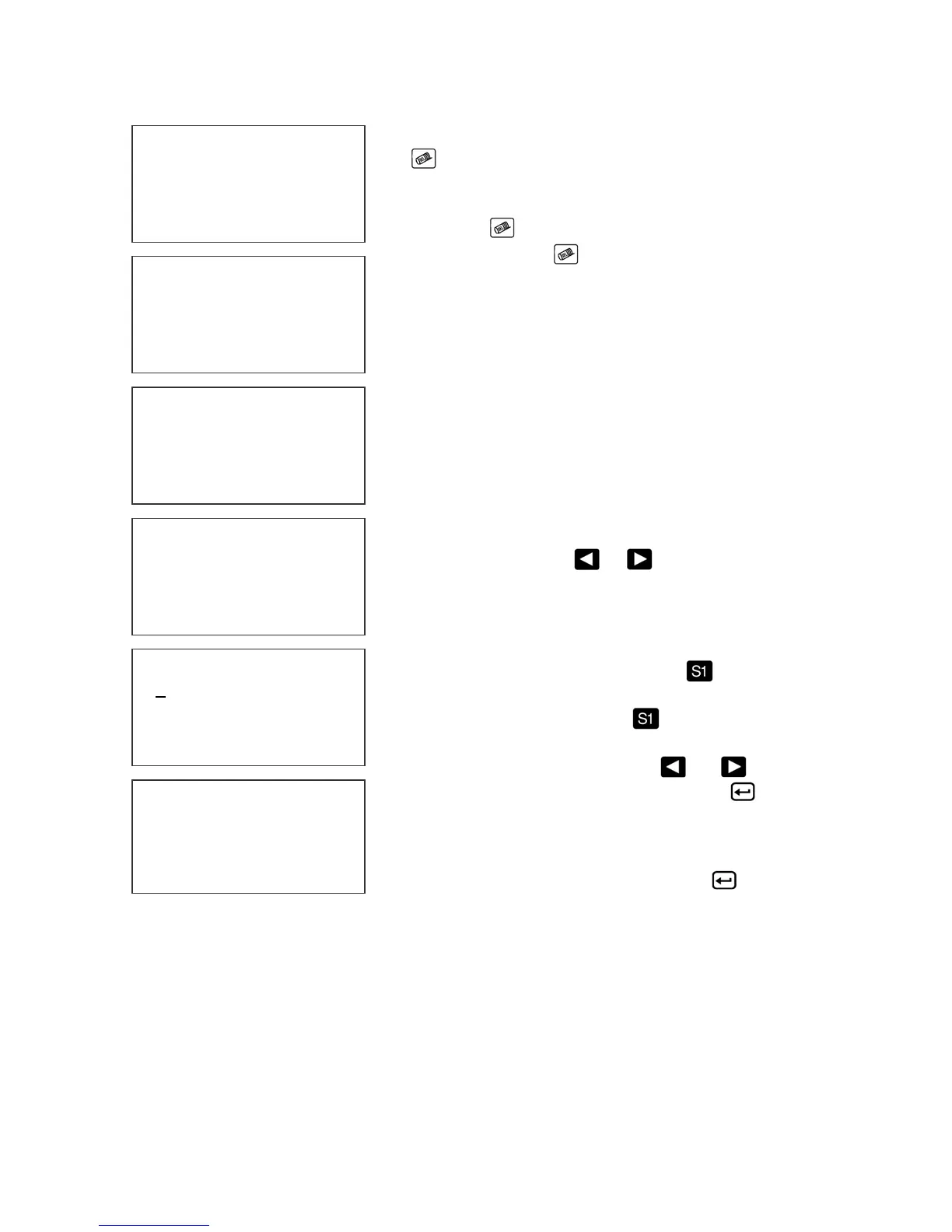
At the left the characters 12/01/2004 were deleted..
Enter the correct data, in this case 12/31/2004.
.
The alternative approach if just a few characters are
to change is to use the or to place the cursor
over the characters to be changed and retype the
correct characters. . In this example the 12/31/2004
WAS CHANGED TO 12/31/2014.
Symbols are inserted by pressing . When in
Message Entry mode, position the cursor where a
symbol is needed and press . The screen will
show a line of symbols as presented on the left.
Position the cursor by pressing
or on the
special character to be inserted and press .
Continue to build the message or press
to return
to the Command mode.
EVOLUTION II messages may contain up to 4 lines of text.
Selecting multiple message lines is accomplished by pressing
the font key until the appropriate line designation is displayed.
NOTE: barcodes may only be used in the 1 or 2 line mode.
Smaller barcodes are generally un-useable under 7/32”.
MESSAGE ENTRY
FONT 1 LINE
BEST BY
EXP 12/01/2004
MESSAGE ENTRY
FONT 1 LINE
BEST BY
EXP
MESSAGE ENTRY
FONT 1 LINE
BEST BY
EXP 12/31/2004
MESSAGE ENTRY
FONT 1 LINE
BEST BY
EXP 12/01/2014
< - - SELECT - - >
!#$&( )*+=¢ŇẾỖ
EV2 STOPPED
HD1- - >SPEED=120
BEST BY
EXP 12/01/2014



 To Next Page