Getting start to DSP capture
DSP capture is help to analysis voice stream inside DSP chipset. The DSP chipset will
handle RTP from IP network as well as voice stream from analog phone.
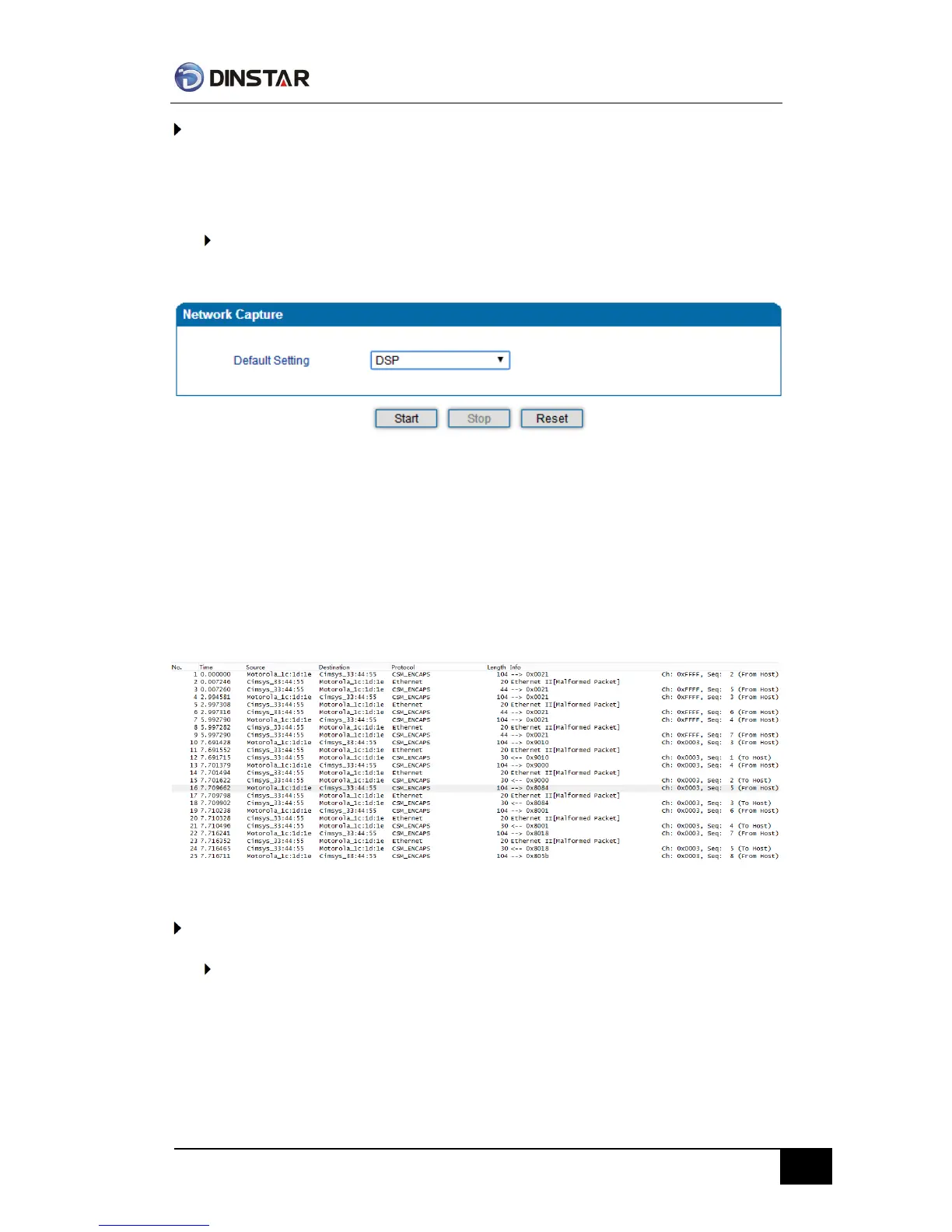
To enable DSP capture:
Select DSP only on Network Capture page
Click Start to enable DSP capture
Dialing out through gateway, start talking a short while then hangup the call.
Click Stop to disable DSP capture
Save the capture to local computer
The capture is named to ‘capture(x).pcap’, x is serial number of capture and will be
added 1 in next time. The sample of RTP capture as below:
Configurable capture options
Getting start to custom capture
This menu provides more options to capture specific packets as actually needs.



 To Next Page