Getting start to RTP capture
PCM capture is help to analysis voice stream between gateway and remote IPPBX/SIP
Server.
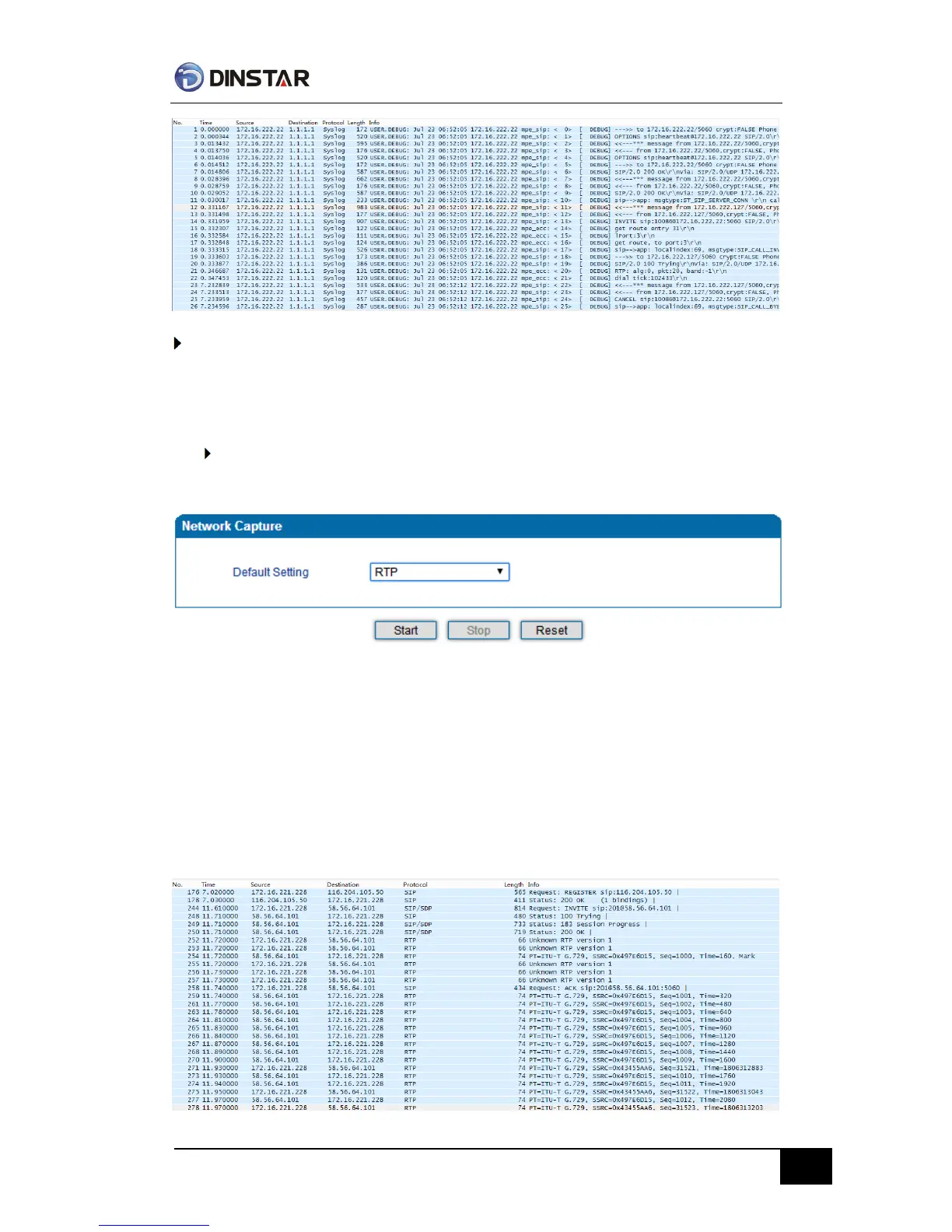
To enable RTP capture:
Select RTP special on Network Capture page
Click Start to enable RTP capture
Dialing out through gateway, start talking a short while then hangup the call.
Click Stop to disable RTP capture
Save the capture to local computer
The capture is named to ‘capture(x).pcap’, x is serial number of capture and will be added
1 in next time. The sample of RTP capture as below:



 To Next Page