5•Service
Doc. 031851-05 12/04 5-5
5. Close the waste valve.
6. Connect a pressure gauge between the pump outlet and the pressure
transducer (see Figure 5-2
). Turn on the pump and let the system
stabilize. Note the average pressure reading on the gauge, and enter
this reading in the
measured field.
7. Click the
Calibrate Slope command button under pressure
transducer
. The pump calibrates the slope and uploads the new value
to Chromeleon. The new slope is stored as the current value.
8. Turn off the pump.
9. Disconnect the pressure gauge. Reconnect the pressure transducer to
the pump.
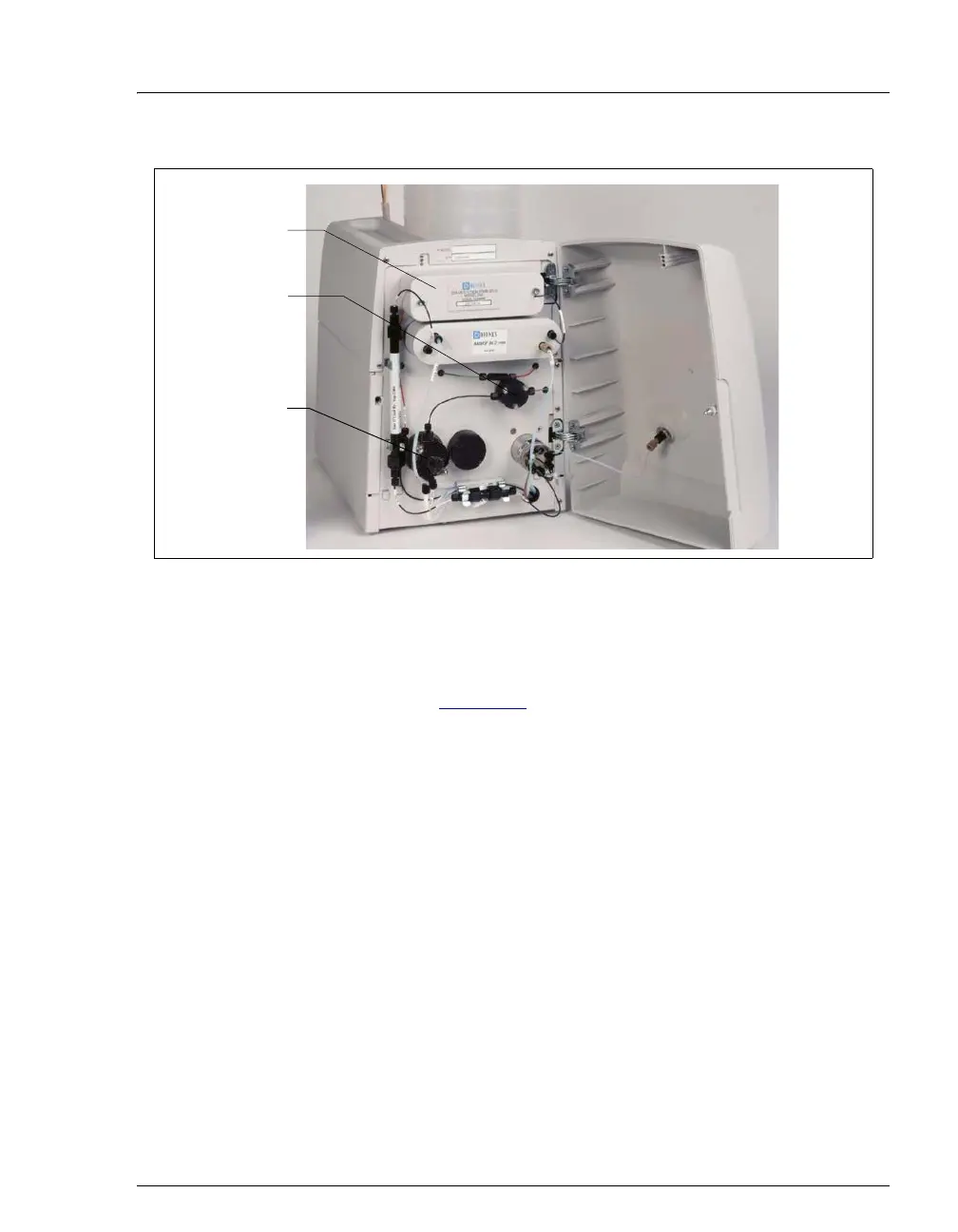
Figure 5-2. ICS-90 Interior Components
Pressure
Transducer
Pump Head
Waste Valve
DS5 Detection
Stabilizer



 To Next Page