3 • Operation and Maintenance
Doc. 065215-02 9/09 45
Autosampler Setup Notes
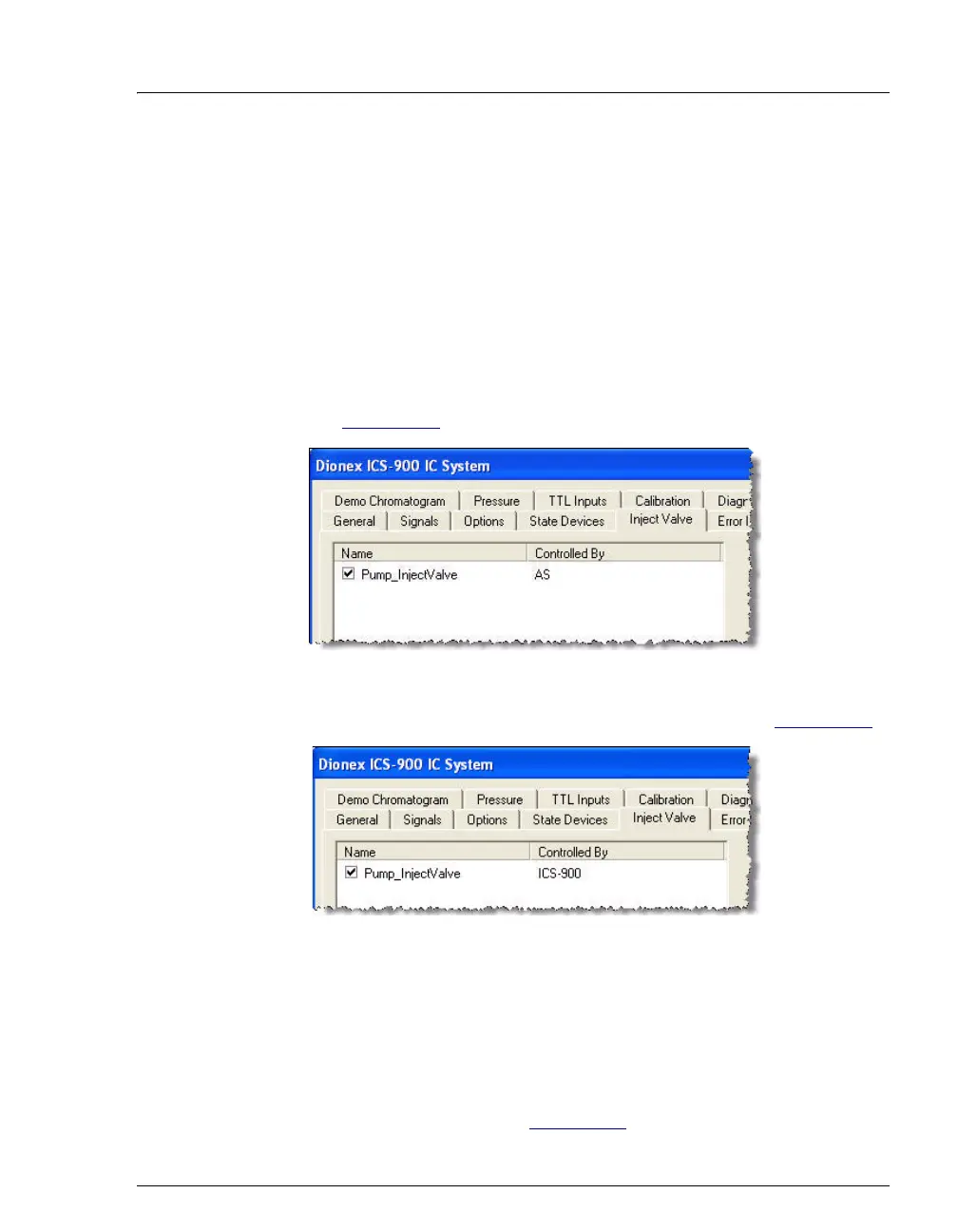
Follow the steps below to verify that the ICS-900 injection valve is
controlled by the correct device.
1. Open the Chromeleon Server Configuration program.
2. Open the ICS-900 Properties dialog box and click Inject Valve.
3. Under Controlled by, check the device selected for
Pump_InjectValve:
• For an AS or AS-DV, verify that the AS is shown (see
Figure 3-12
).
• For an AS40, verify that the ICS-900 is shown (see Figure 3-13).
4. To change the controlling device, select the Pump_InjectValve name
and press the F2 key. On the Device Configuration dialog box, select
the correct device from the Controlled By list. Click OK.
5. For an AS40, also verify that there is a relay connection from the
AS40 Load relay to the ICS-900 RELAY OUT 1. Refer to the
connection instructions in Section C.5
for details.
Figure 3-12. ICS-900 Properties: Inject valve controlled by AS
Figure 3-13. ICS-900 Properties: Inject Valve Controlled by ICS-900



 To Next Page