Chapter 2
Page 18
Parts of the System
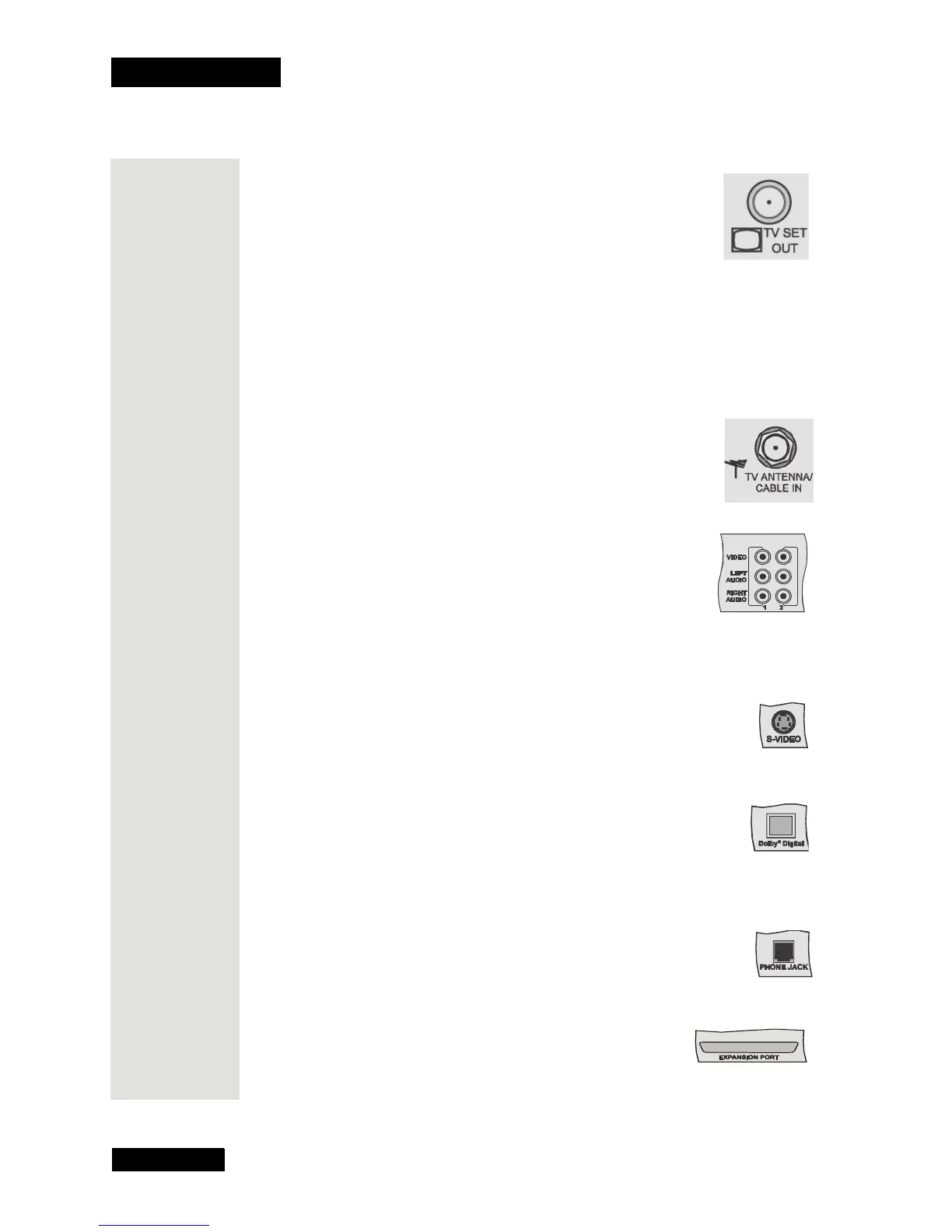
TV Set Out
This connection provides good picture quality and good mono
sound quality (even if you have a TV or other devices that
provide stereo sound.
If you use TV S
ET OUT to watch satellite channels, you must
keep the TV(s) tuned to the same channel (either channel 3 or
4) as you selected on the Channel 3/4 switch of the satellite
receiver.
The TV S
ET OUT can be switched between satellite programming and the
signal on the TV A
NTENNA/CABLE IN connection using the TV/VIDEO
button on the remote control.
TV Antenna/Cable In
Use the TV ANTENNA/CABLE IN to connect a broadcast TV
antenna or cable TV box to the receiver. The TV A
NTENNA/
C
ABLE IN connection is only available through the TV SET
O
UT as described above.
Phono (RCA) Audio/Video Outputs
These outputs provide good picture quality and stereo sound.
• If the TV has only one input for this type of audio,
connect it to the receiver’s R
IGHT AUDIO output.
• If you use these outputs to connect the receiver to other devices, be sure to
follow the instructions in the device’s user manual.
Super VHS Video (S-Video) Output
The receiver provides S-Video, which is the highest quality video
available. If you use this output for video, you must still connect the
audio with the Phono (RCA) Audio Outputs or the Dolby
R
Digital output.
Dolby Digital Output
The receiver provides Dolby Digital encoded output and linear
Pulse Code Modulation (PCM) for an audio amplifier/decoder that
can process this kind of output.
Phone Jack
Connect a phone cable with a standard RJ-11 phone plug to the
receiver here, and then connect the cable to a phone line.
Note: You must keep the receiver connected to a phone line at all
times.
Expansion Port
This port is reserved for future use.











 To Next Page