Chapter 3
Page 40
Using the System
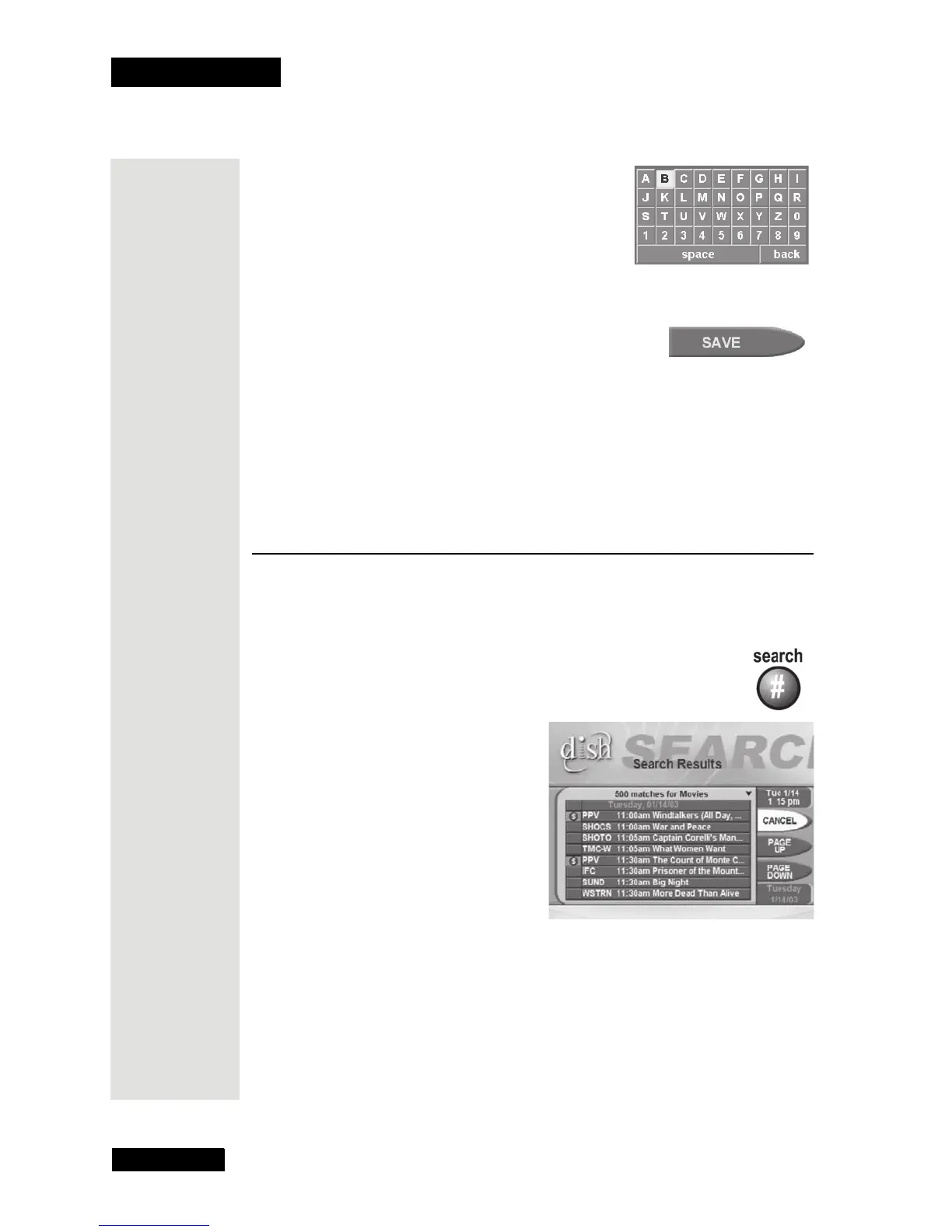
5. Select a letter on the on-screen keypad (it’s
just like selecting a menu option). For
example, here we selected
B. Do this again to
spell out the name. You can enter up to eight
letters, numbers, or spaces. If you need to,
select the
space option to insert a space in
the name or the
back option to correct a
letter.
6. Select the
Save option to save your changes.
Apply a Favorite List
To apply a Favorite List, do the following:
• If the
Program Guide is open, press the GUIDE button to apply the next
list. The
Program Guide shows which list you apply.
Note: Unless you add channels to at least one custom list, you can
apply only the All Chan list or the All Sub list.
Use the Search Feature\
The Search feature allows you to search the Program Guide for programs or
program information.
1. Press the SEARCH button.
2. The Search Menu will open.
3. Move the highlight to the Name
box.
Tip: It’s easy
to apply a
Favorite List.
Just press
GUIDE on the
remote
repeatedly,
and watch for
the name of
your list to
appear in the
upper left
most area of
the Program
Guide











 To Next Page