Page 39
Use Favorite Lists
Set Up or Change a Favorite List
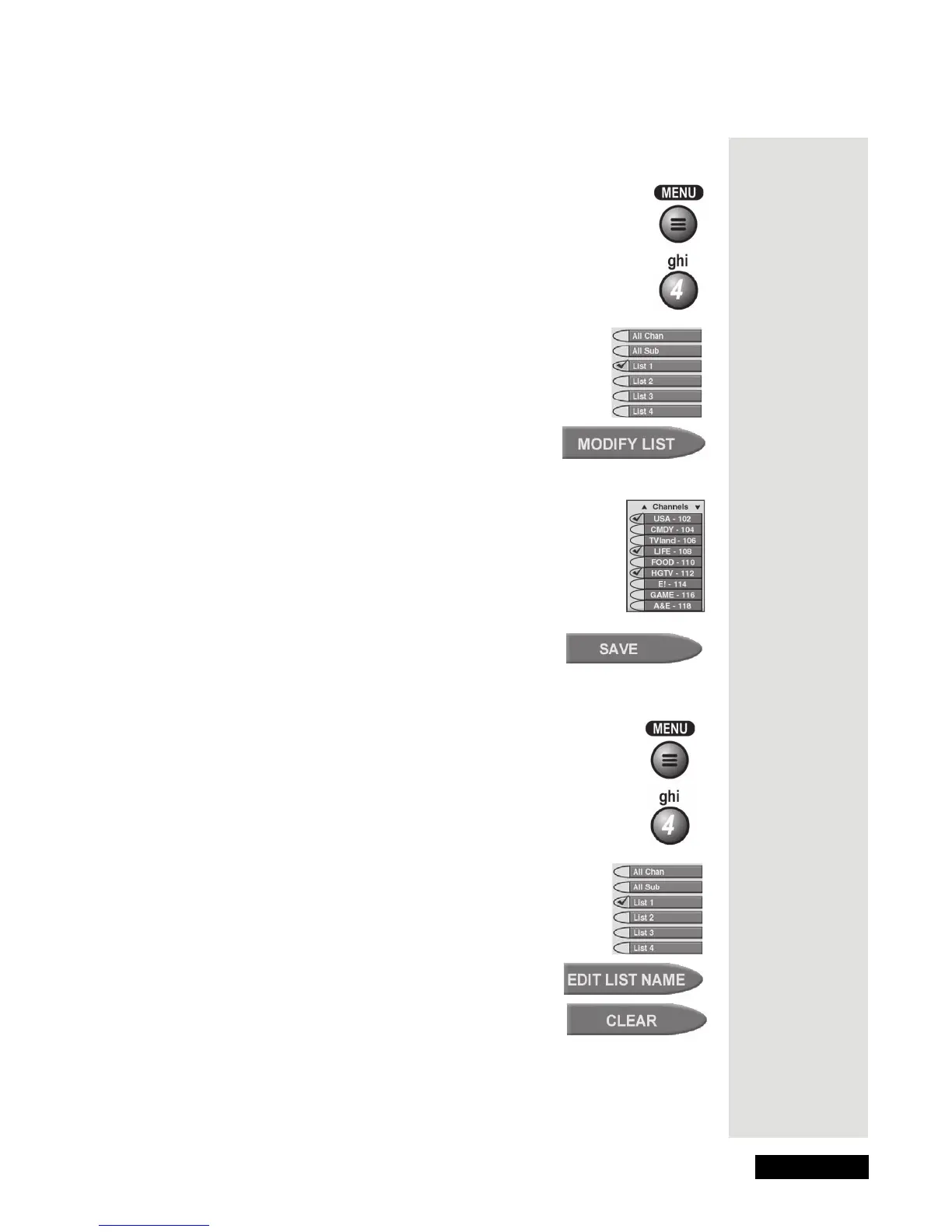
1. Press the MENU button.
2. Open the
Favorite Lists menu.
3. Select the list you want to change. A check mark shows
up next to the list. For example, here we selected
List 1.
4. Select the
Modify List option.
Note: You cannot modify the All Chan or All Sub
list.
5. In the
Channels list, select a channel or channels you want
to add to the list. A check mark shows up next to each
channel. For example, here we selected
USA - 102, LIFE -
108
, and HGTV - 112.
6. To delete a channel, select the channel. The check mark next
to the channel goes away.
7. Select the
Save option to save your changes.
Change a Favorite List’s Name
1. Open the Favorite Lists menu.
2. Select the list whose name you want to change. A check
mark shows up next to the list. For example, here we
selected
List 1.
3. Select the
Edit List Name option.
4. Select the
Clear option if you want to clear the
list’s name.
Tip: Be sure to
set up a list of
your favorite
channels. It
just makes
finding
programs to
watch so
much easier!











 To Next Page