Page 33
Use the Program Guide
Set the Channel Order in the Program Guide
You can set up the Program Guide to list channels in ascending order (with the
highest channel number at the top), or in descending order (with the highest
channel number at the bottom).
Note: If you don’t set a channel order, the Program Guide lists the channels in
descending order.
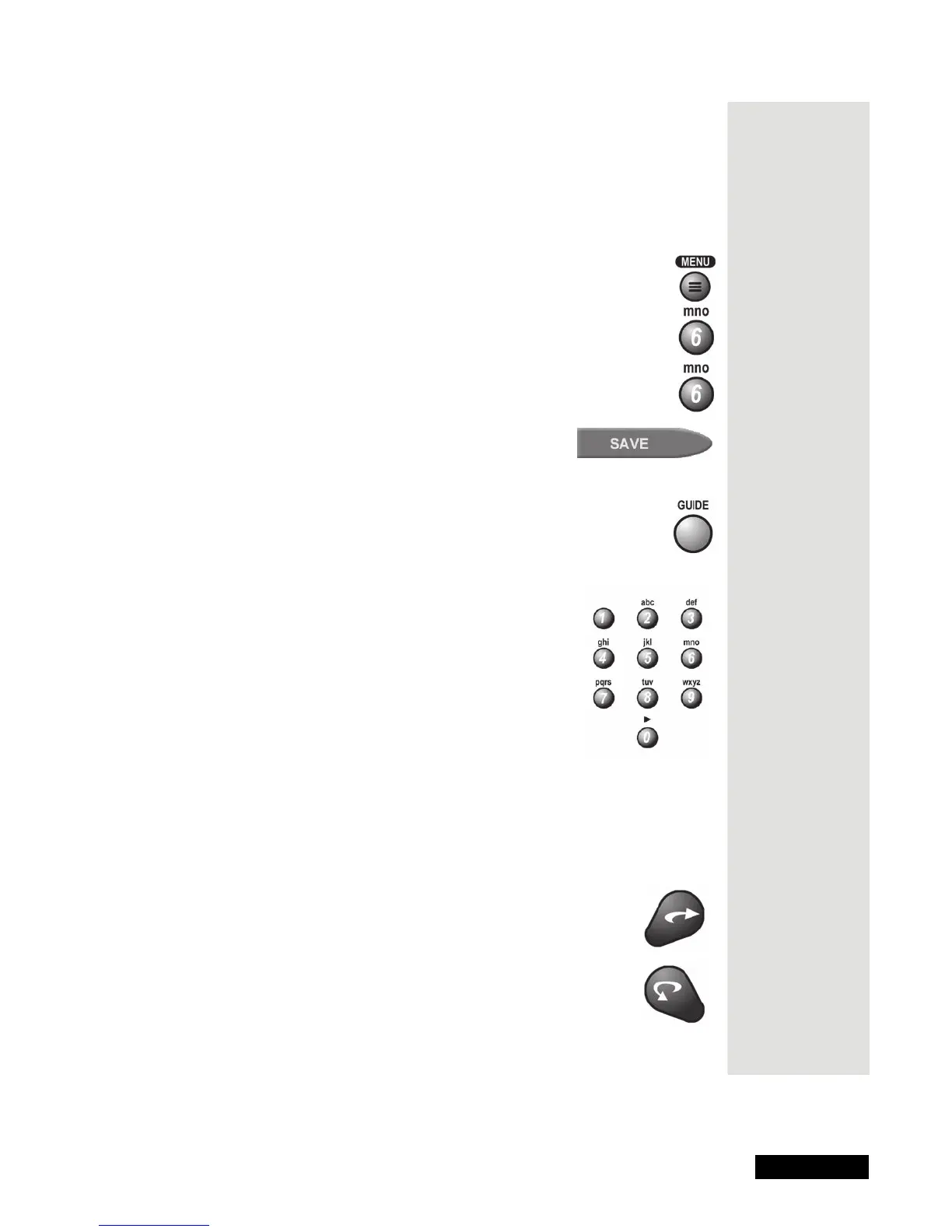
1. Press the MENU button.
2. Select the
System Setup option.
3. Select the
Channel Order option.
4. Select the
Ascending or Descending option.
5. Select the
Save option.
Select a Program in the Program Guide
1. Open the Program Guide.
2. Move around the Program Guide to highlight a program using the
following methods:
• Use the NUMBER PAD buttons to enter the
channel number you want. This will move
the Program Guide to show the channel you
enter.
• Use the ARROW button to move the
highlight around the Program Guide.
• Jump through the Program Guide in large
steps forward or backward in time:
• Enter the number of hours you want to skip. The
Program
Guide
shows this number of hours. Press the RIGHT ARROW
button to skip forward, and then the LEFT ARROW button to
skip backward.
• You can also use the SKIP AHEAD or SKIP
BACK feature to move the
Program Guide ahead
or back a full 24 hours.
Tip: When
you’re in the
Program Guide,
you can skip
ahead 24 hours
just by pressing
the
Skip Ahead
button on the
remote.











 To Next Page