Chapter 3
Page 52
Using the System
Set a Manual Event Timer
Use a manual event timer to manually set the start and stop time of a
recording. This is useful for recording all of a sports event, even if it goes into
overtime. Or, you can record part of a program, or several programs one after
the other.
Notes:
• Before you set a manual timer, use the Program Guide or printed program
lists to find the start and end times you want to set.
•You can’t set a manual timer for a pay per view program.
•You must set the end time after the start time, and set the end time at least
one minute later than the start time.
Here’s what to do:
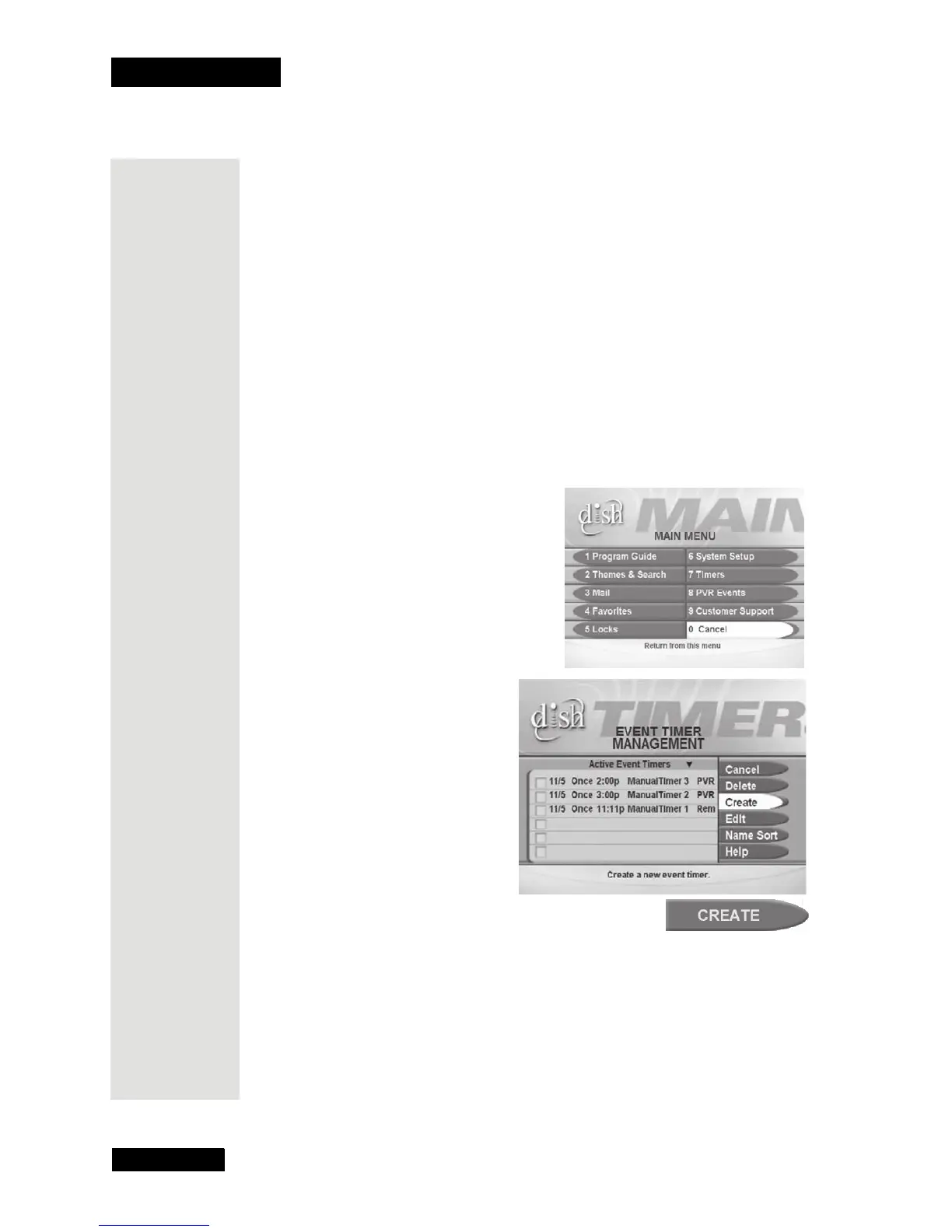
1. Press the MENU button.
2. Select the
Timers option.
This opens the
Event Timer
Management
menu.
3. Select the
Create option.
This opens the
Create a Manual Event Timer menu.
Tip: You can
use Event
Timers to
record
programs
automatically,
or you can set
a manual
event timer to
record several
programs that
are on one
after another
on the same
channel.











 To Next Page