Page 3
Getting Started
Getting Started
Order Your Program Packages
1. Turn on the receiver and your TV.
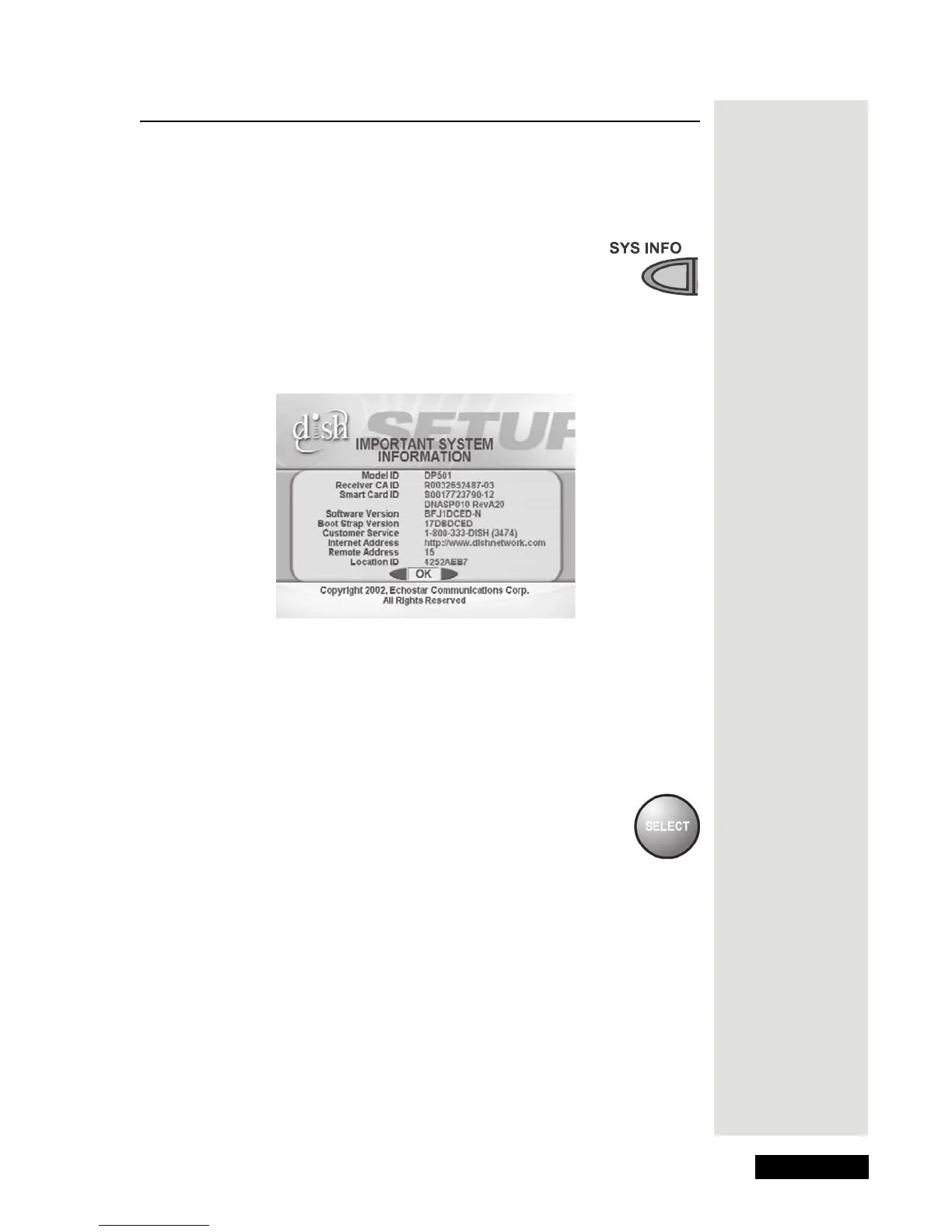
2. Press the SYS INFO button to open the receiver front
panel to open the
Important System Information screen
on the TV screen. Leave the menu open while you do
steps 3 and 4.
Note: The numbers in the figure below are for example only. Use the
numbers on the
Important System Information screen displayed on your
TV.
3. Call 1-800-333-DISH (3474) to tell us you’ve installed the system and
want to get services. We’ll explain what program packages you can buy.
You’ll need to give us information from the
Important System
Information
screen.
4. We’ll turn your services on via the satellite signal. This process usually
takes just a few minutes. When we finish, you’ll be able to watch your
programs.
5. Press the SELECT button on the remote control or receiver
front panel to clear the
Important System Information menu
from the TV screen.











 To Next Page