Chapter 3
Page 80
Using the System
Reset the Receiver
You can reset the receiver with the setup it had when you bought it.
If you reset the receiver, you throw away all Favorite Lists except
All
Chan
and All Sub.
If you reset a locked receiver, you keep the locks. If you reset an
unlocked receiver, you throw away the locks.
If you lock the receiver, even resetting it won’t bypass a lock or
unlock the receiver. You can’t reset the receiver to get rid of a
password you forget.
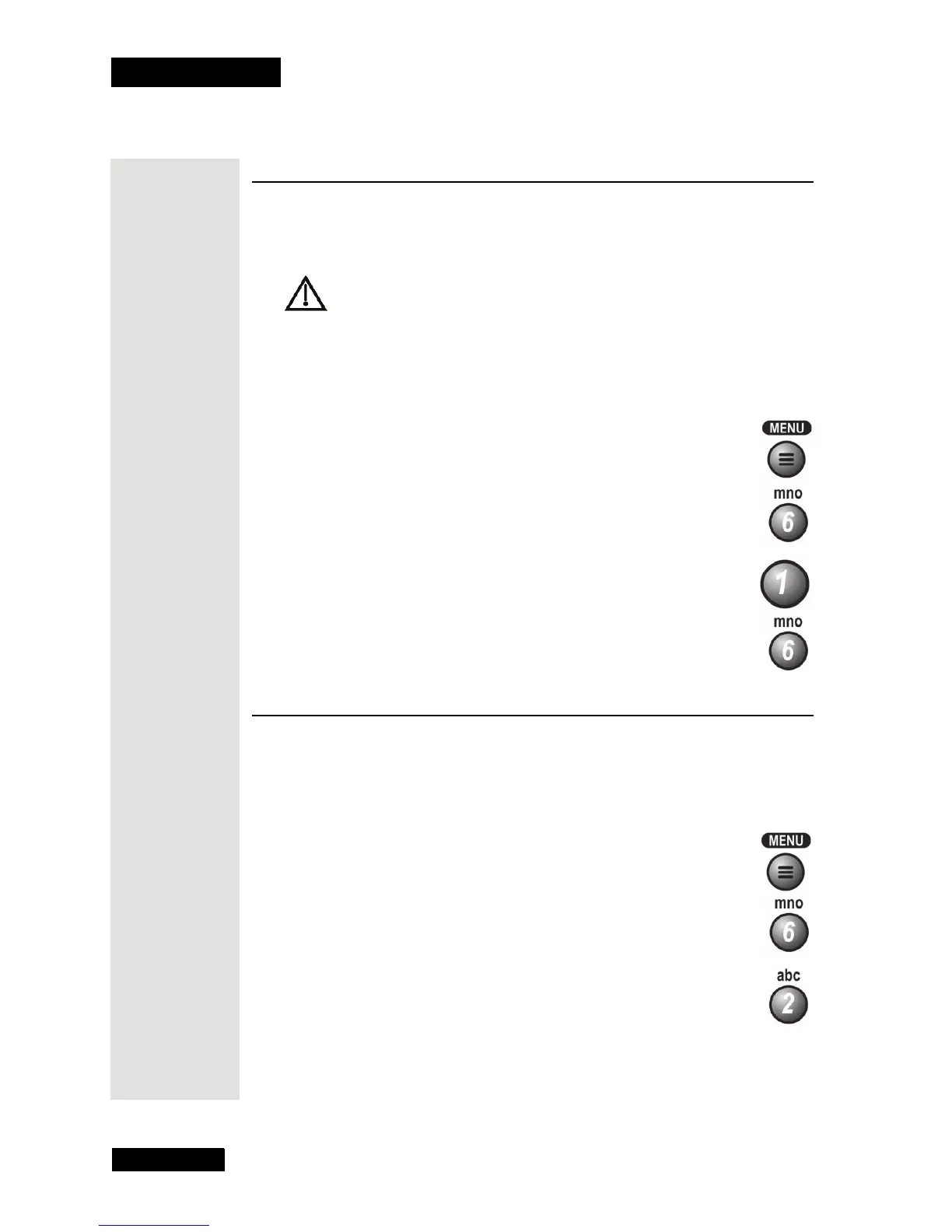
1. Press the MENU button.
2. Select the System Setup option.
3. Select the Installation option.
4. Select the Factory Defaults option. (“Factory Defaults” refers
to the receiver’s original settings.)
5. Select the
Yes option to confirm the reset.
Change Program Languages
You can choose a language beside English for some programs. Some
programs, like movies, show at the start if you can choose another language.
Note: You can choose another language for a program but not for the menus.
1. Press the MENU button.
2. Select the System Setup option.
3. Select the
Alternate Audio option.











 To Next Page