Chapter 1
Page 10
How to Get Started
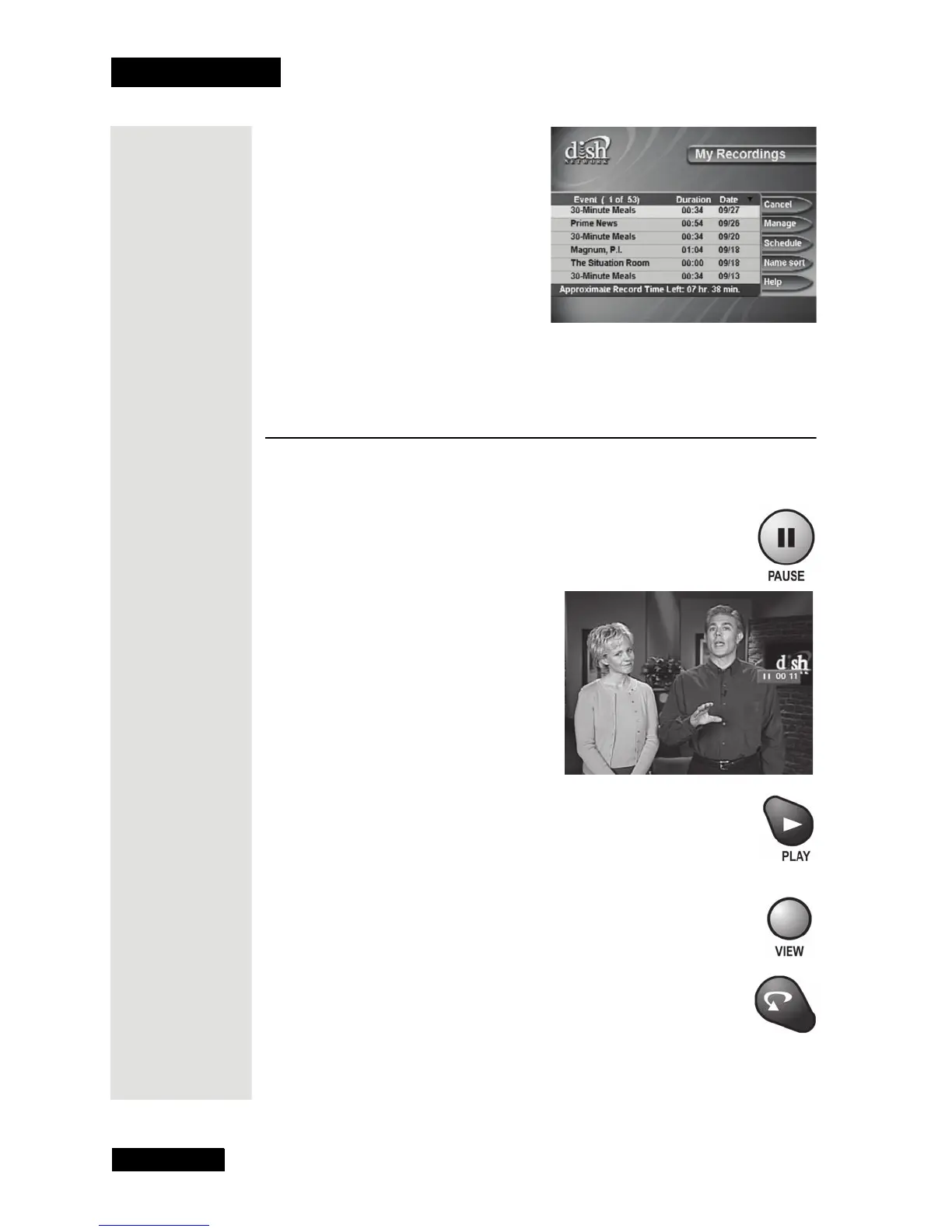
17. Press the VIEW button to go back to watching a program.
Quick Tour of DishDVR Features
1. Watch a program for just a few minutes.
2. Press the PAUSE button to pause the program.
3. Press the PLAY button to watch the program from the point
where you paused it.
4. Press the VIEW button to go back right away to the “live”
program.
5. Press the SKIP BACK button to skip back about ten seconds
in the program.











 To Next Page