Page 9
Quick Tour of the Menus
13. Press MENU to go back to the Main Menu.
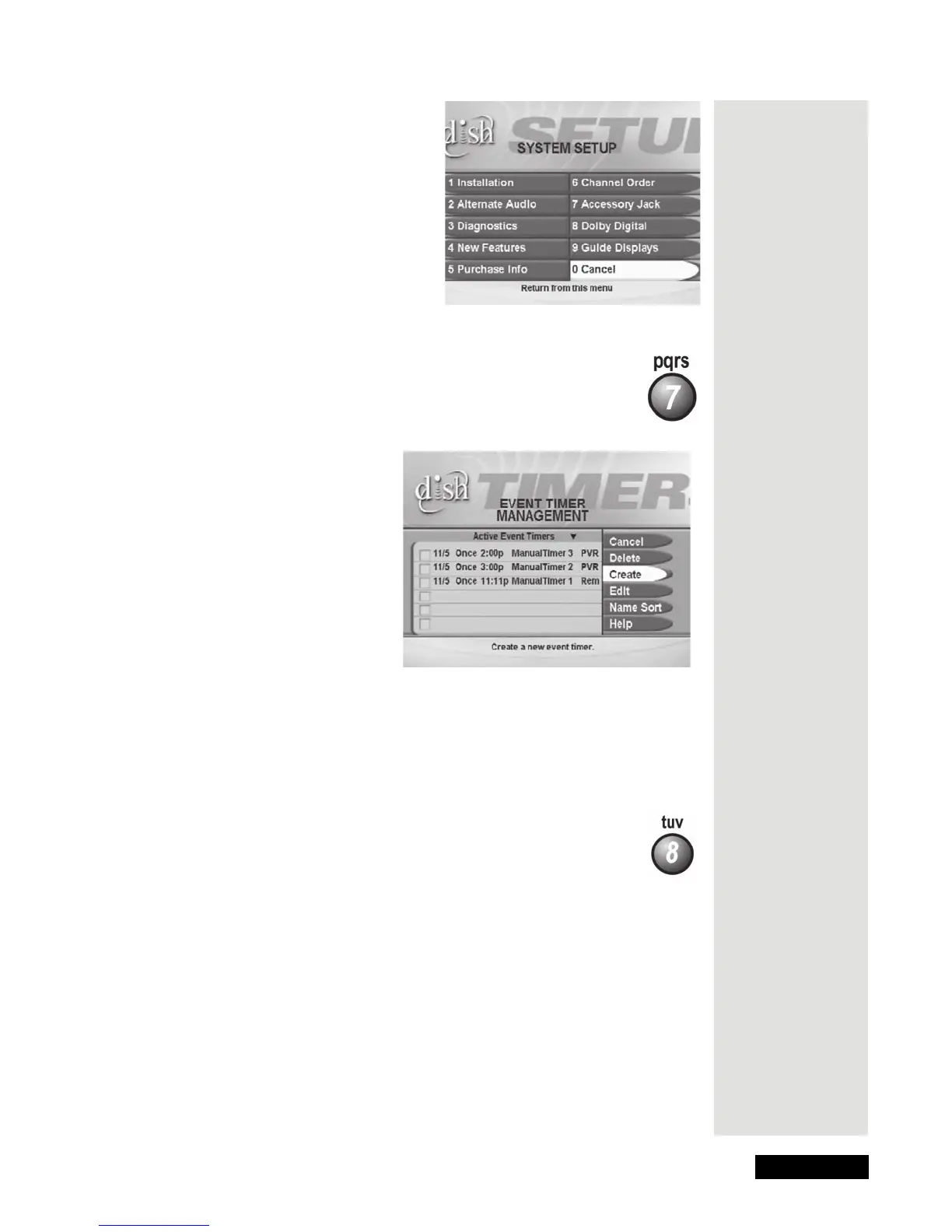
14. Press the 7 button to select the
Timers option on the Main Menu
to
open the Event Timer Management menu.
This menu is used for creating and changing timers used to trigger
automatic recordings.
15. Press MENU to go back to the
Main Menu.
16. Press the 8 button to select the
DISH On Demand (or My
Recordings)
option on the Main Menu. For most models, this
opens the
DISH On Demand screen. From here, select My
Recordings
, which allows you to select and play back
programs you recorded.
Tip: You can
press the
CANCEL
button to back
out of any
menu. Unless
you’re in the
Important
System
Information
screen, if you
want to
immediately go
back to
watching a
program no
matter where
you are in the
menus, press
the
VIEW
button.











 To Next Page