Chapter 1
Page 8
How to Get Started
6. Press the MENU button to go back to the Main Menu.
7. Back on the
Main Menu, please notice the Mail option.
The mail feature is for DISH Network to send you
messages, and only at special times.
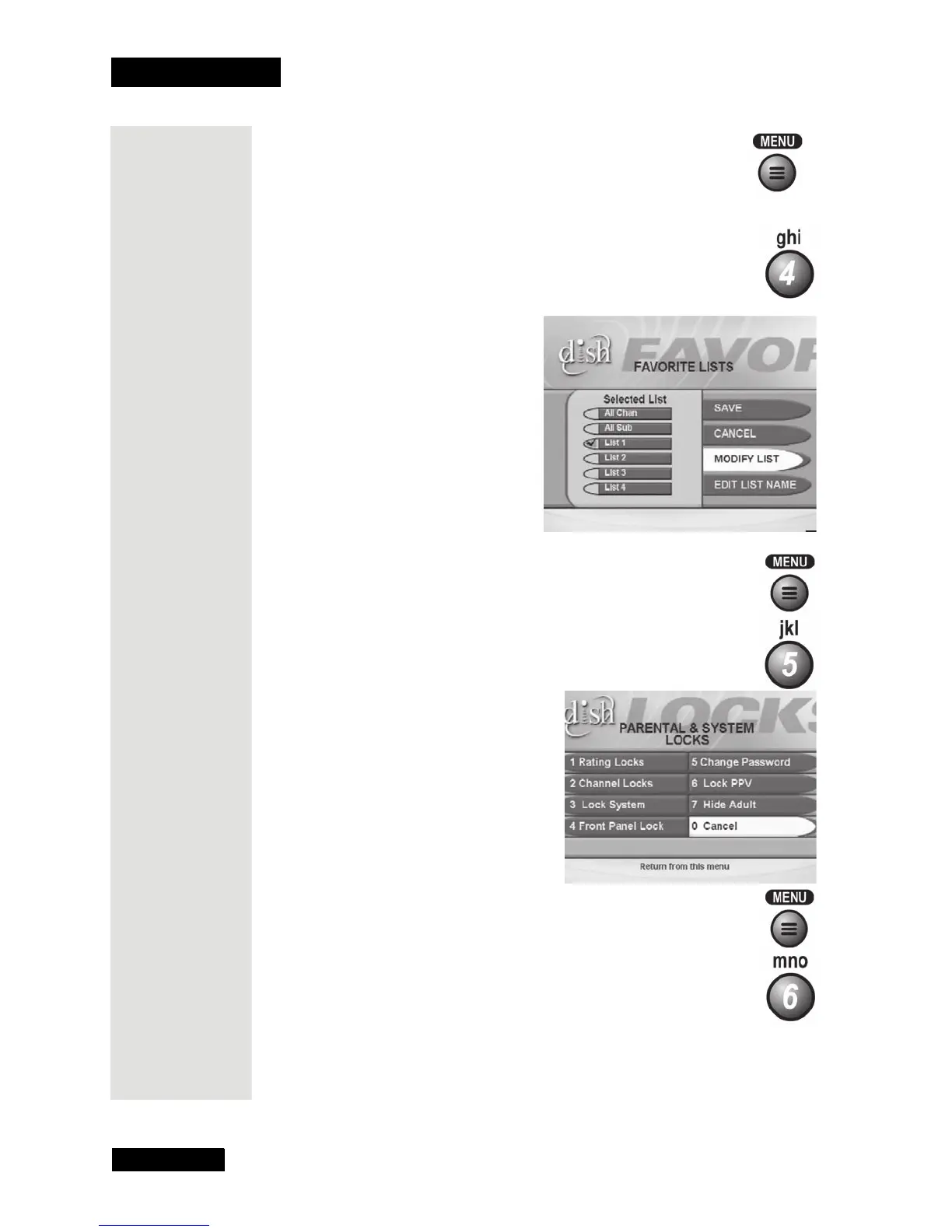
8. Press the 4 button to select the
Favorites option on the Main
Menu
to open the Favorite Lists menu.You can use Favorite
Lists
to make the Program Guide and other on-screen lists
show only your favorite channels.
9. Press MENU to go back to the
Main Menu.
10. Press the 5 button to select the
Locks option on the Main
Menu.
This opens the Locks menu on the TV screen. This
menu is used to set a lock.
11. Press the MENU button to go
back to the
Main Menu.
12. Press the 6 button to select the
System Setup option on the
Main Menu. This opens the System Setup menu.
Use this menu to set up the system the way you want.
Tip: You can set
up a Favorites
List of your
favorite
channels. Then,
when you use
this list as your
program guide,
you see only
those channels
that really
interest you.
Tip: The
System Setup
menu lets you
set up the
system the way
you want!











 To Next Page