Page 83
Chapter 4
Installation Instructions
How to Use these Instructions
These instructions guide you through the installation of a satellite System
which includes your DishPro receiver (included with this manual), and a
DishPro antenna system that can be identified with the DishPro logo shown
below.
Note: If you have a dish antenna system already installed, and the dish has
been pointed for the strongest possible signal strength, you can skip this
chapter.
Installing a DISH 500 Antenna
The first step in installing your dish antenna is to assemble the satellite dish,
mount it, and point it in the general direction of a satellite. To do this, follow
these instructions:
Finding the Satellites
You need to find the satellites in the sky. To do this, you need to know the
azimuth angle (the south, southeast, or southwest direction to the satellites)
and the elevation angle (the angle up to the satellites) from your location, and
the skew angle.
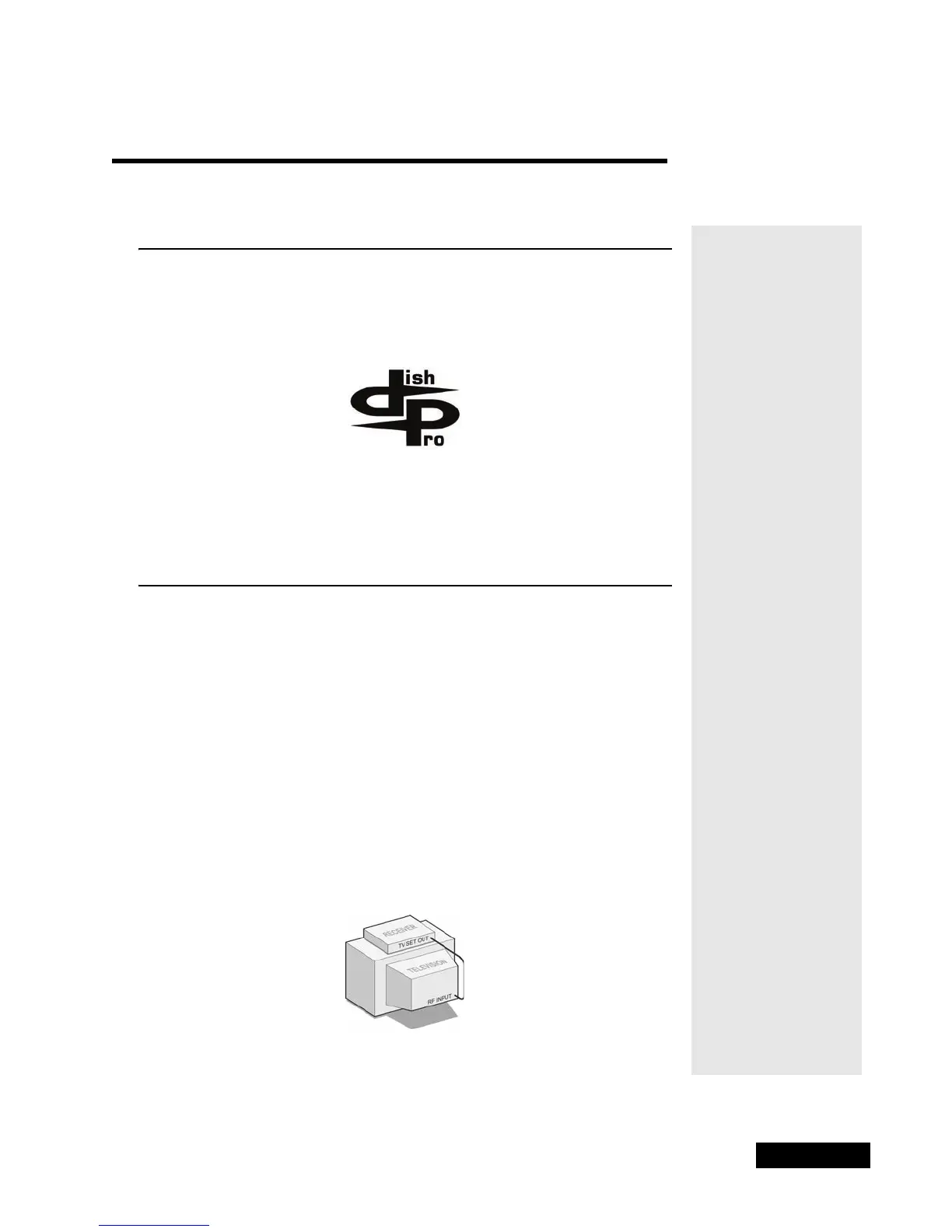
1. Connect the TV S
ET OUT on the receiver’s back panel to the television’s
RF T
UNER INPUT using a coaxial cable. Make sure that the TV is tuned to
the same channel as the C
HANNEL 3/4 SWITCH on the receiver’s back
panel (for example, if this switch is on “3,” the TV must be tuned to
Channel 3.











 To Next Page