Page 37
Use Themes
3. Select the Purchase Info option. This opens a list of shows
you’ve bought, both the ones you’ve watched and the ones you
haven’t watched yet.
4. Select the
Cancel option to close the list.
Use Themes
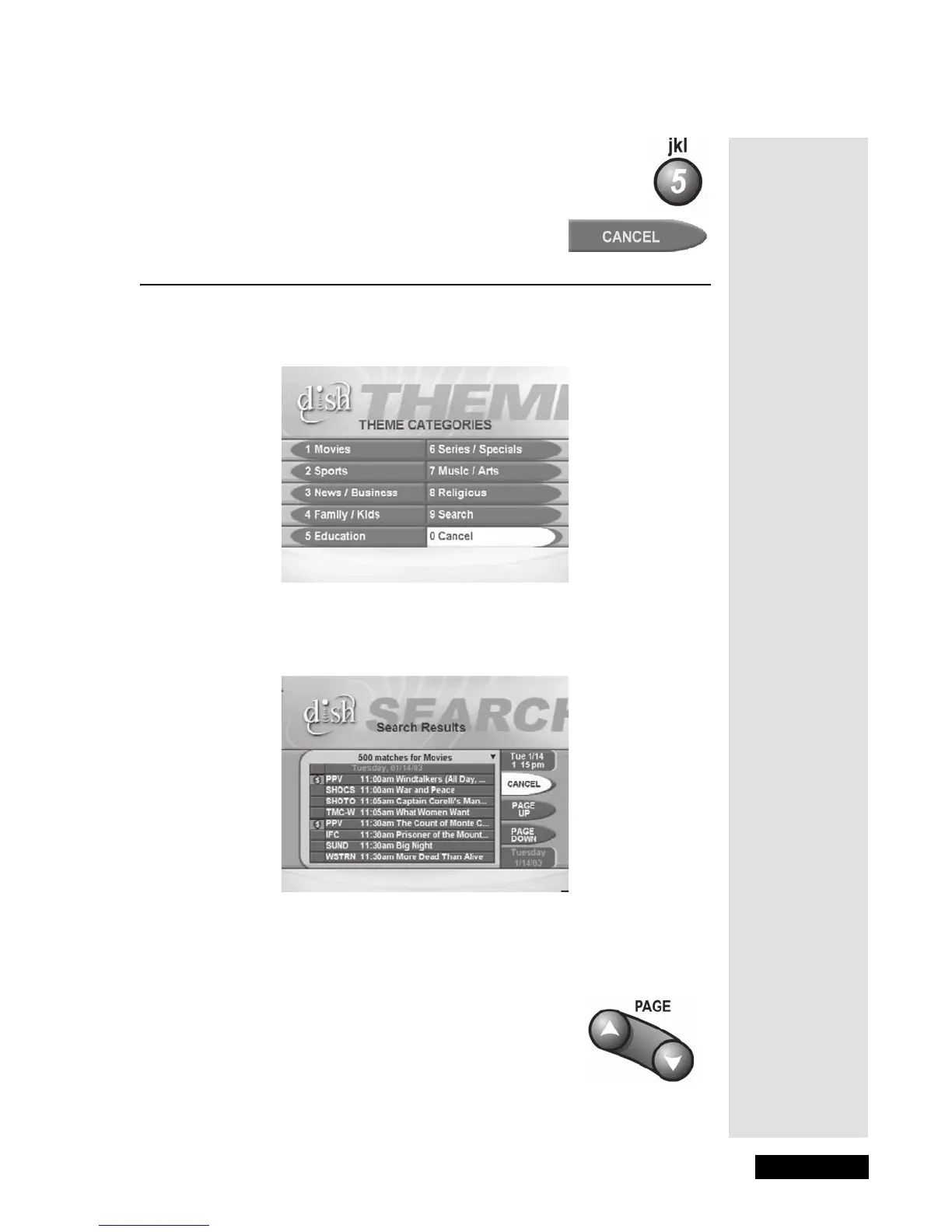
1. While you watch a program, press the THEME (LEFT ARROW) button to
open the
Themes (Theme Categories) menu.
2. Select a Theme category, which opens a list of programs that match the
Theme you selected, similar to this example.
Note: If you hide adult channels and lock the receiver, Themes lists don’t
show programs on adult channels. Programs colored in red are not included in
your subscription.
3. Move through the list of programs using the UP and
DOWN ARROW buttons or a page at a time using
the PAGE UP and PAGE DOWN buttons on the
remote control.
4. Highlight the program you want, and press the
SELECT button to watch the program or create a
timer.











 To Next Page