Chapter 3
Using the System
Page 31
Change Channels
You can change channels on your satellite receiver while watching a
program by doing one of the following:
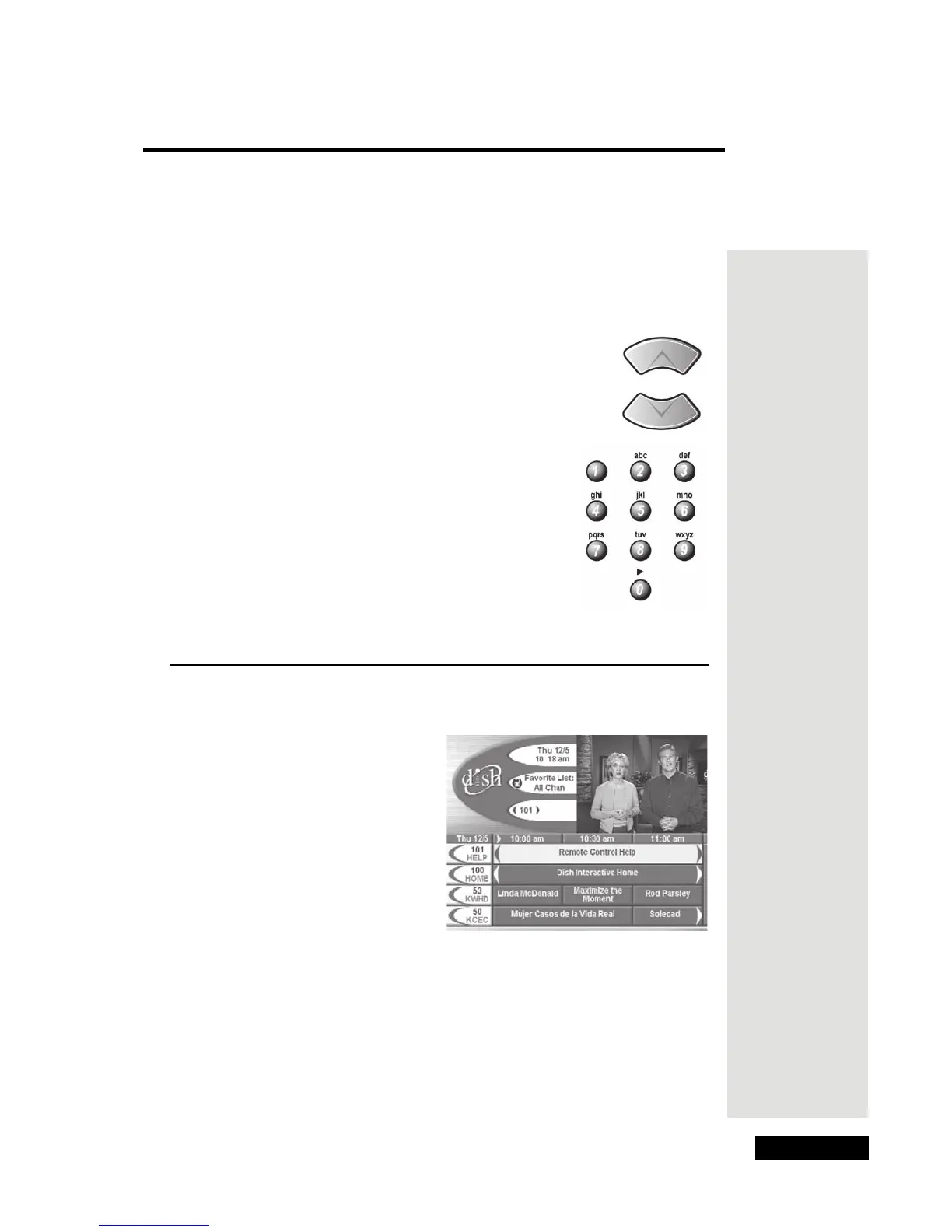
• Press the remote control UP or DOWN ARROW
buttons to change the channel.
• Use the NUMBER PAD buttons to enter
the channel number you want.
Note: If you apply a Favorite List, you can
use the Up or Down Arrow buttons to
change channels on the list you apply, or
use the number buttons to change to any
channel, even if it is not on your applied
list. The receiver skips over blocked
channels if you hide them and lock the
receiver.
Use the Program Guide
You can use the Program Guide to see what programs are on and to
change channels.
• The first time you use the receiver, it will take a little while to display
the
Program Guide. A message may be displayed that the Program
Guide
needs to be updated. This is normal.
•A red background behind a channel usually means you haven’t bought
the channel. Once you buy a channel, you can tune to it. To buy a
channel, call 1-800-333-DISH (3474) or use the DISH button to order
through the Customer Support Application.
Tip: The
Program
Guide is your
key to satellite
TV programs.
The receiver
displays the
Program
Guide on the
TV screen.
Tip: When the
Program
Guide is open,
use the
number
buttons on the
remote to
enter the
number of
hours you
would like to
skip ahead in
the Guide.











 To Next Page