Chapter 2
Page 28
Parts of the System
Here’s what to do:
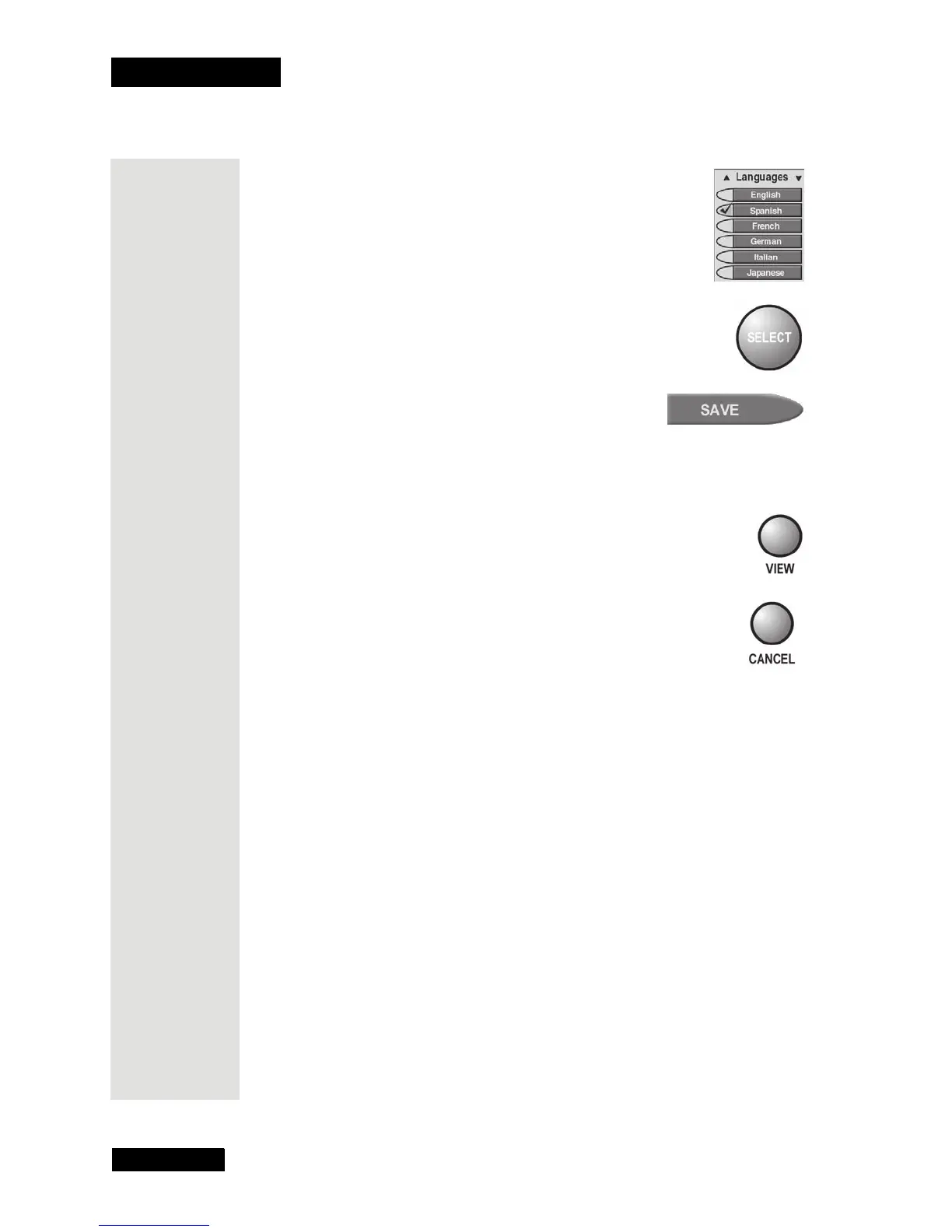
1. Use the ARROW buttons to highlight an option.
2. Press SELECT to choose the option(s).
3. Select Save.
Cancel a Procedure
To cancel a procedure, press the remote control CANCEL or VIEW button
before you do the last step of the procedure.
• To go back to watch a program, press the VIEW button.
• To go back to the previous menu, press the CANCEL
button.
Note: If you don’t do anything in a menu for several minutes,
the menu “times out.” This discards any change you made, and
displays the last channel you watched.











 To Next Page