Page 59
Use Dolby® Digital Sound
When You Get a Call
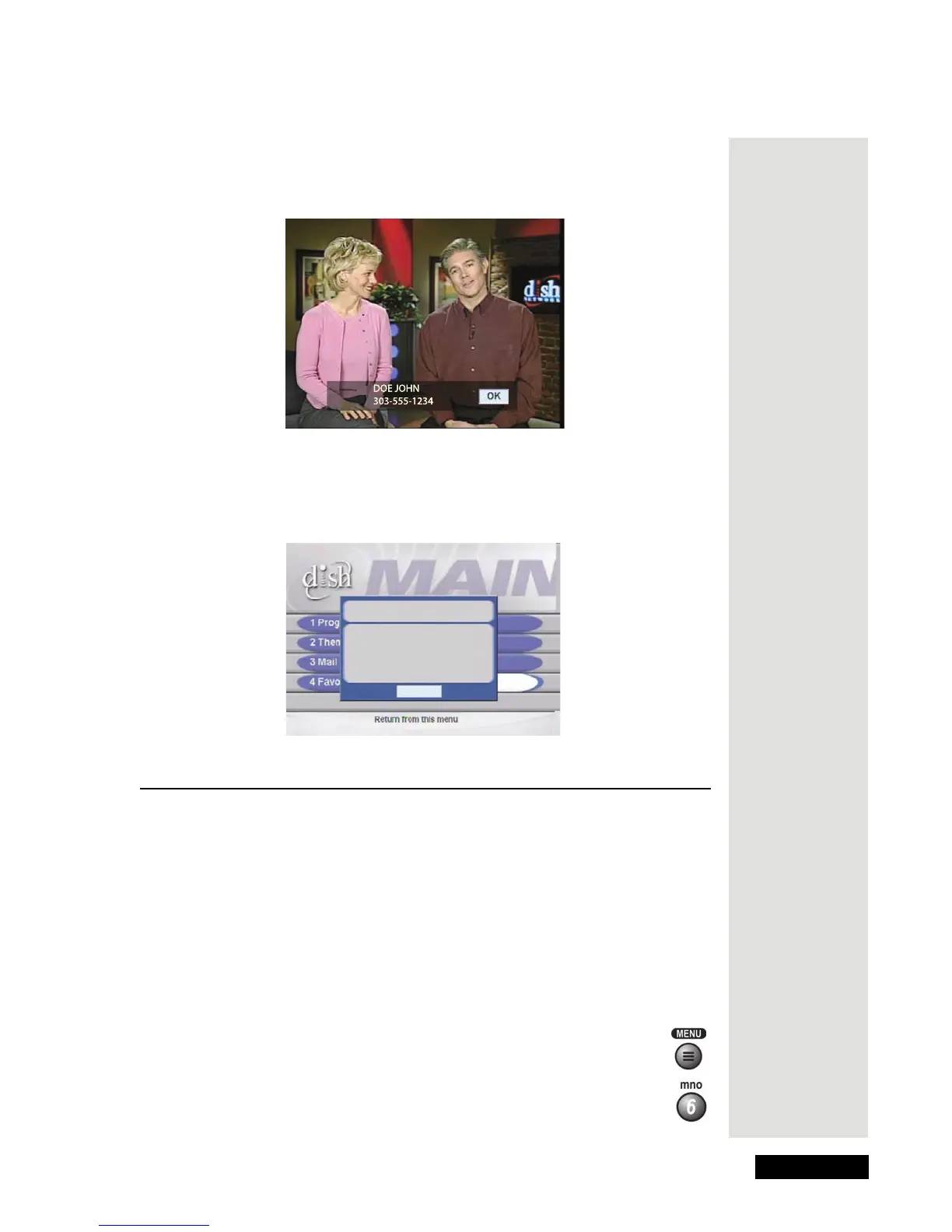
When you receive a call, you will see a Caller ID popup with the same kind of
information you see on your regular phone or Caller ID device.
You can select OK to close the message. If you do nothing, it will disappear
after 20 seconds.
If you are in a menu when a call comes in, you will see a different Caller ID
popup.
Use Dolby® Digital Sound
Dolby Digital lets you use Dolby Surround sound in an audio/video system.
The receiver has a Dolby Digital output, although not all programs have Dolby
Digital sound. The receiver provides Dolby
Digital and Linear PCM (regular
mono or stereo sound) for a sound system or audio amplifier/decoder that can
process such audio.
Note: The TV audio always runs as usual. If a program doesn’t have Dolby
Digital, you’ll hear normal TV audio.
1. Connect an amplifier/decoder that can process Dolby Digital signals to the
receiver’s back panel Dolby Digital output.
2. Press the Menu button.
3. Select the
System Setup option.
Attention
Incoming call:
Name: DOE JOHN
Phone: 303-555-1234
OK











 To Next Page