Chapter 2
Page 26
Parts of the System
Change the Address
Because UHF signals travel long distances and go through walls, a neighbor’s
remote could control your receiver by mistake. To prevent this problem, you
can change the address on the remote and receiver as follows;
1. Make sure the TV and receiver are turned on.
2. Open the
Important System Information menu by
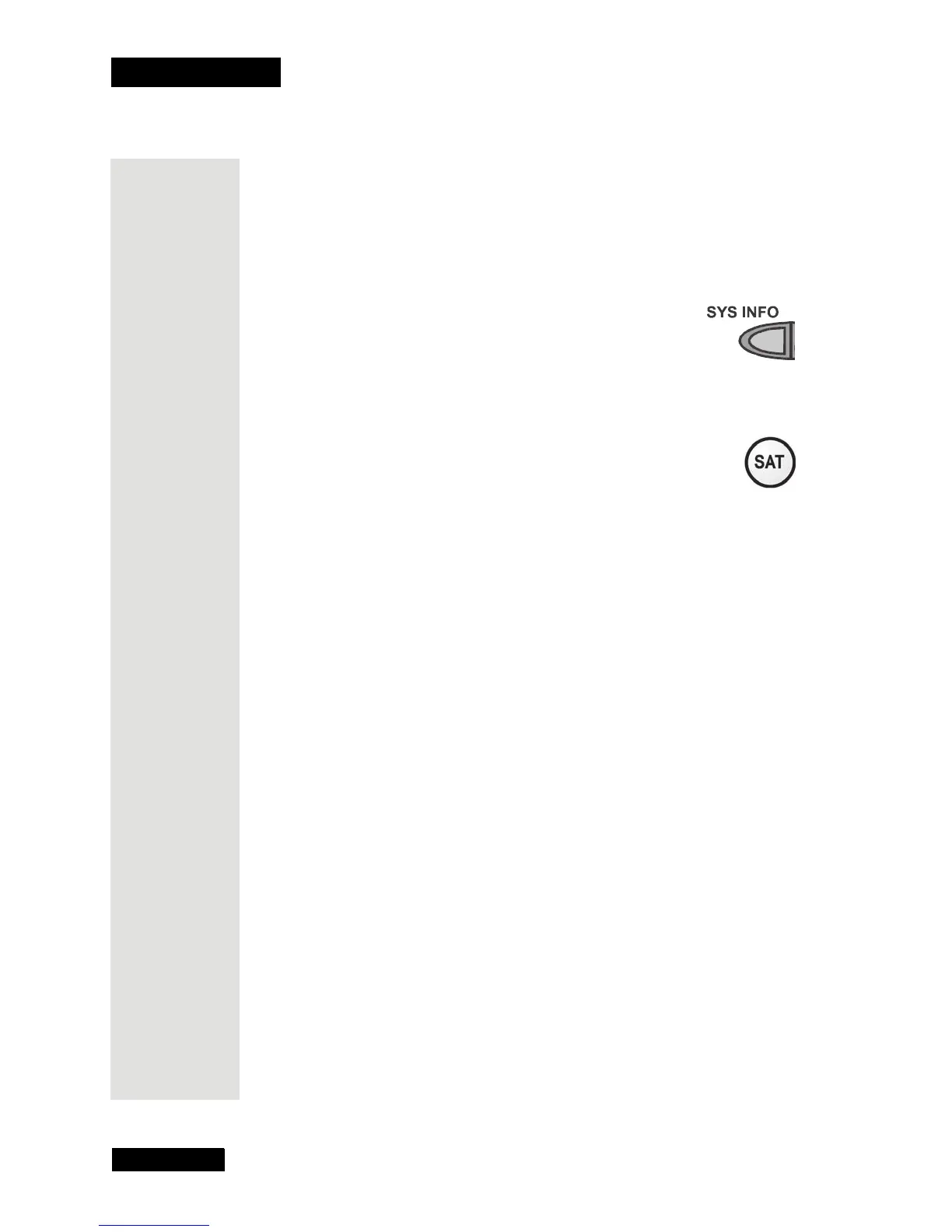
pressing the receiver’s front panel SYS INFO button.
3. The
Important System Information menu shows a
Remote Address.
Write down this number:
4. Press and hold the SAT button for about three seconds, until
all of the mode buttons light up, and then let go of the SAT
button.
5. Use the number buttons to enter any number from 1 to 16, but
not the one you wrote in step 3.
Write down the number you enter:
6. Press the POUND (#) button. If you entered the address correctly, the
SAT mode button flashes three times.
7. Press the RECORD button.
8. Make sure the
Remote Address you see on the Important System
Information
screen matches what you entered in step 5. If the addresses
are not the same, repeat step 7.
9. To check the address in the remote control, press and hold the SAT mode
button for about three seconds. Then, let go of the SAT button, and press
the POUND(#) button twice. The SAT mode button flashes the same
number of times as the address you entered in step 5.
Press the SELECT button to close the
Important System Information
screen.











 To Next Page