Digital Monitoring Products XF6 Series Installation and Programming Guide
28
Cross Zone Time
Enter the time allowed between zone faults. When zones are cross zoned, the same zone
or a second cross zoned zone must fault within this time in order for an alarm report for
both zones to be sent to the receiver. If the cross zone time expires without the second
zone faulting, only a zone fault from the first zone is reported. Cross-zone time can be from
4 to 250 seconds. Entering 0 (zero) disables this function. Default is 4.
Zone Retard Delay
Enter the retard time assigned to Fire and Supervisory zones. The retard delay only
functions when the zone is shorted. The zone must remain shorted for the entire length
of the Retard Delay before being recognized by the panel. The Zone Retard Delay can be
from 0 to 250 seconds. Entering a 0 (zero) disables this function. Default is 10.
Power Fail Delay
This option tracks the duration of an AC power failure. When the AC power is o for the
length of the programmed delay time, an AC power failure report is sent to the receiver.
The delay time can be from 1 to 15 hours. Entering a 0 (zero) sends the power failure report
after a 15-second delay. The default setting is 1.
Swinger Bypass Trips
Enter the number of times (0-6) a zone can go into an alarm or trouble condition within
one hour be fore being auto matically bypassed. Bypassed zones are reset during a sensor
reset. Entering 0 (zero) disables this function. Default is 2. A Bypass Re port is sent to the
receiver if Bypass Re ports is YES.
Time Changes
This function allows the panel to request automatic time changes from the DMP SCS-1R
Receiver on Path 1. For the receiver to send time changes, it must be programmed to send
time changes and must be receiving time change updates from the network automation
computer at least every 24 hours. Default is YES.
Hours From GMT
When time zone is programmed YES, enter the number (0-23) that indicates the dierence
between the Greenwich Mean Time (GMT) and where the panel is located. The default is 6.
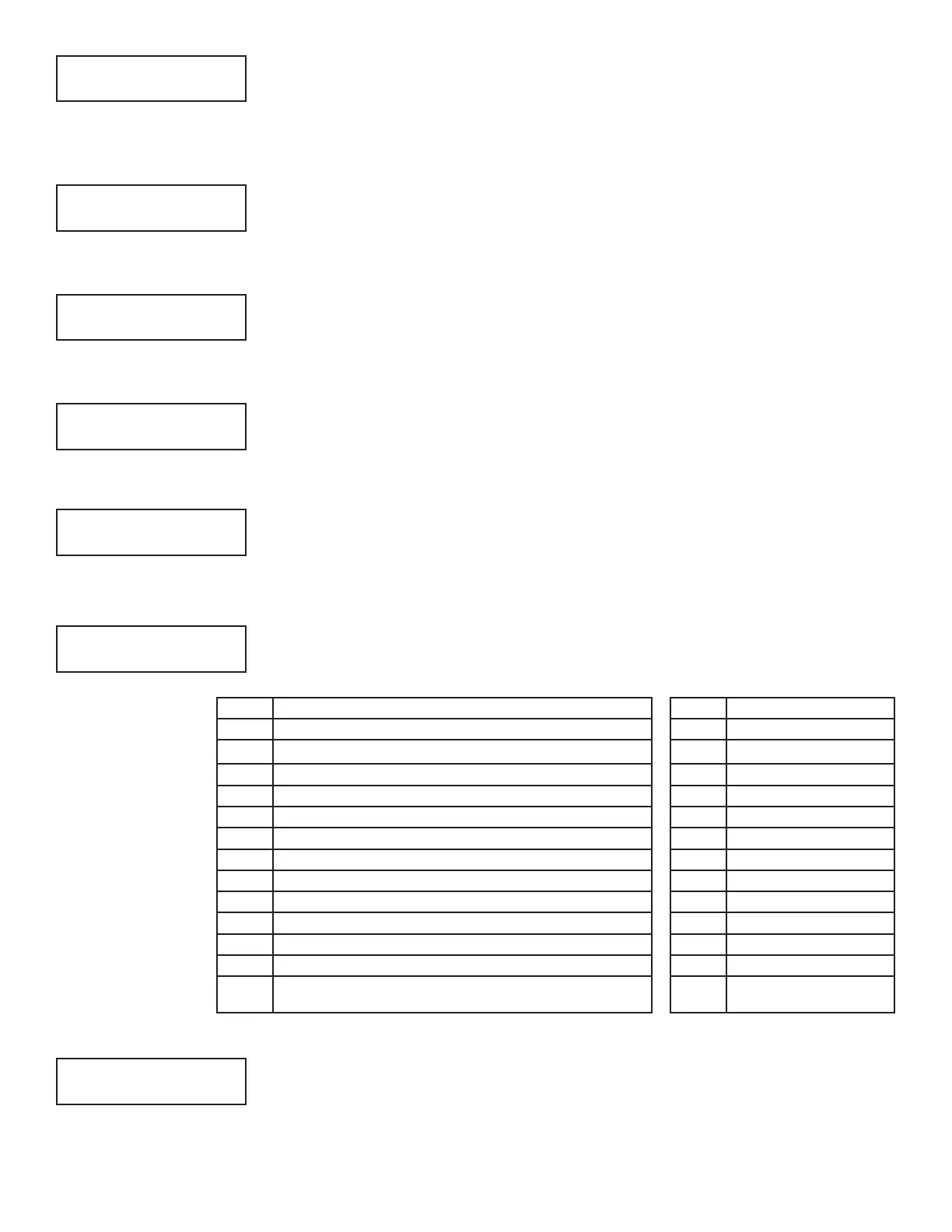
GMT
City/Time Zone GMT City/Time Zone
0
London, Monrovia, Lisbon, Dublin, Casablanca, Edinburgh 13 New Cadelonia
1
Cape Verde Island, Azores 14 Guam, Sydney
2
Mid-Atlantic, Fernando de Noronha 15 Tokyo, Seoul
3
Buenos Aires, Georgetown, Brasilia, Rio de Janeiro 16 Hong Kong, Singapore
4
Atlantic Time (Canada), Caracas, La Paz, Santiago 17 Bangkok, Hanoi
5
Eastern Time (US, Canada) Bogota, Lima, Arequipa 18 Dhaka, Almaty
6
Central Time (US, Canada), Mexico City, Saskatchewan 19 Islamabad, Karachi
7
Mountain Time (US, Canada), Edmonton 20 Abu Dhabi, Kazan
8
Pacific Time (US, Canada), Tijuana 21 Moscow, Bagdad
9
Alaska 22 Eastern Europe
10
Hawaii* 23 Rome, Paris, Berlin
11
Midway Island, Samoa
12
Fiji, Marshall Island, Wellington, Auckland, Kwajalein,
Kamchatka
*Arizona, Hawaii, American Samoa, Guam, Puerto Rico, and the Virgin Islands do not observe daylight savings time.
Latch Supervisory Zones
Selecting YES latches supervisory zones on the keypad display until the sensor reset
operation is performed. Selecting NO automatically clears the alarm from the
keypad
display when the supervisory zone restores to a normal condition. Default is YES.
CRS ZONE TM: 4
RETARD DLY: 10
PWR FAIL HRS: 1
SWGRBYPS TRIPS: 2
TIME CHG NO YES
HRS FROM GMT: 6
LATCH SV NO YES



 To Next Page