XF6 Series Installation and Programming Guide Digital Monitoring Products
17
PROGRAMMING
XF6 PROGRAMMING INFORMATION
This guide provides programming information for the DMP XF6 Series panel. Before starting to program, we recommend
that you read through the contents of this guide.
In addition to this guide, you should also read and be familiar with the XF6 Series Compliance Listing Guide (LT-2779).
Internal Programmer
The panel contains all of its programming information in an on-board processor and does not require an external
programmer. You can perform all programming tasks through a 32-character DMP alphanumeric keypad set to address
one, or through Dealer Admin or Tech APP.
GETTING STARTED
Before starting to program the panel, make sure the panel is properly grounded and AC and battery power is applied to
the appropriate panel terminals. All wiring connections and grounding instructions are detailed in this guide.
ACCESSING THE USER MENU
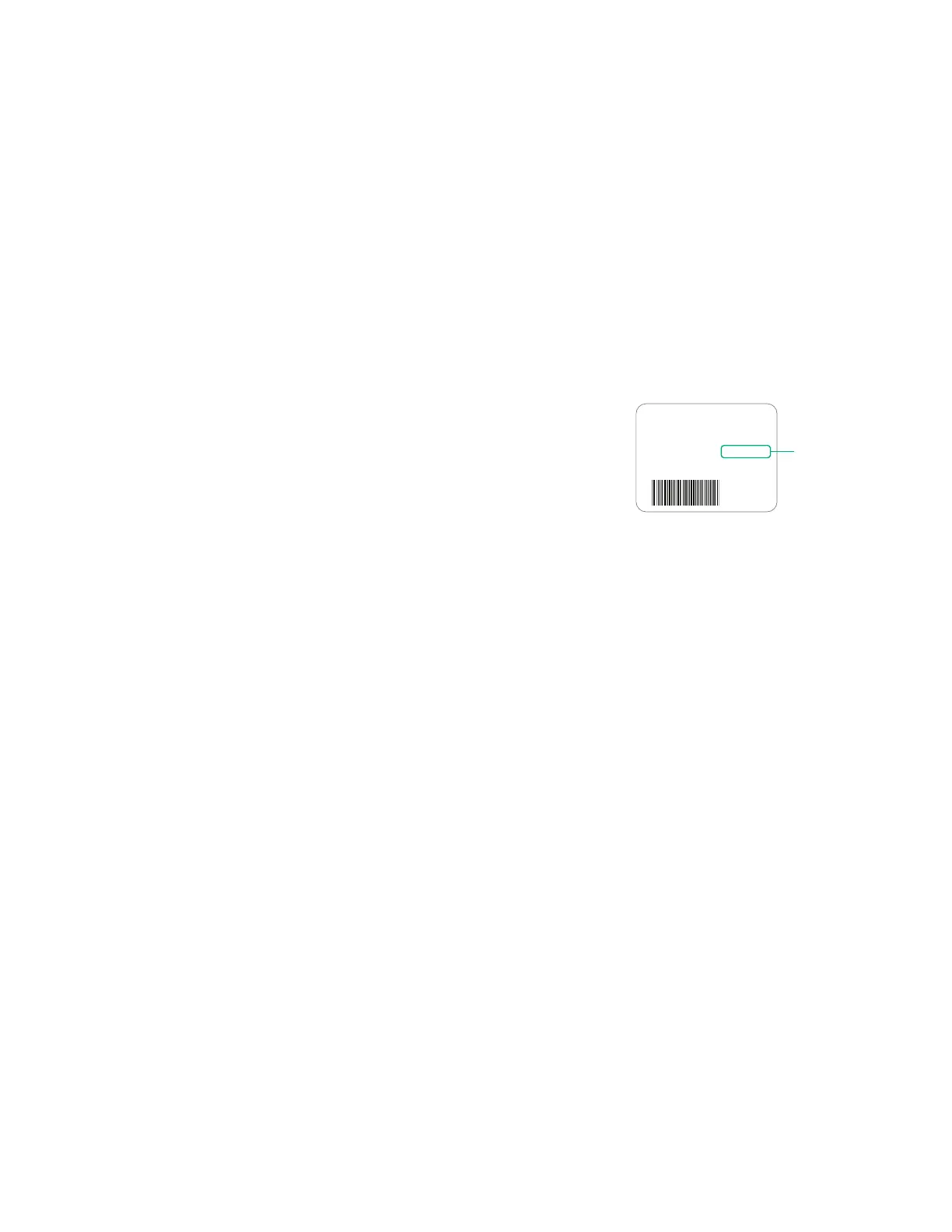
XF6 Series panels ship with a unique five-digit default master code that is used
to access the user menu for the first time. This code can be modified or deleted.
In order to revert back to the default code 99, use the initialize code option
found in panel programming. To access the User Menu:
1. Press the CMD key until MENU? NO YES displays.
2. Select YES. The keypad displays ENTER CODE. Enter your user code.
You can now scroll down through the list of system features available to you.
PROGRAMMER LOCKOUT CODES
The panel allows you to enter the programming function without entering a lockout code. We recommend, however,
that you install a Lockout Code to restrict programming to only those persons your company authorizes. You can do
this by using the SET LOCKOUT CODE feature in the Programmer. The Lockout Code restricts any unauthorized panel
programming.
After resetting the panel and entering the code 6653, the keypad displays PROGRAMMER. Press CMD to advance
through the programming sections until SET LOCKOUT CODE displays (after STOP). Press any select key or area. The
keypad displays ENTER CODE: – . Enter a 3 to 5 digit Programmer Lockout Code and press CMD. The keypad displays
ENTER AGAIN followed by ENTER CODE: –. Enter the same 3 to 5 digit code a second time and press. The keypad
displays CODE CHANGED. The panel does not accept a 5-digit Lockout Code higher than 65535.
Before accessing programmer functions enter the new code number. Write the Lockout Code number down and keep it
in a secure place with access limited to authorized persons only. Lost Lockout Codes require the panel to be sent back to
DMP for repair. You may cancel a Lockout Code by entering 00000 at the Set Lockout Code command.
RESET TIMEOUT
The panel has a feature that requires you to enter the Programmer within 30 minutes of resetting the panel. After 30
minutes, if you attempt to program by entering the 6653 (PROG) code, the keypad displays: RESET PANEL. You must
reset the panel and enter the program code then begin programming within the next 30 minutes.
If you are already in the Programmer and do not press any keys on the programming keypad for 30 minutes, the panel
terminates programming. All data entered up to that time is not saved unless you run the Stop routine.
Use the Stop routine to exit panel Programming. Ensure the keypad displays “PLEASE WAIT” to save all programming
changes entered.
POWER UP
When the panel is powered up after an AC power failure, any zone transitions are not recognized for 60 seconds. Normal
zone processing resumes at the end of the 60 seconds.
MAC : 00:01:22:33:44:55
MOD : XF6-500
VER : 231
SN : 0012345A CODE21852
TD : 011520
Example Default
Master Code



 To Next Page