VigorPro5300 Series User’s Guide
154
replace the VoIP phone number. At this time, the phone call
will be changed from VoIP phone into PSTN call according to
the loop through direction chosen. Note that, during the phone
switch, the blare of phone will appear for a short time. And
when the VoIP phone is switched into the PSTN phone, the
telecom co. might charge you for the connection fee. Please
type in backup phone number (PSTN number) for this VoIP
phone setting.
D
D
i
i
g
g
i
i
t
t
M
M
a
a
p
p
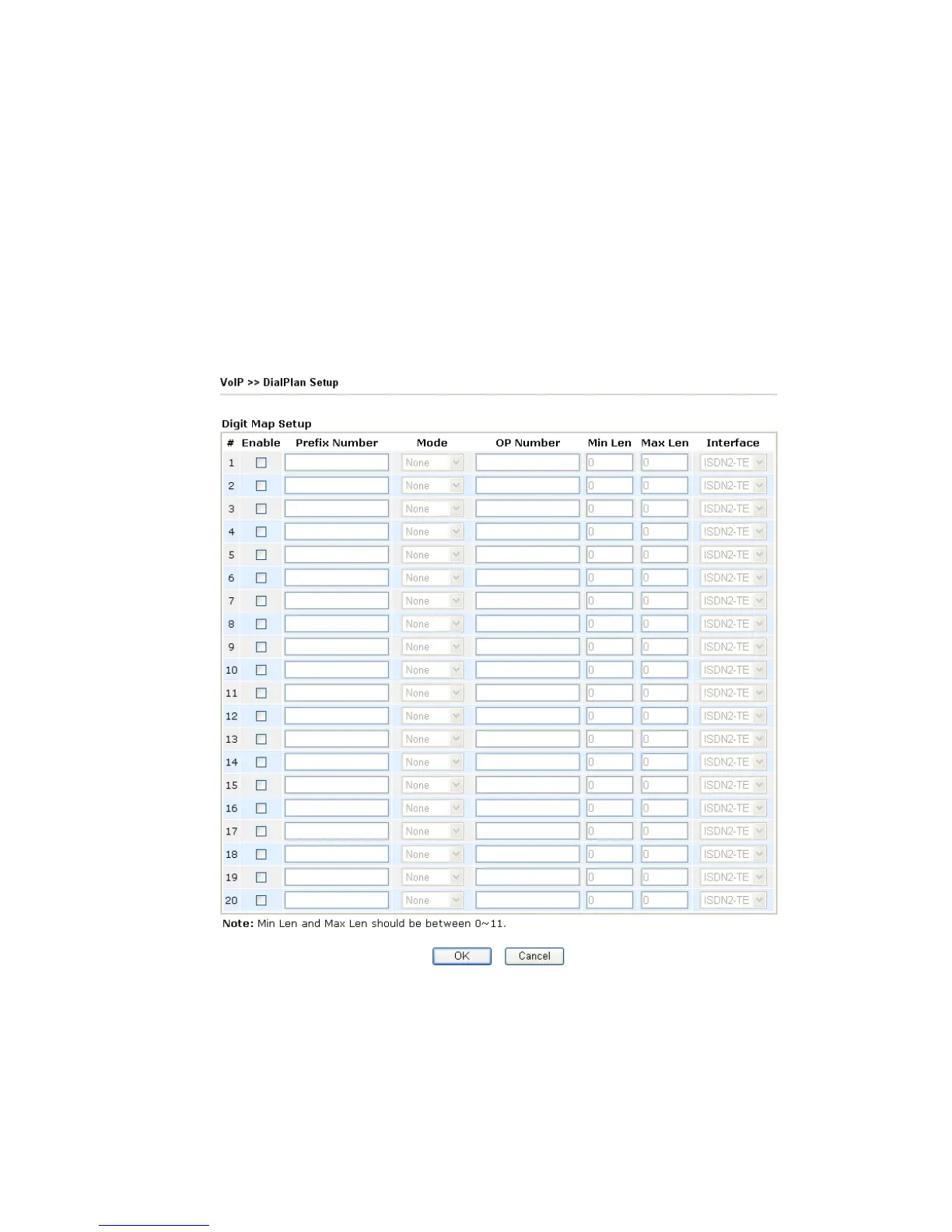
For the convenience of user, this page allows users to edit prefix number for the SIP account
with adding number, stripping number or replacing number. It is used to help user having a
quick and easy way to dial out through VoIP interface.
Enable Check this box to invoke this setting.
Prefix Number The phone number set here is used to add, strip, or replace the
OP number.
Mode None - No action.
Add - When you choose this mode, the OP number will be
added with the prefix number for calling out through the
specific VoIP interface.












 To Next Page