VigorPro5300 Series User’s Guide
155
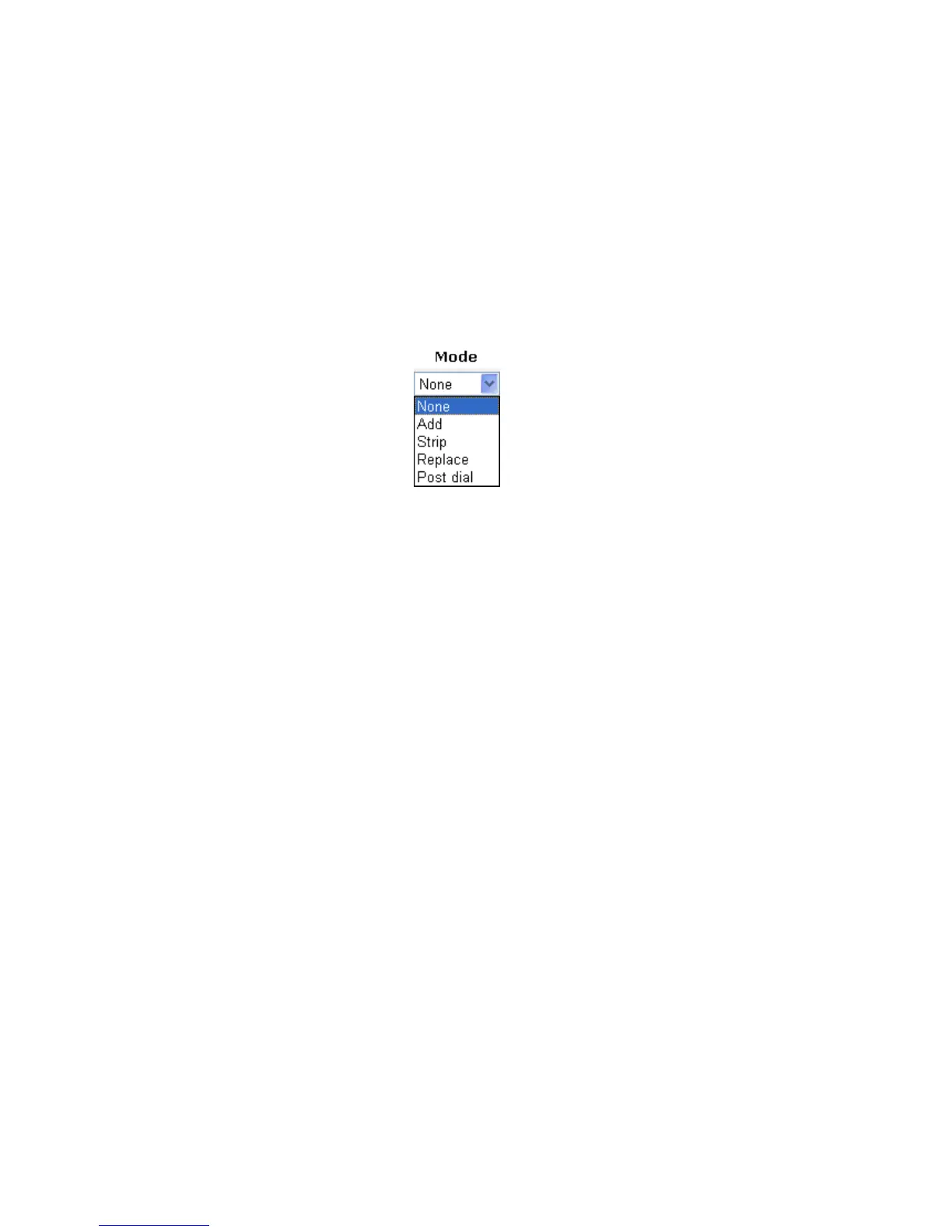
Strip - When you choose this mode, the OP number will be
deleted by the prefix number for calling out through the
specific VoIP interface. Take the above picture (Prefix Table
Setup web page) as an example, the OP number of 886 will be
deleted completely for the prefix number is set with 886.
Replace - When you choose this mode, the OP number will be
replaced by the prefix number for calling out through the
specific VoIP interface. Take the above picture (Prefix Table
Setup web page) as an example, the prefix number of 03 will
be replaced by 8863. For example: dial number of
“031111111” will be changed to “88631111111” and sent to
SIP server.
OP Number The front number you type here is the first part of the account
number that you want to execute special function (according
to the chosen mode) by using the prefix number.
Min Len Set the minimal length of the dial number for applying the
prefix number settings. Take the above picture (Prefix Table
Setup web page) as an example, if the dial number is between
7 and 9, that number can apply the prefix number settings
here.
Max Len Set the maximum length of the dial number for applying the
prefix number settings.
Interface Choose the one that you want to enable the prefix number
settings from the saved SIP accounts. Please set up one SIP
account first to make this interface available.
C
C
a
a
l
l
l
l
B
B
a
a
r
r
r
r
i
i
n
n
g
g
Call barring is used to block phone calls that are not welcomed.












 To Next Page