VigorPro5300 Series User’s Guide
252
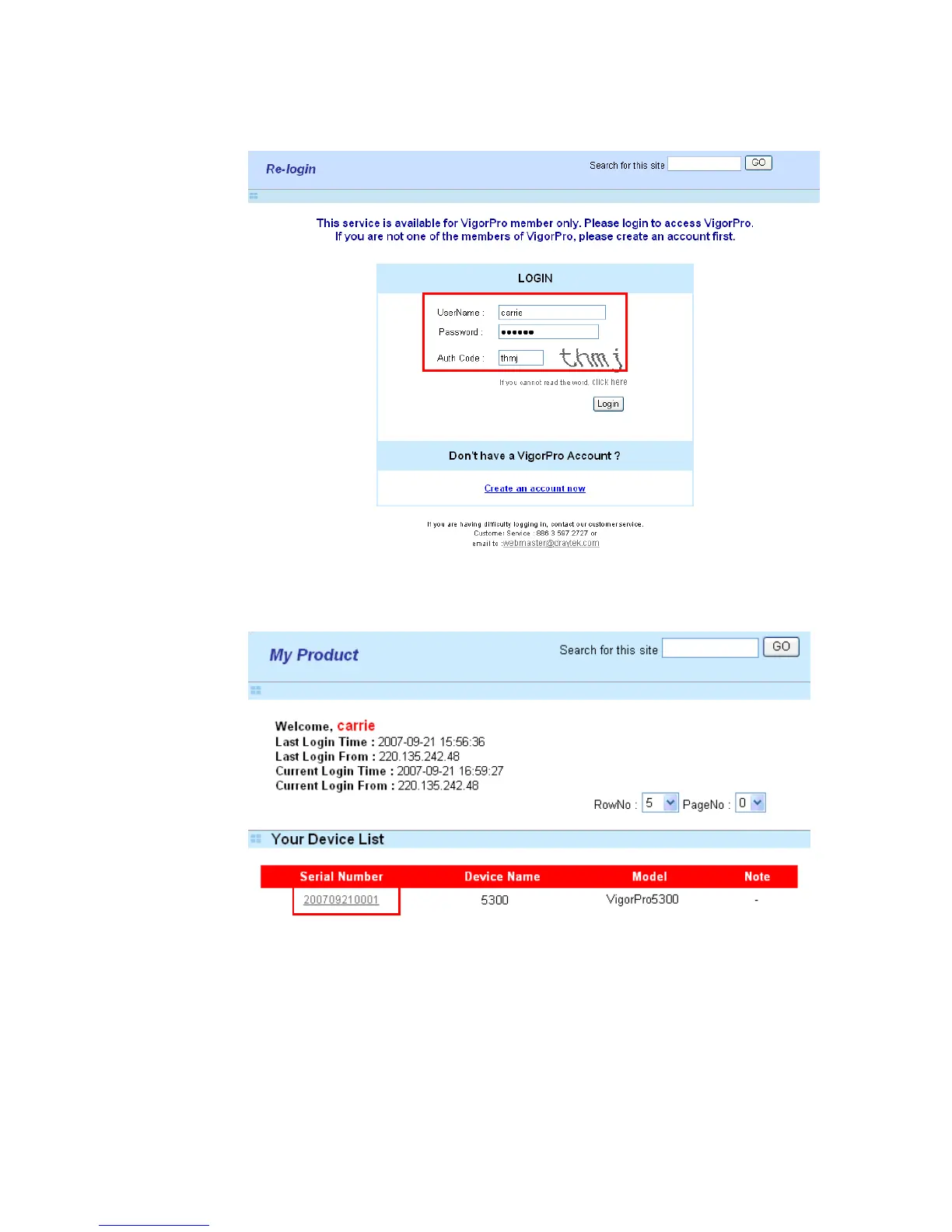
4. A Re-login page will be shown on the screen. Please type the account and password
that you created previously. And click Login.
5. On the web page of My Product, you can find a list of the devices that you add with
the above steps. Currently, you just have added VigorPro 5300. Please click the serial
number link.












 To Next Page