DSE Model 5510 Autostart Control and Instrumentation System Operators Manual
057-015 5510 OPERATING MANUAL ISSUE 11 07/07/09 AM 42
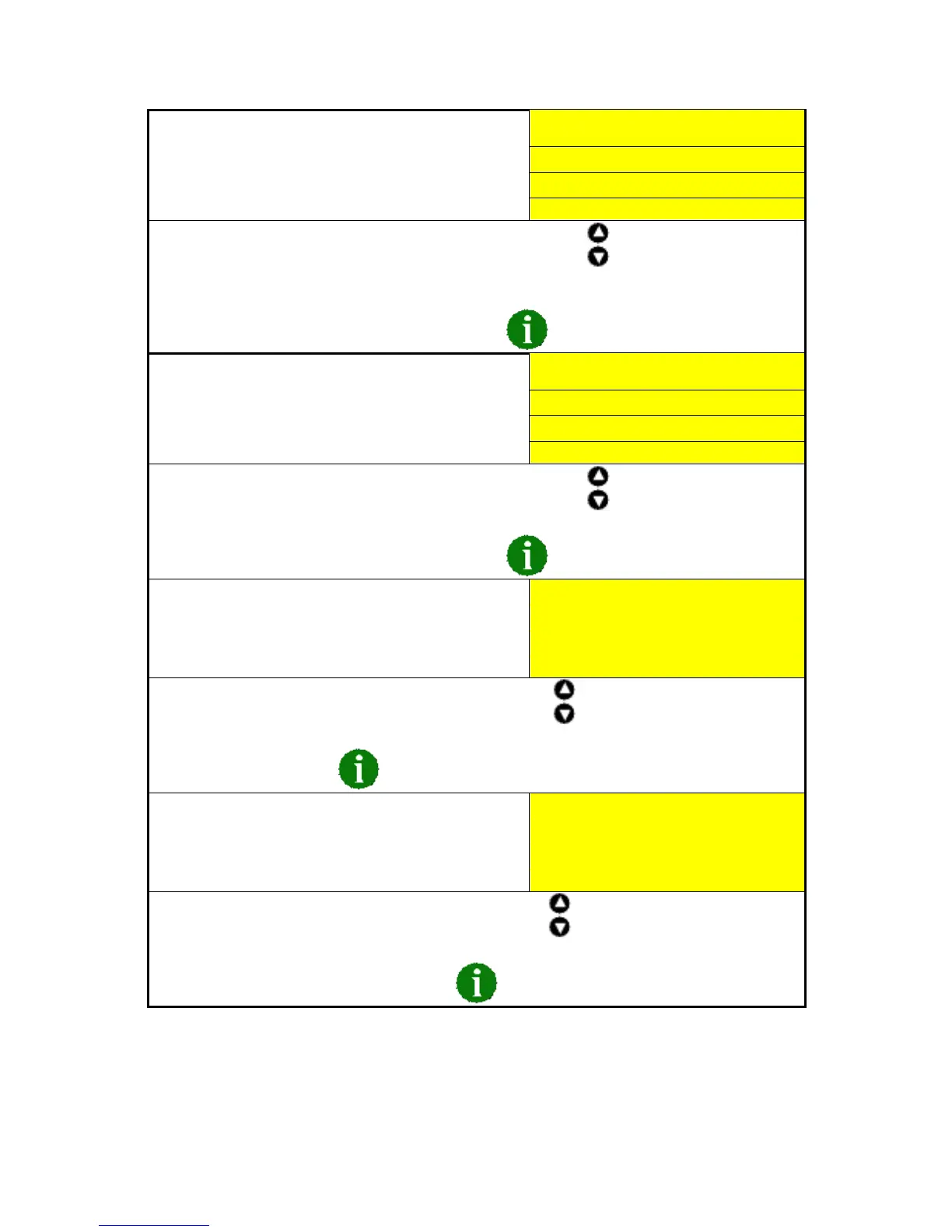
The LCD will then display:
CONFIGURATION
Enable commissioning
Screens? No
Software version x.xx
To change the value for the displayed parameter press either the buttons to increase of
decrease the value.
For details on the commissioning screens see the commissioning section elsewhere in this manual.
To view the different configuration functions press the button.
The LCD will then display:
CONFIGURATION
Override starting
alarms? No
Software version x.xx
To change the value for the displayed parameter press either the buttons to increase of
decrease the value.
To view the different configuration functions press the button.
The LCD will then display:
CONFIGURATION
Abandon Changes
And exit
Software version x.xx
To exit the editor without saving changes press either of the buttons.
To save changes press the button.
The LCD will then display:
CONFIGURATION
Save Changes
And exit
Software version x.xx
To exit the editor and save any changes press either of the buttons.
To return to the beginning of the list press the button.
The module will then return to the ‘Status Page’ display.



 To Next Page