10 | Channel setup menu 4
98
D-ISC 100 x xx2
●
Module (M) sub-menu
○
Status
○
Messages (not in software modules)
Filter
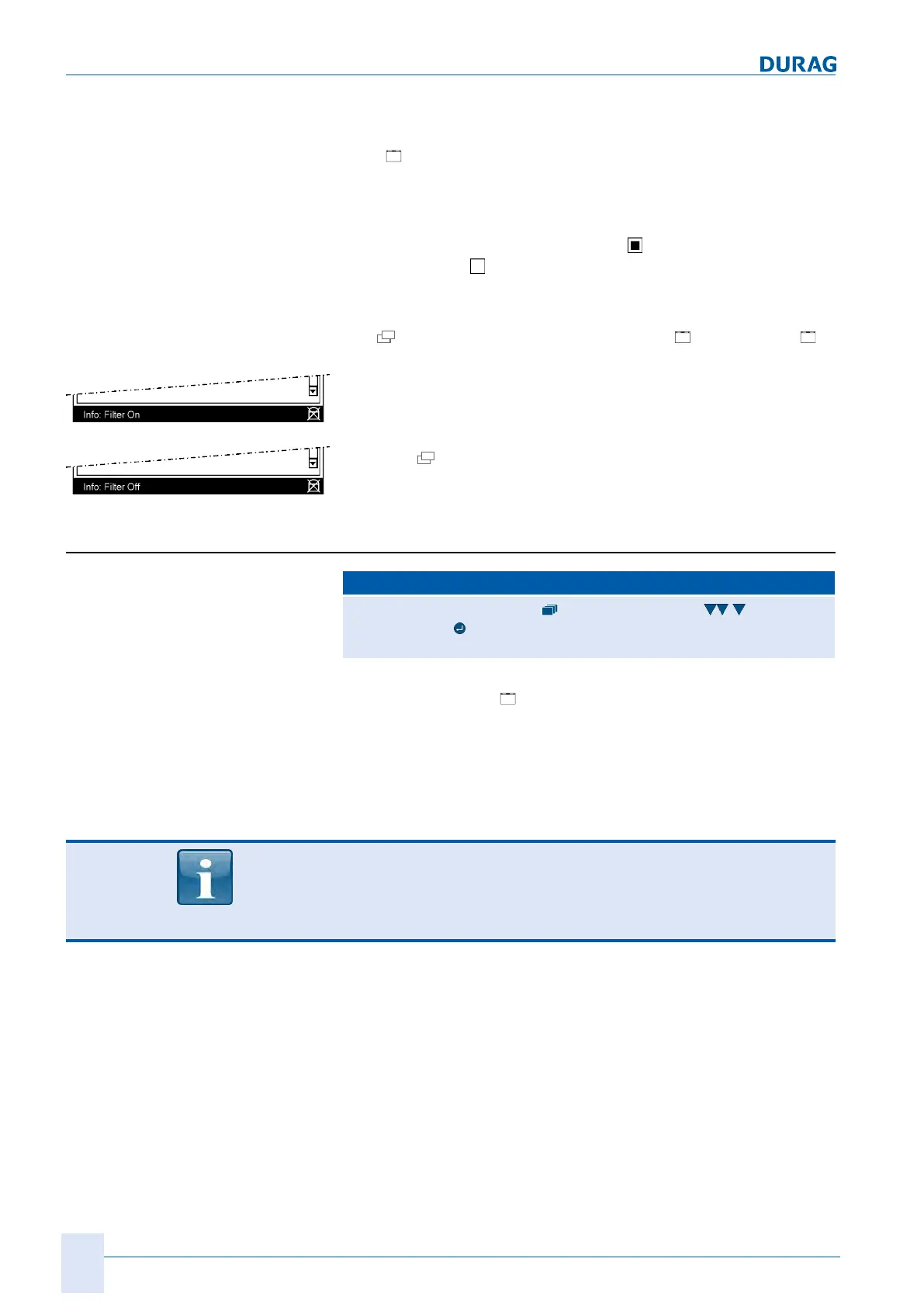
When a status or message menu is opened, the displayed status
or messages are initially output in filtered format, i.e. only active
information is displayed.
Active information is preceded by the
icon, and inactive in-
formation by the
icon.
In order to see
all
entries, the filter will need to be removed (see
figures on the left and Filter (Status D-ISC 100) [}203] ).
The
key can be used to switch between [ Filter on] and [
Filter off], i.e. inactive filter.
Fig.10.3: Filter on
When the filter is switched on, all non-active statuses and mes-
sages will be hidden -> see "Info: Filter on" status bar
Fig.10.4: Filter off
Once the
key has been pressed (again), all statuses and mes-
sages will be shown -> see "Info: Filter off" footer.
10.1.1 [Device status ]D-ISC 100 (D)
D‑ISC100 menu path:
Standard display (e.g. S1.1) User mode (menu1) Channel
setup (menu4)
=D-ISC100 MENU 4.1
A list of active statuses for the overall system of the D−ISC100
can be found in the "
Device status" sub-menu. These are com-
bined statuses. The source can be one or more of the system
components.
The statuses of the system D‑ISC100(D), the sensors(S) and
the modules(M) are displayed in "Device status" (menu
D‑ISC100 (D)).
The status of the system D‑ISC100(D) is particularly suitable for
troubleshooting within the system. The individual statuses of the
connected sensors and expansion modules are reported there as
combined statuses.
The different statuses are signalled by the corresponding LEDs.


 To Next Page
 Loading...